 AIVC-16CH AI BOX
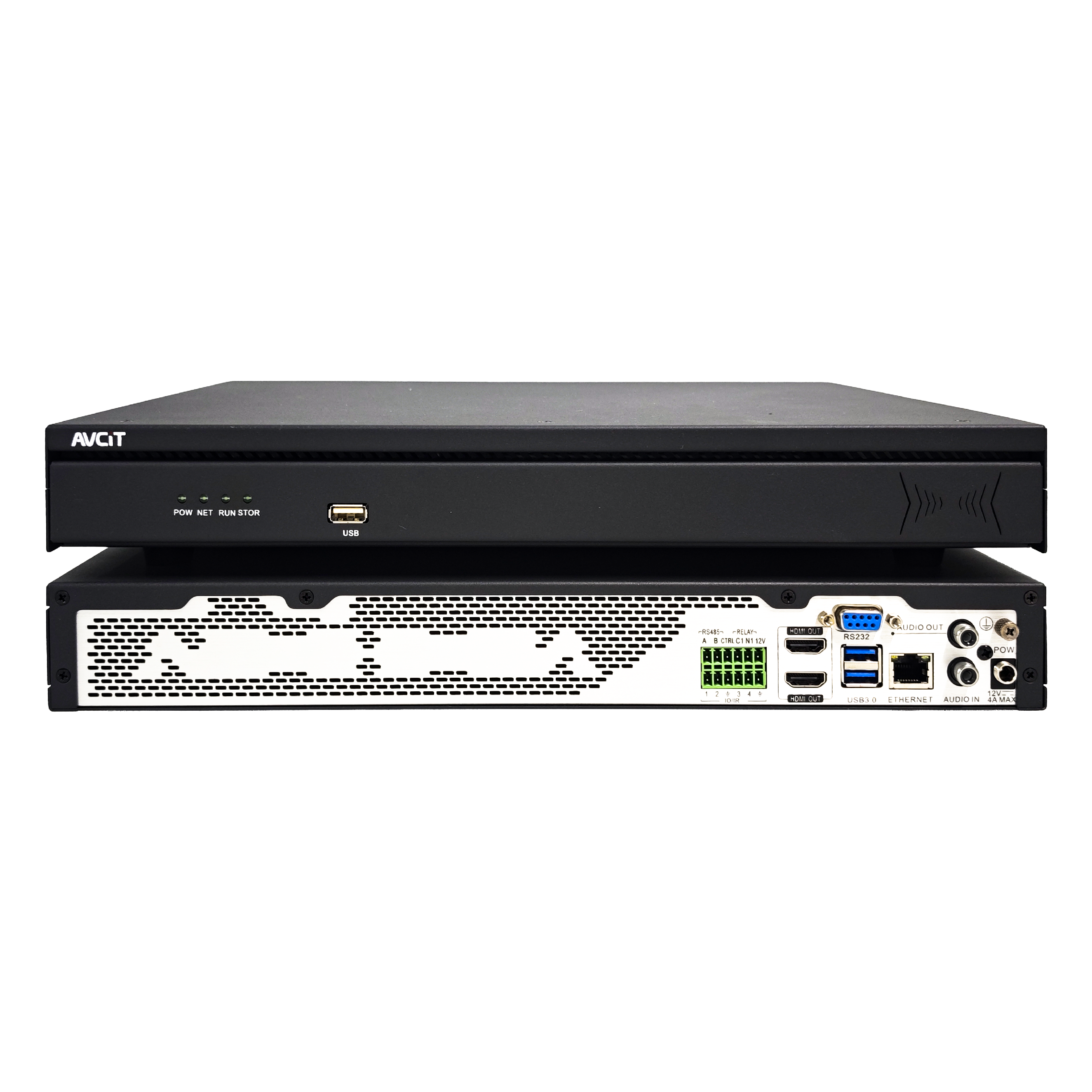 32CH CSN AI NVR
 2K HDMI Video Codec
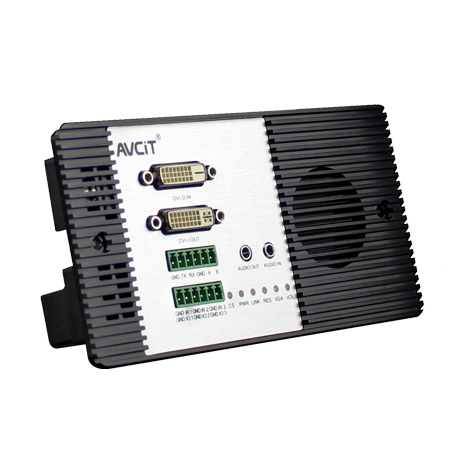 2K DVI Video Codec
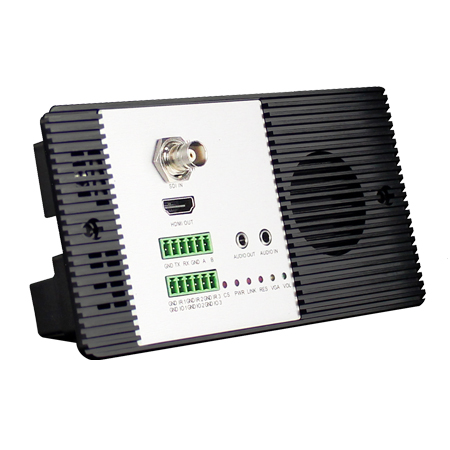 2K SDI Video Codec
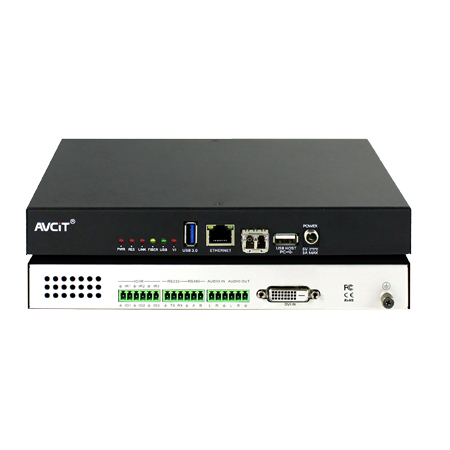 2K HDMI Video Encoder
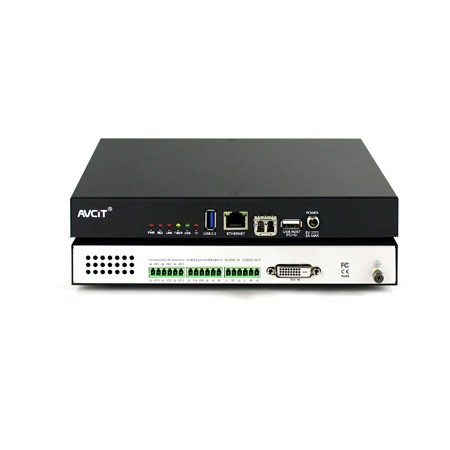 2K DVI Video Encoder
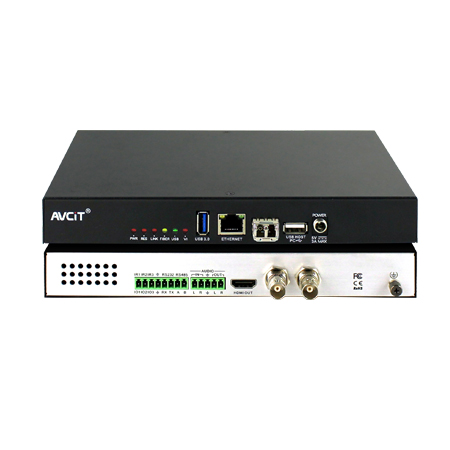 2K SDI Video Encoder
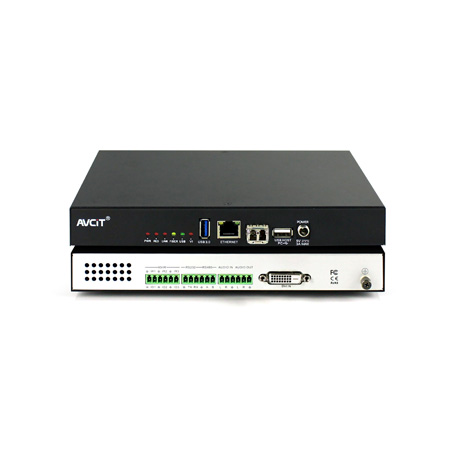 2K VGA Video Encoder
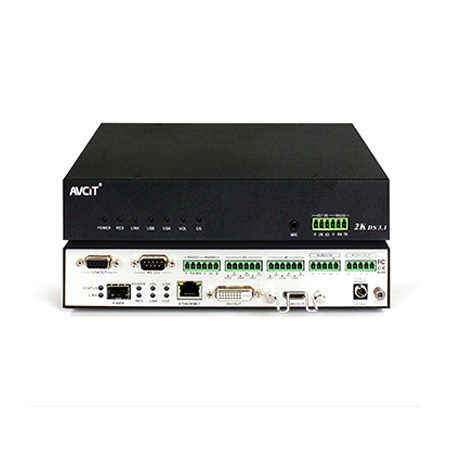 2K Video Wall Decoder (HDMI+DVI)
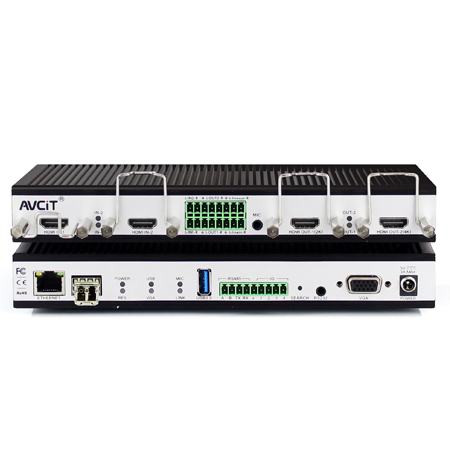 4K HDMI Video Encoder
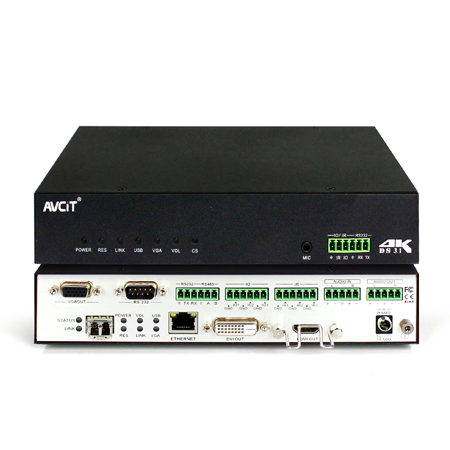 4K HDMI Video Decoder
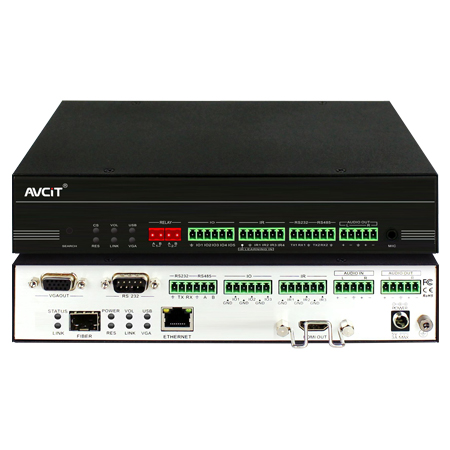 4K HDMI Video Wall Decoder
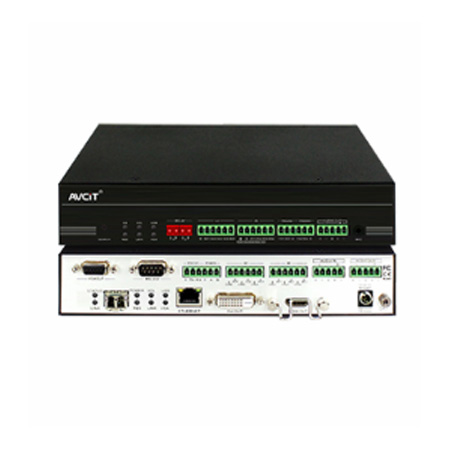 4K HDMI + DVI Video Wall Decoder
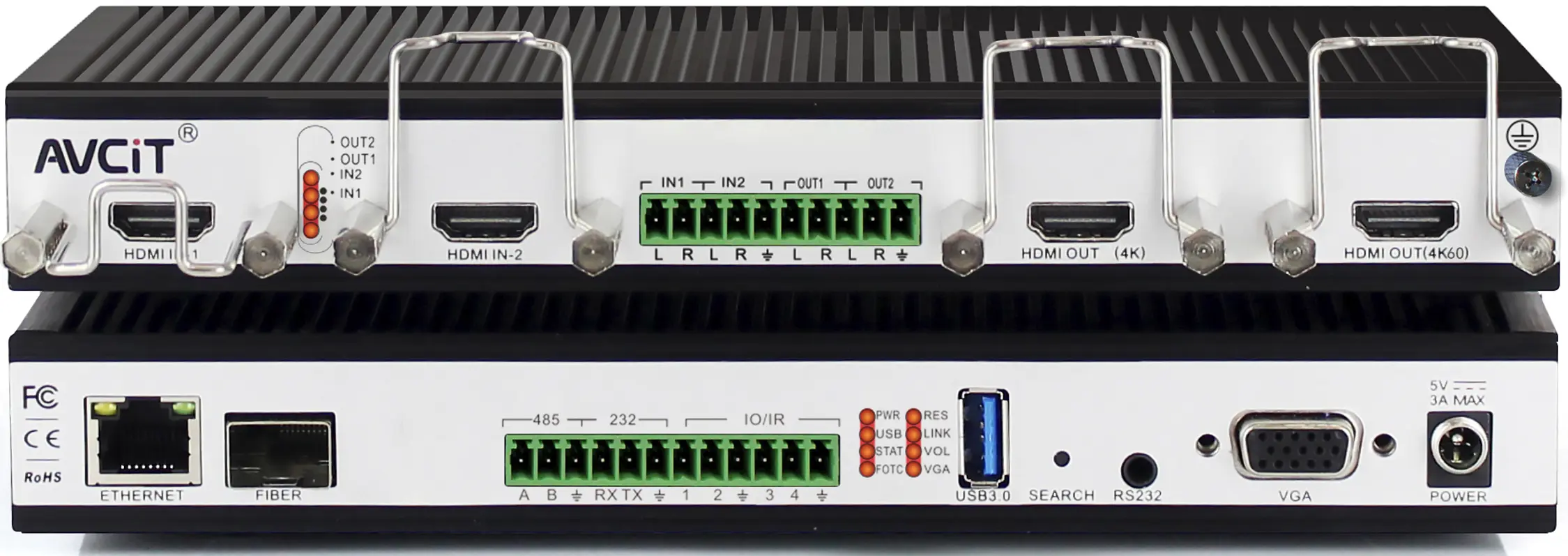 4K HDMI Dual Channel Codec
 8K HDMI Decoder
 2K KVM Encoder - HDMI
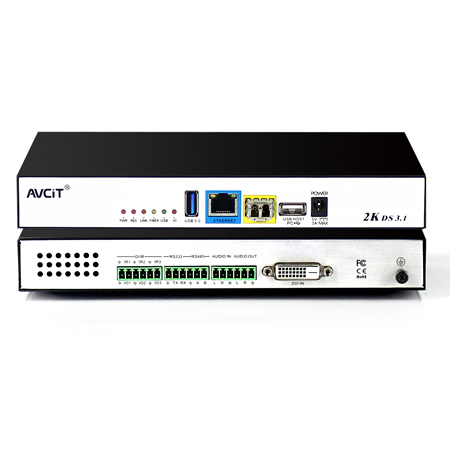 2K KVM Encoder - DVI
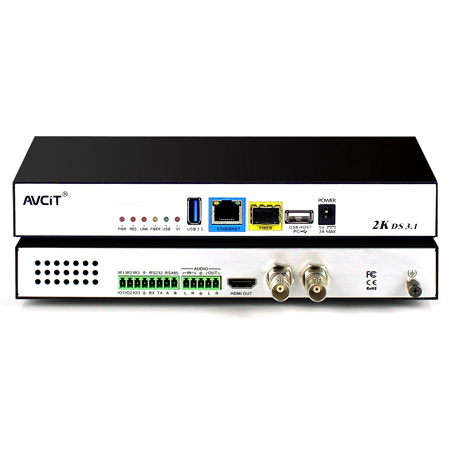 2K KVM Encoder - SDI
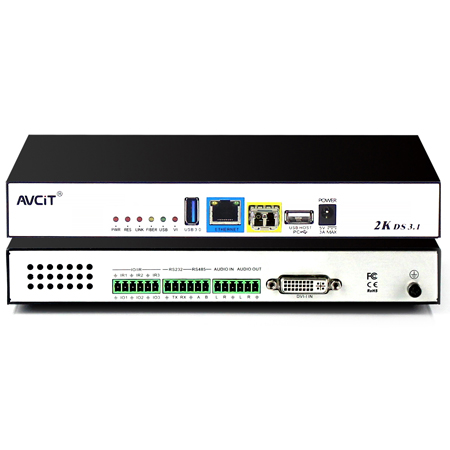 2K KVM Encoder - DVI-I(VGA)
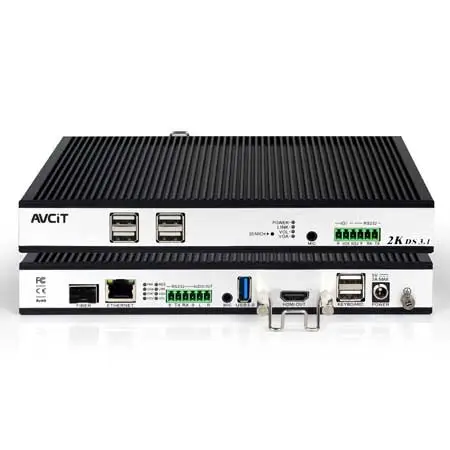 2K KVM Decoder - HDMI
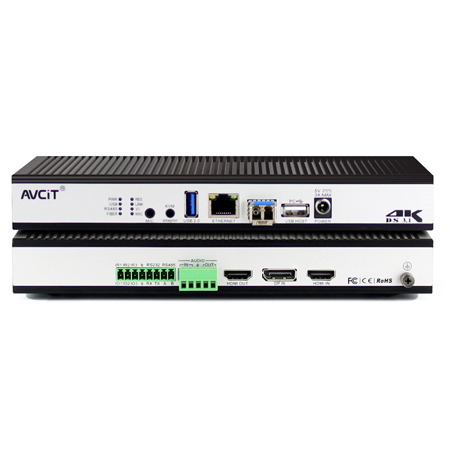 4K KVM Encoder - HDMI + DP
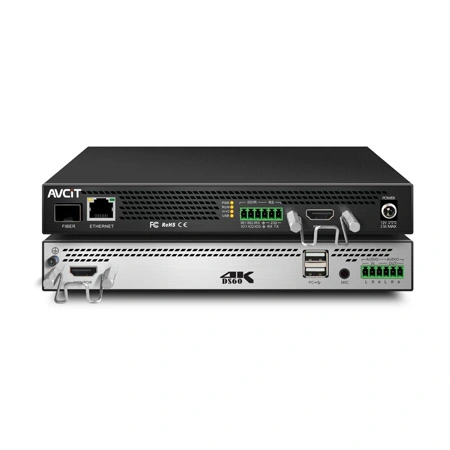 4K@60 KVM Encoder - HDMI
 4K KVM Encoder - HDMI + HDMI
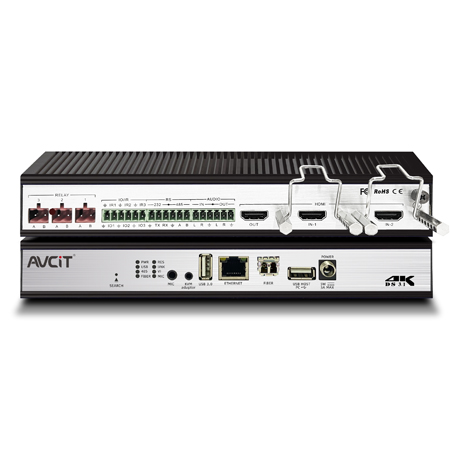 4K KVM Encoder - HDMI
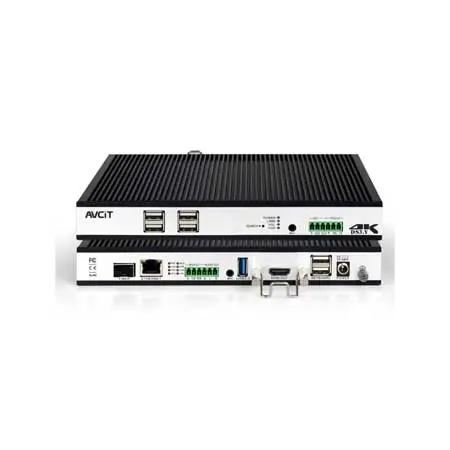 4K KVM Decoder - HDMI
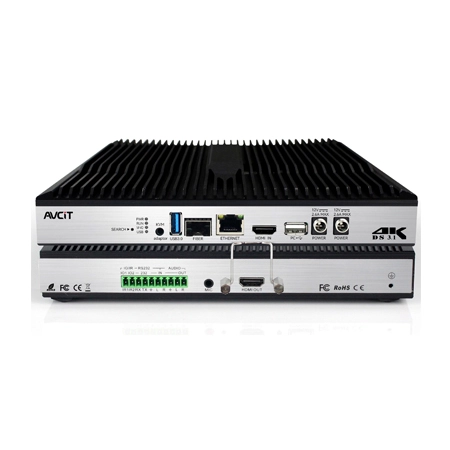 4K60 4:4:4 KVM Encoder - HDMI
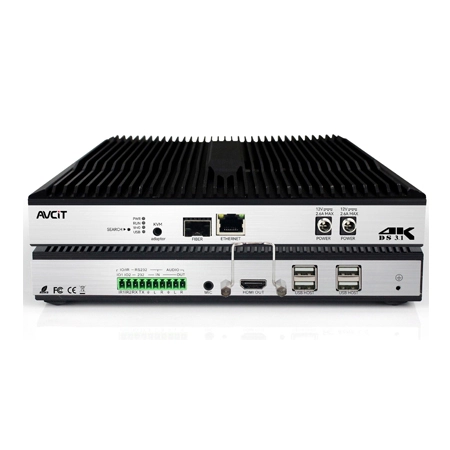 4K60 4:4:4 KVM Decoder-HDMI
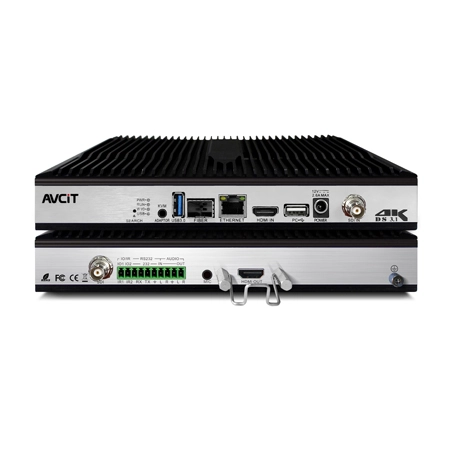 4K60 4:4:4 KVM Encoder - HDMI + SDI
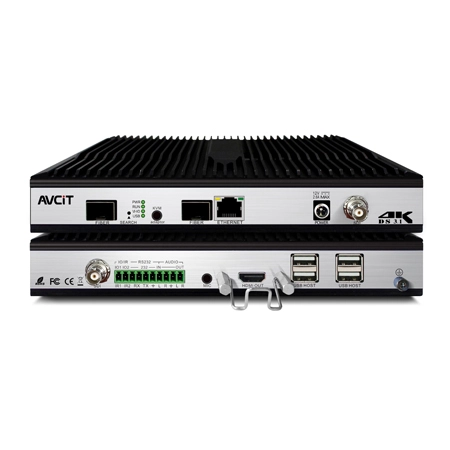 4K60 4:4:4 KVM Decoder - HDMI + SDI
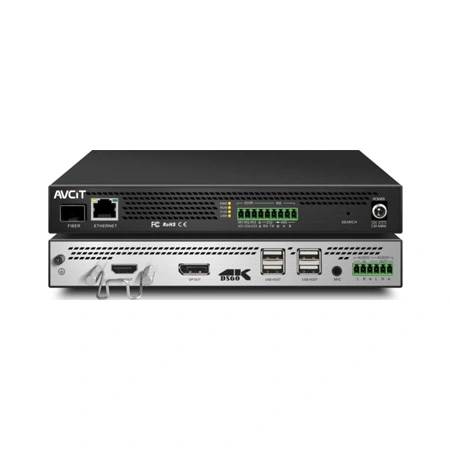 5K KVM Decoder - HDMI +DP
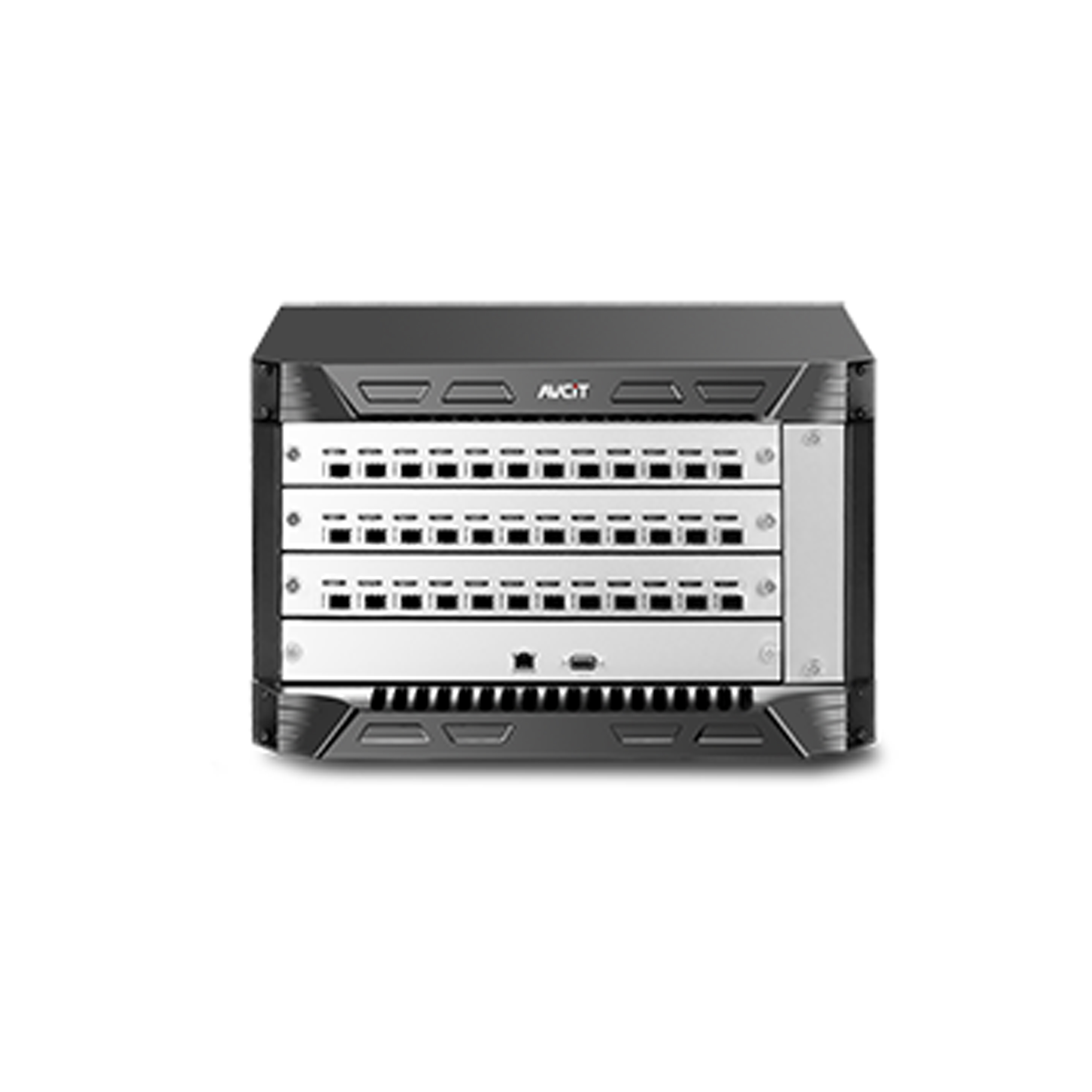 Phinx-36 Ports Fiber KVM Matrix
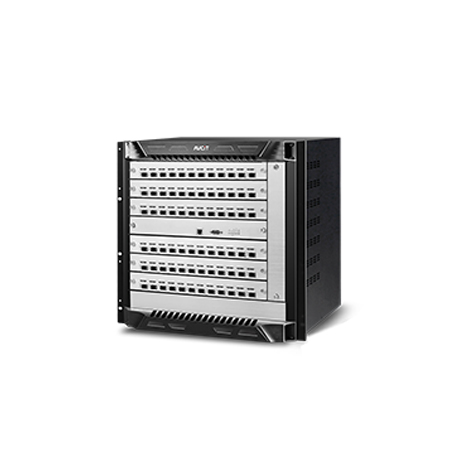 Phinx-72 Ports Fiber KVM Matrix
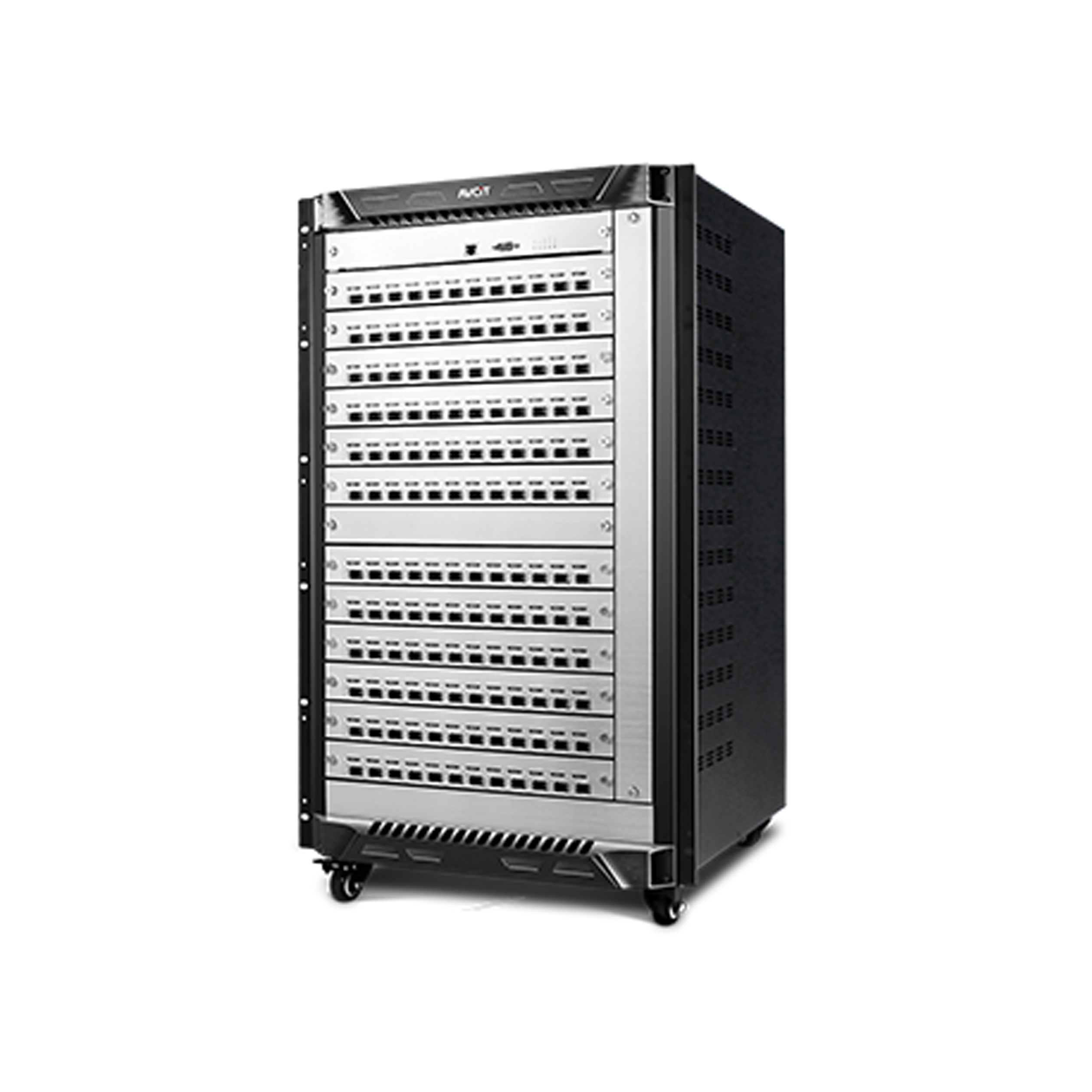 Phinx-144 Ports Fiber KVM Matrix
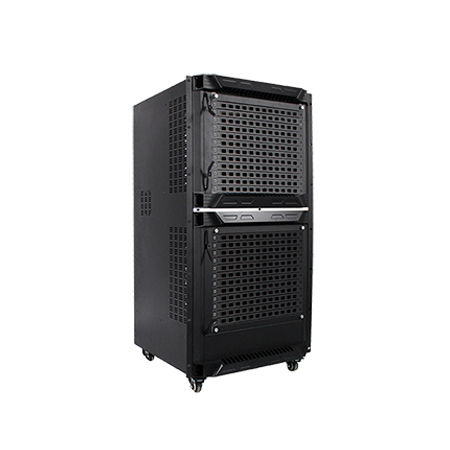 Phinx-288 Ports Fiber KVM Matrix
 Phinx-576 Ports Fiber KVM Matrix
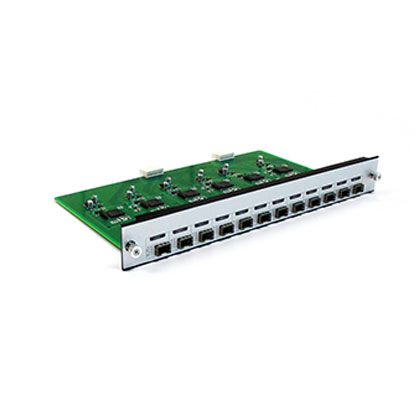 Phinx - I/O SFP Module Card
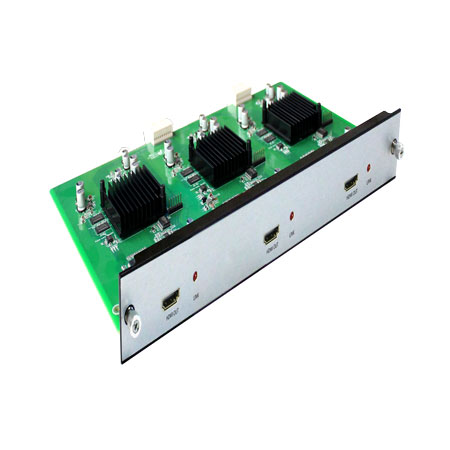 Phinx - Video Wall Control Card
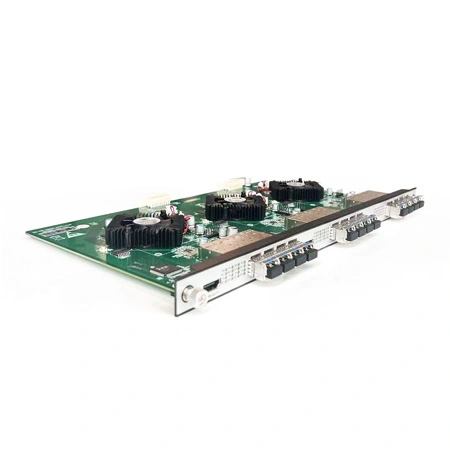 Phinx- Video Wall & SFP Card
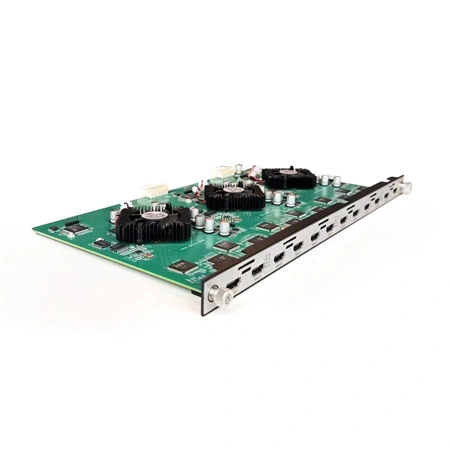 Phinx- Video Card(6IN6OUT)
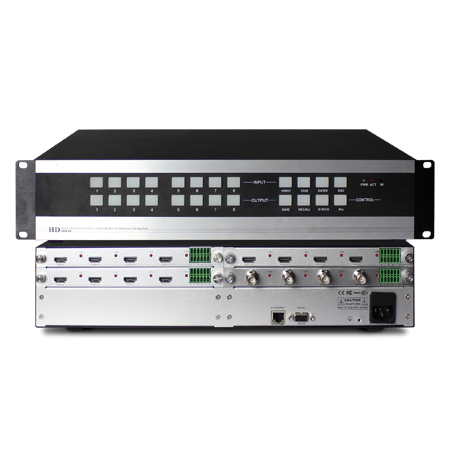 2K Video Wall Matrix - 8x8
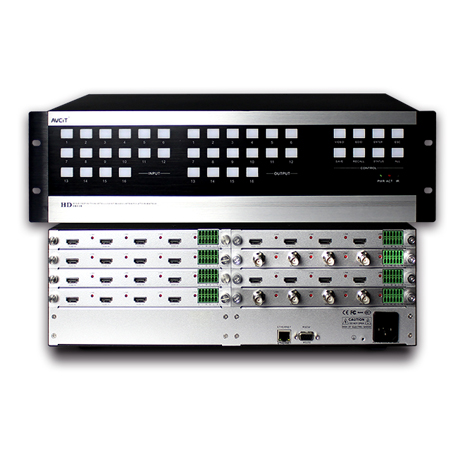 2K Video Wall Matrix - 16x16
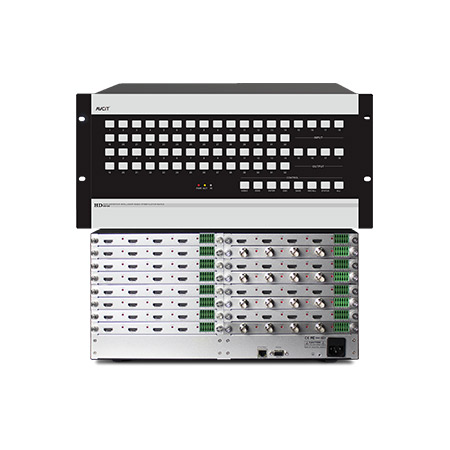 2K Video Wall Matrix - 32x32
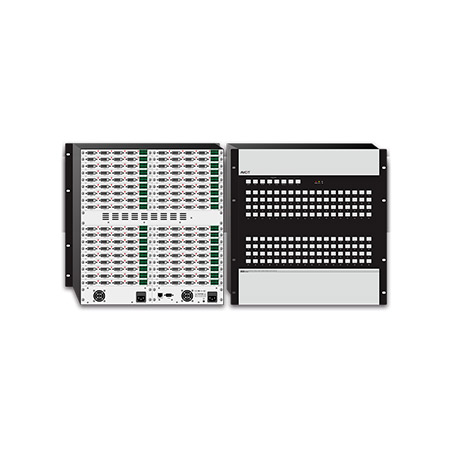 2K Video Wall Matrix - 72x72
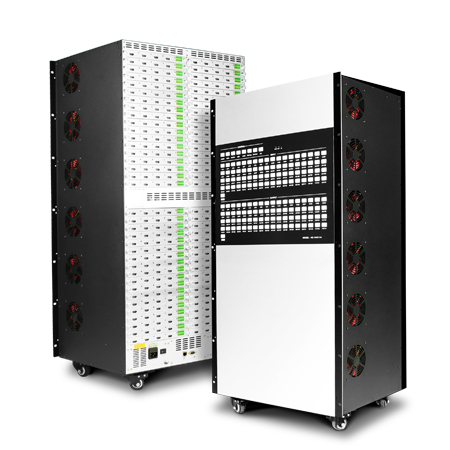 2K Video Wall Matrix - 144x144
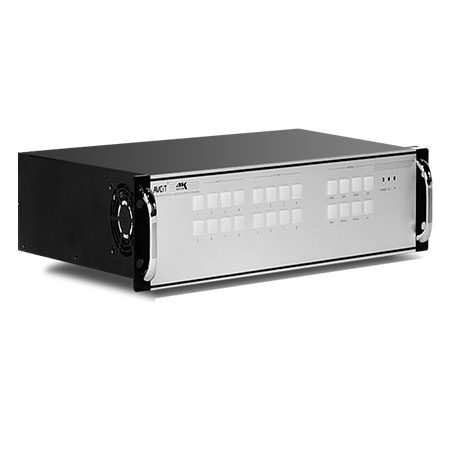 4K Video Matrix Switcher - 8x8
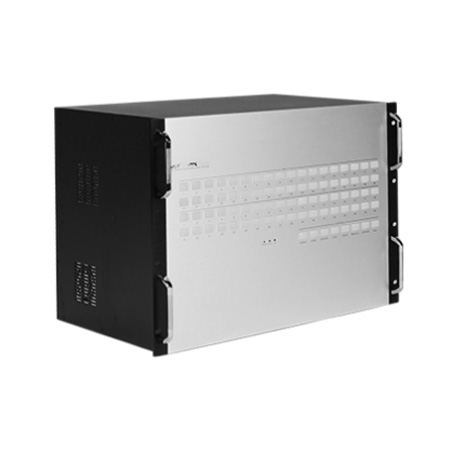 4K Video Matrix Switcher - 36x36
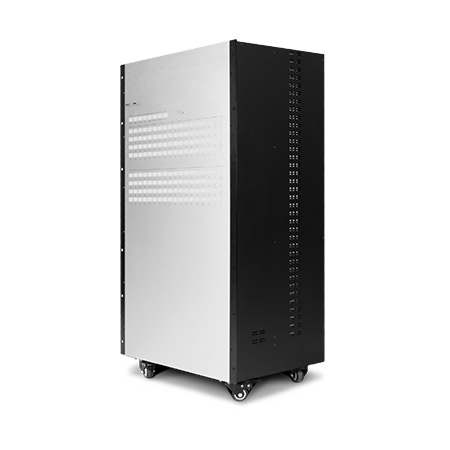 4K Video Matrix Switcher - 72x72
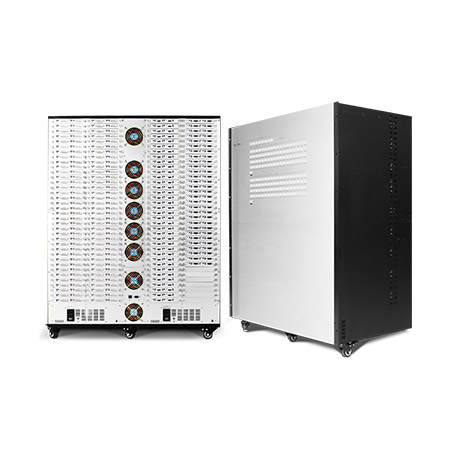 4K Video Matrix Switcher - 144x144
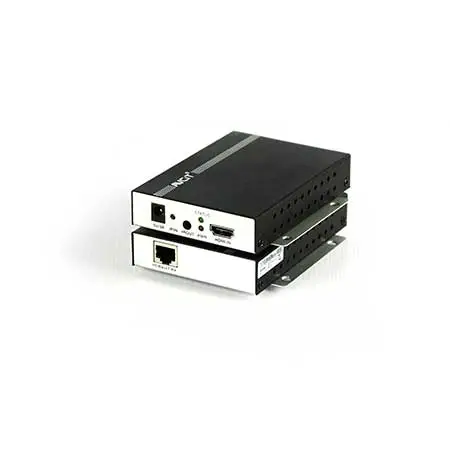 Mixing UHD - 4K HDBT Extender
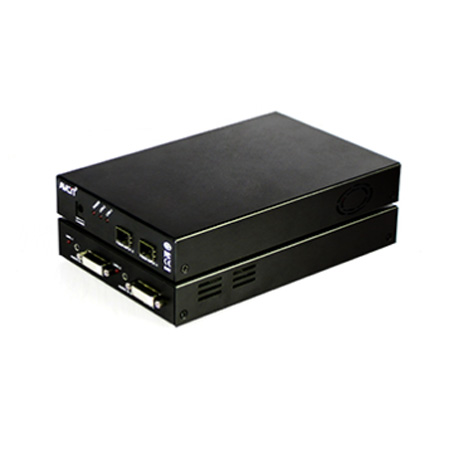 Mixing UHD - 4K Fiber Extender
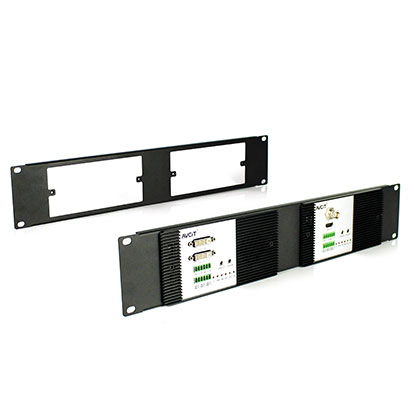
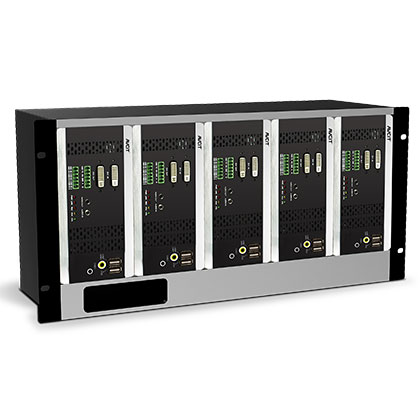 Rack Mounting Kit
 Wall Mounting Kit








 EN
EN
 es
es  th
th
Blog
Join us
FAQs

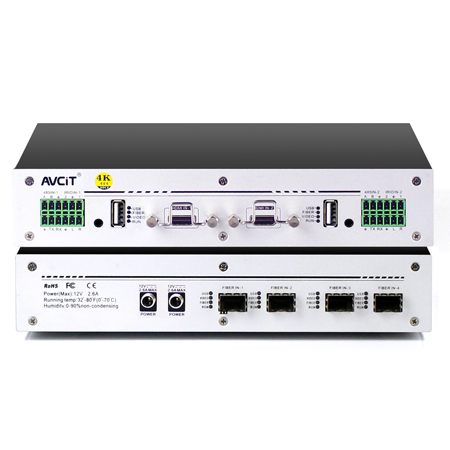 4K KVM Transmitter-HDMI
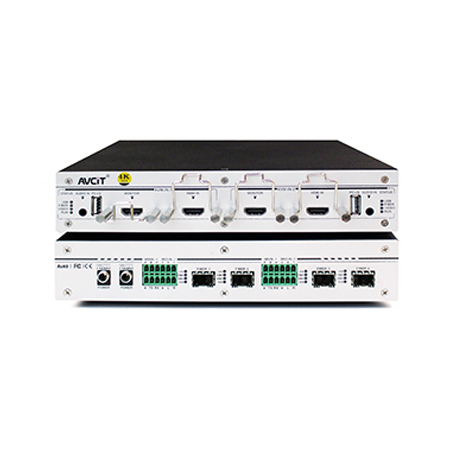 4K KVM Transmitter-HDMI+HDMI LOOP
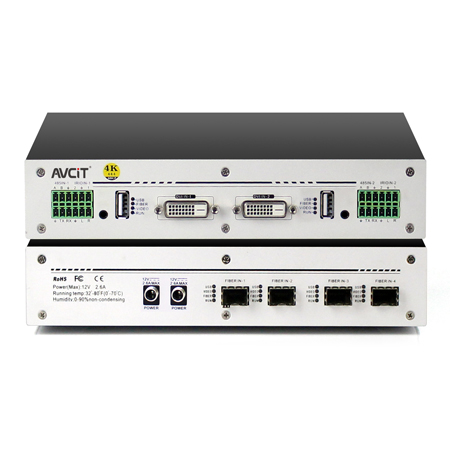 4K KVM Transmitter-DVI
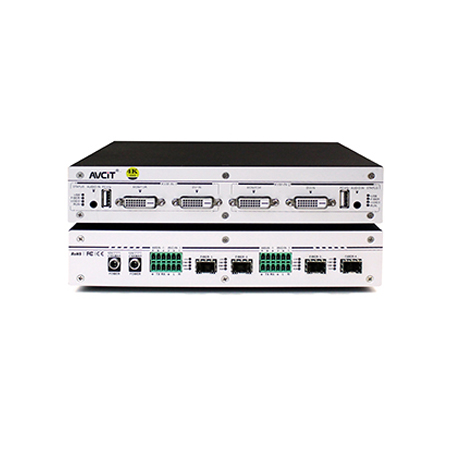 4K KVM Transmitter-DVI+DVI LOOP
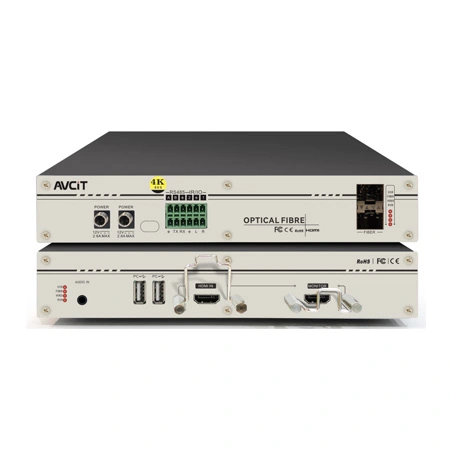 4K60 KVM Transmitter - HDMI
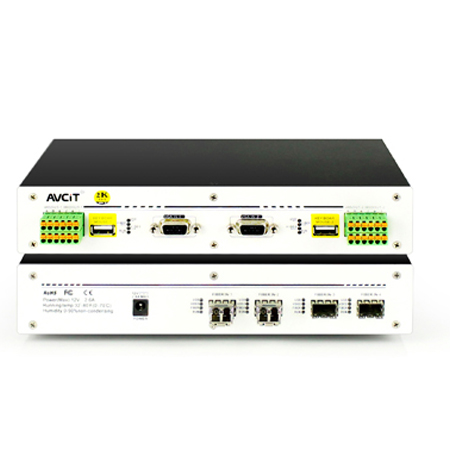 2K KVM Transmitter-VGA
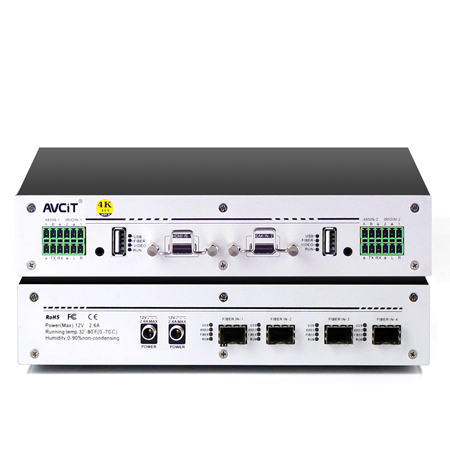 4K KVM Receiver-HDMI
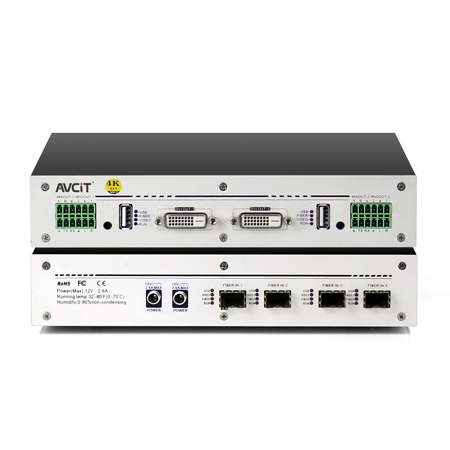 4K KVM Receiver-DVI
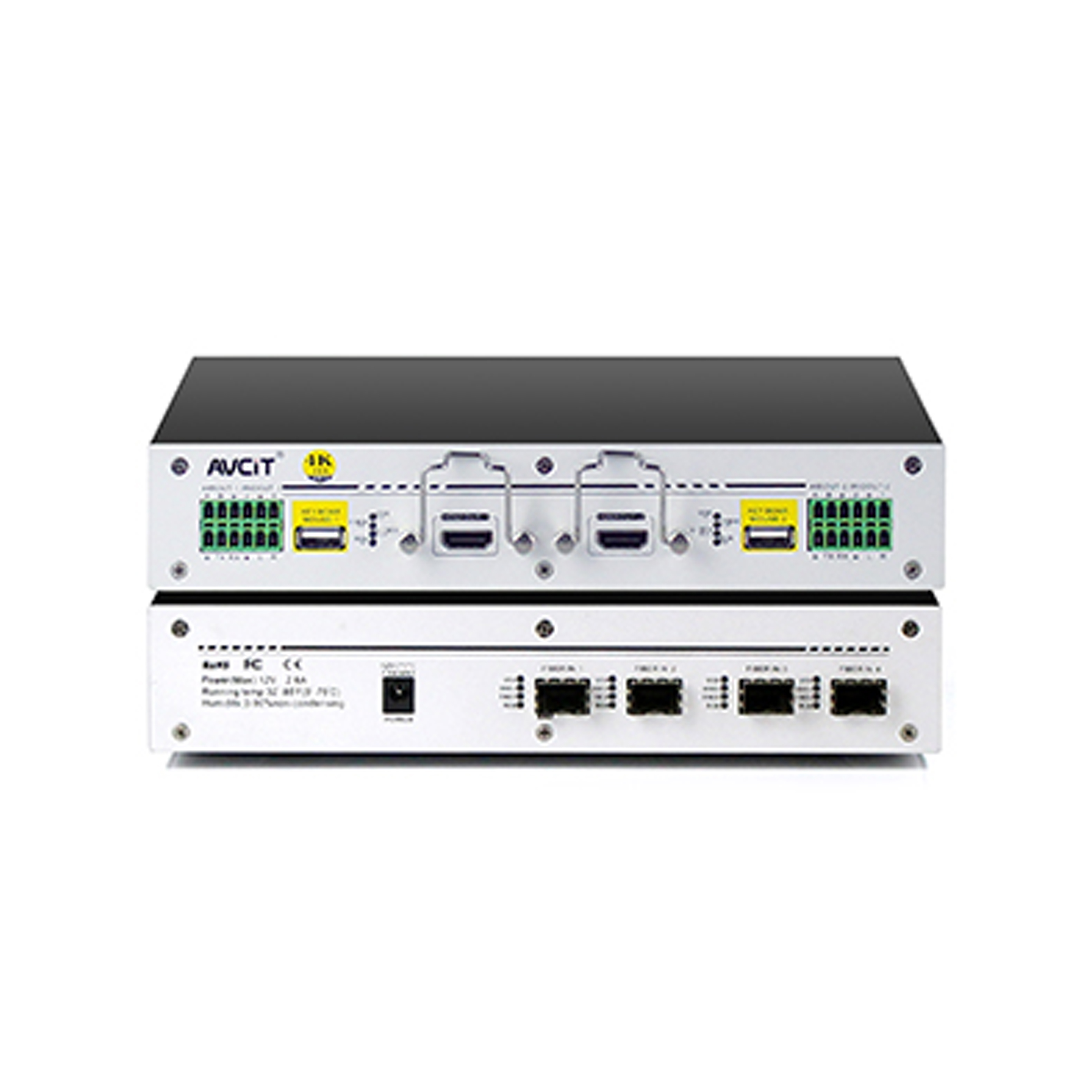 Quad-view KVM Receiver-HDMI
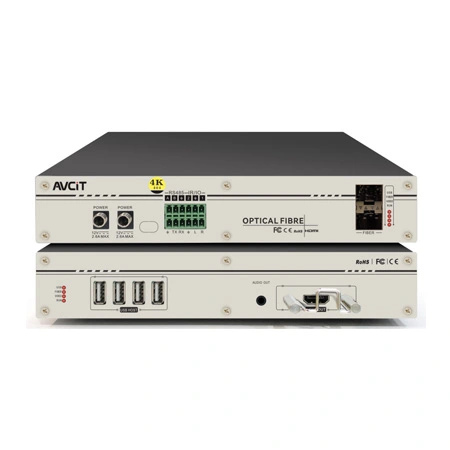 4K60 KVM Receiver - HDMI
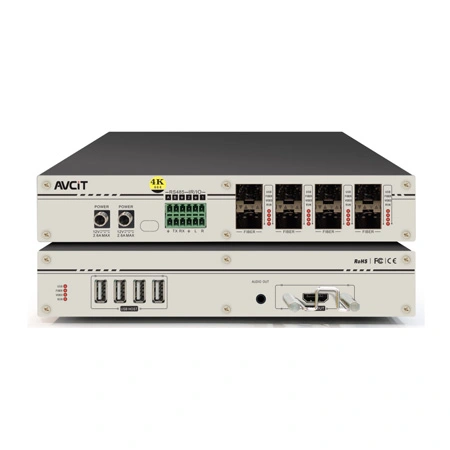 4K60 Quad-view KVM Receiver
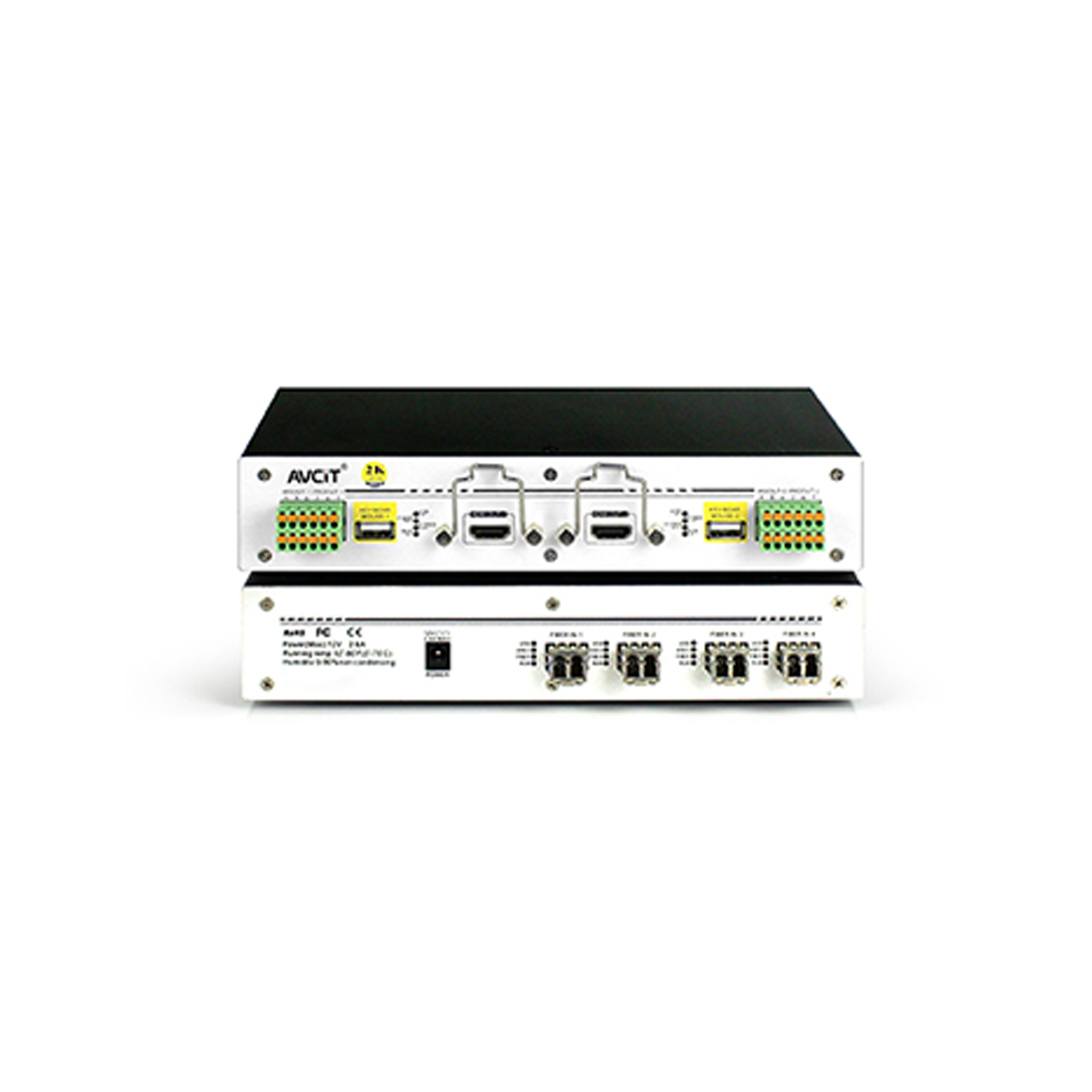 2K KVM Receiver-HDMI
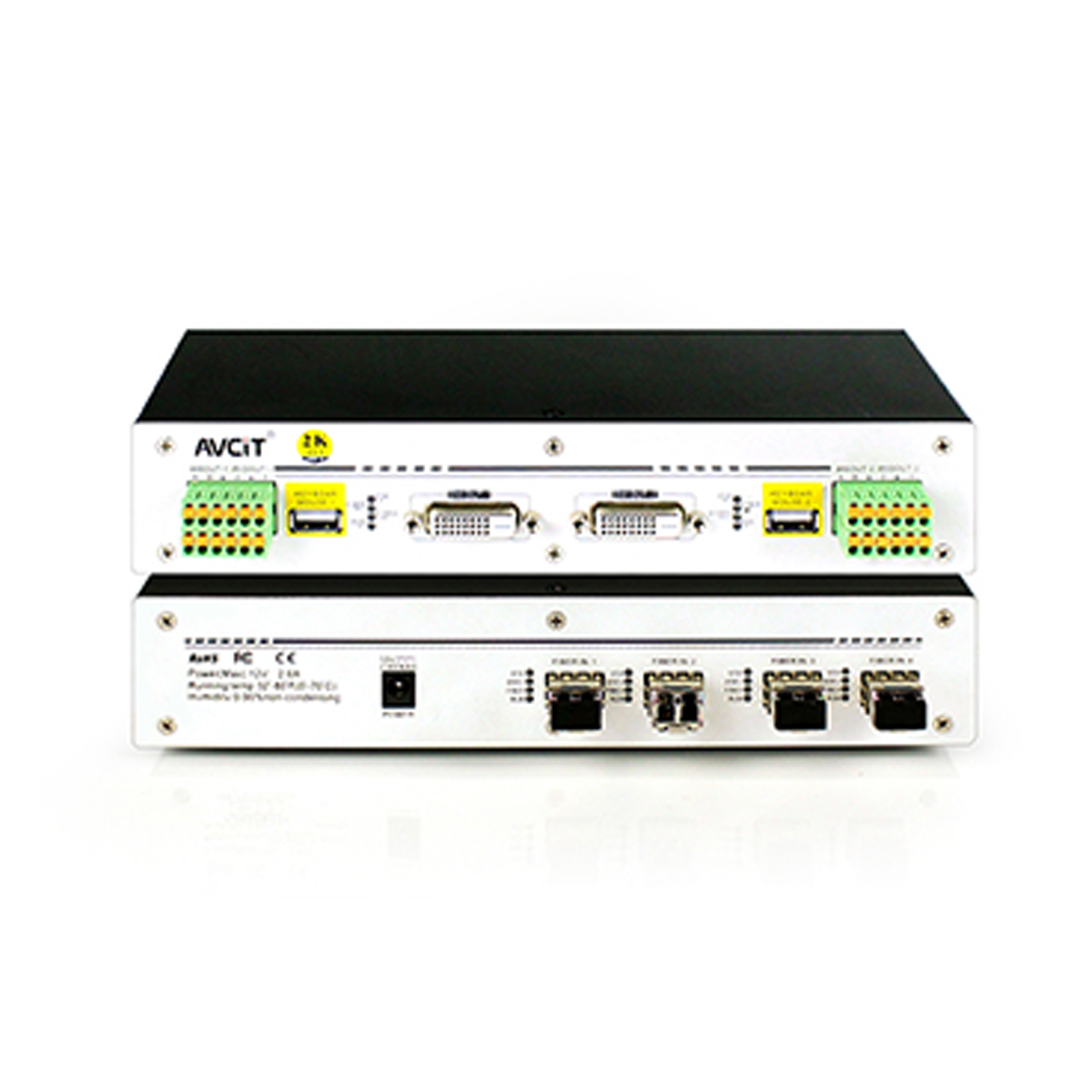 2K KVM Receiver-DVI
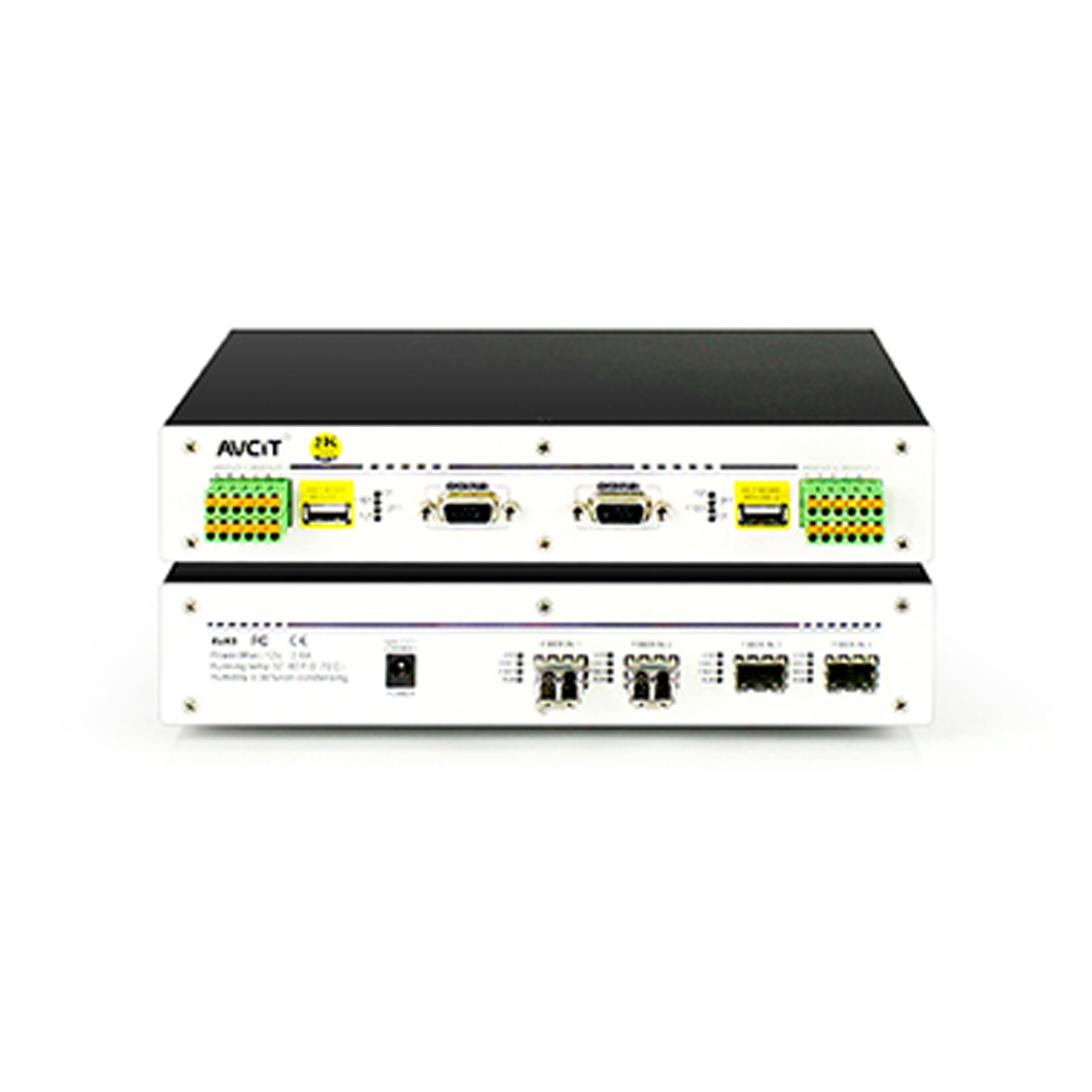 2K KVM Receiver-VGA
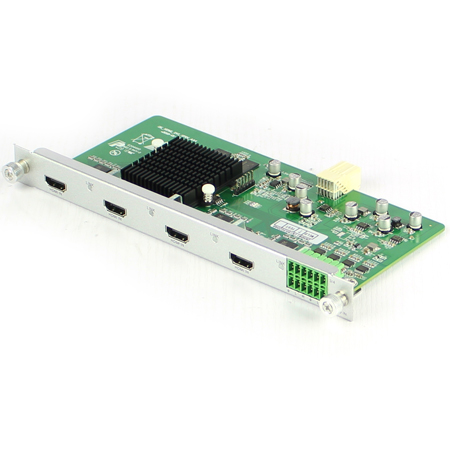 Mixing HD-2K HDMI Input Card
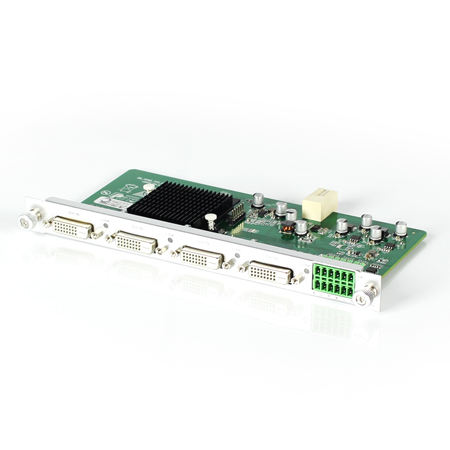 Mixing HD-2K DVI Input Card
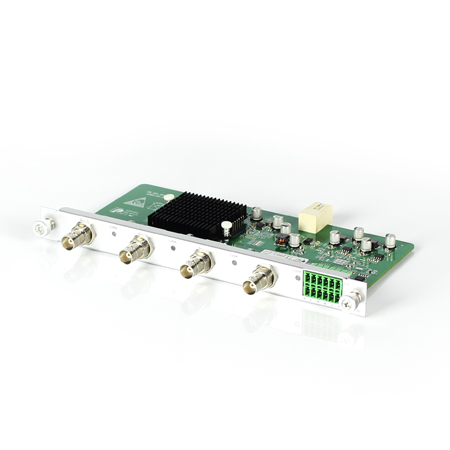 Mixing HD-2K SDI Input Card
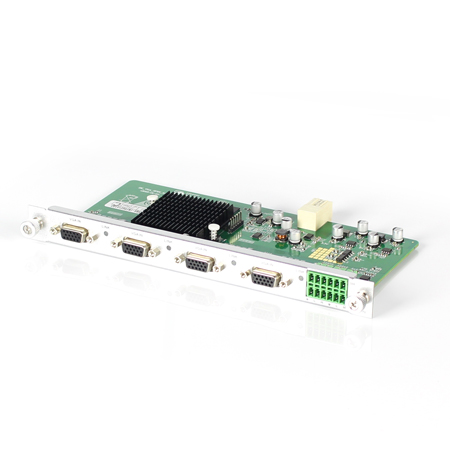 Mixing HD-2K VGA Input Card
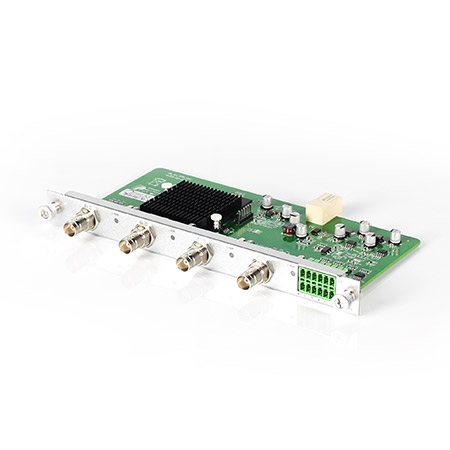 Mixing HD-2K AV Input Card
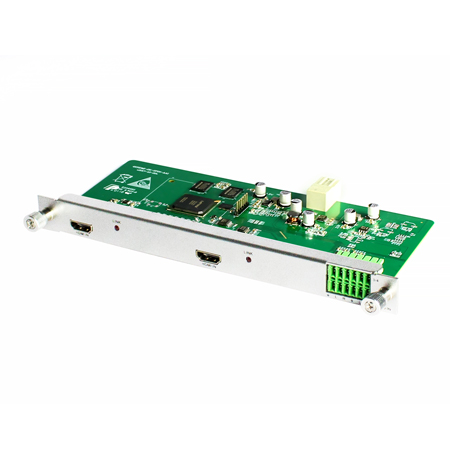 Mixing HD-HDMI UHD Input Card
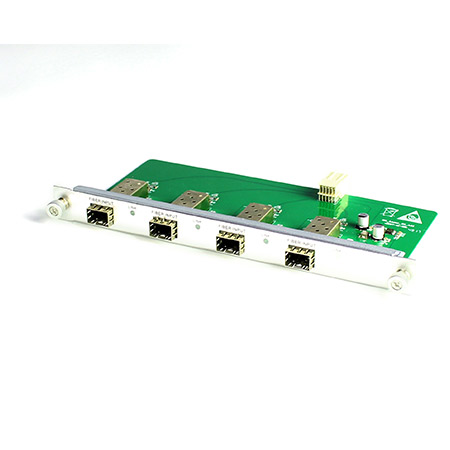 Mixing HD-Fiber Input Card
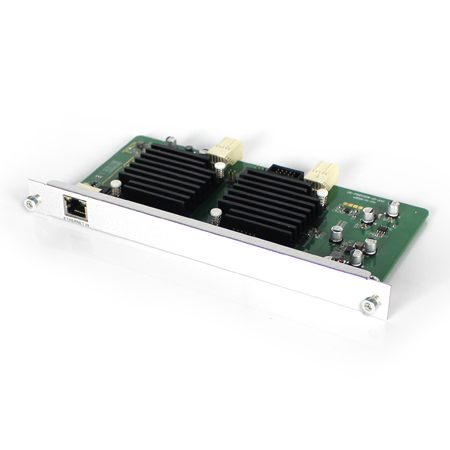 Mixing HD-IP Input Card
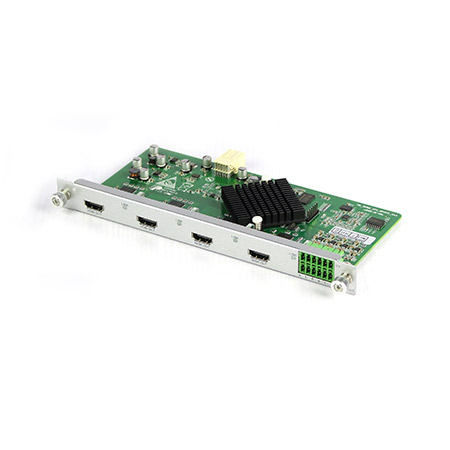 Mixing HD-HDMI Output Card
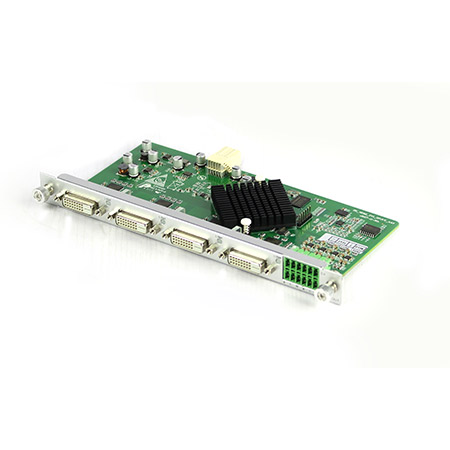 Mixing HD-DVI Output Card
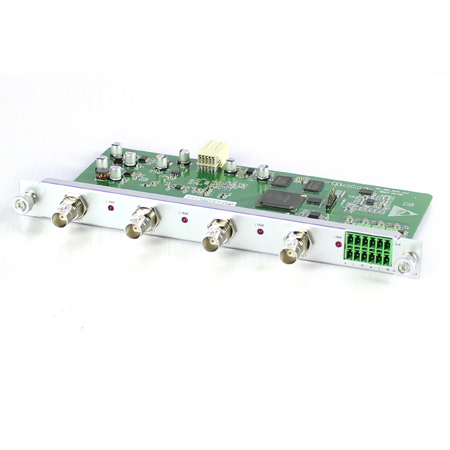 Mixing HD-SDI Output Card
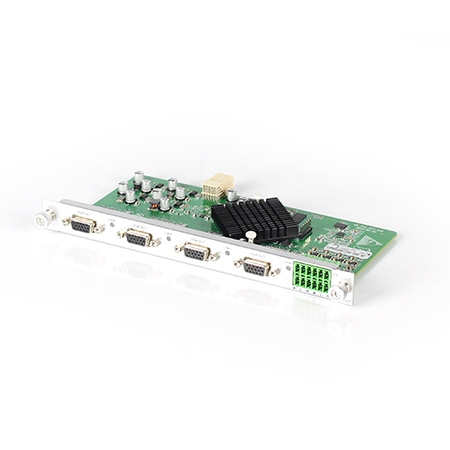 Mixing HD-VGA Output Card
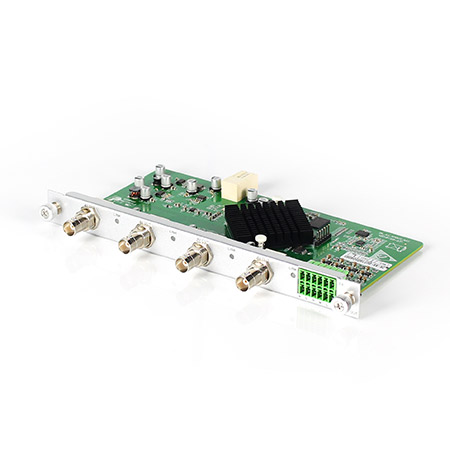 Mixing HD-AV Output Card
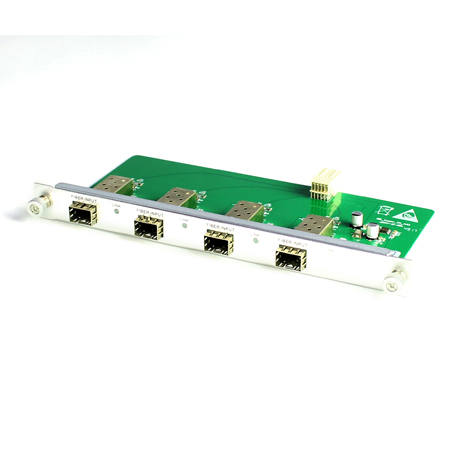 Mixing HD-Fiber Output Card
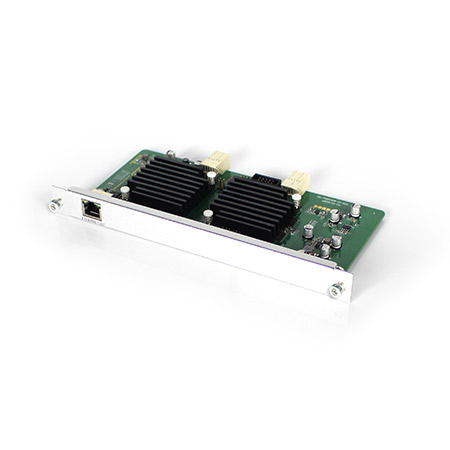 Mixing HD-IP Output Card
Mixing HD-HDMI Video Wall Control Card (2 channel)
Mixing HD-IP Output Card
Mixing HD-HDMI Video Wall Control Card (2 channel)
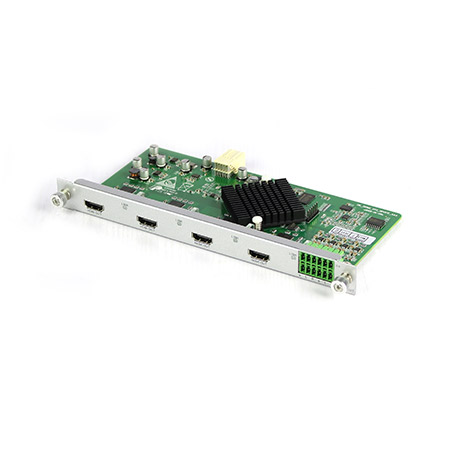 Mixing HD-HDMI Video Wall Control Card (1 channel)
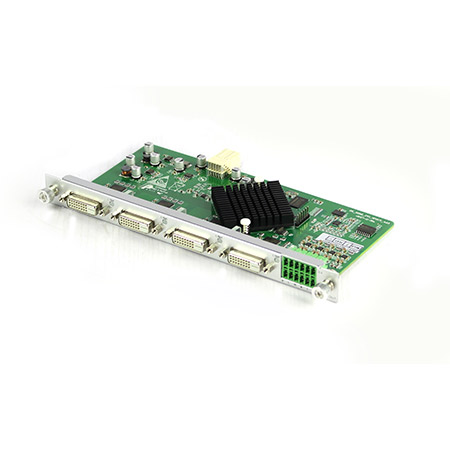 Mixing HD-DVI Video Wall Control Card (2 channel)
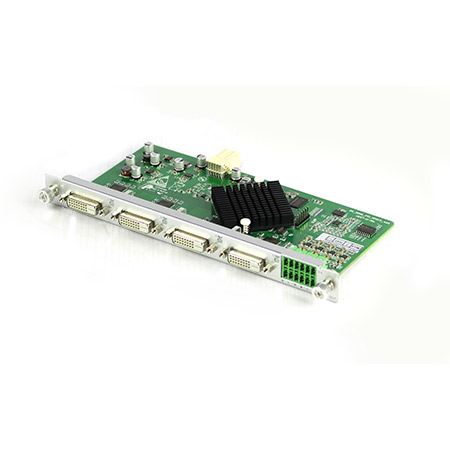 Mixing HD-DVI Video Wall Control Card (1 channel)
 Mixing UHD - HDMI Input Card
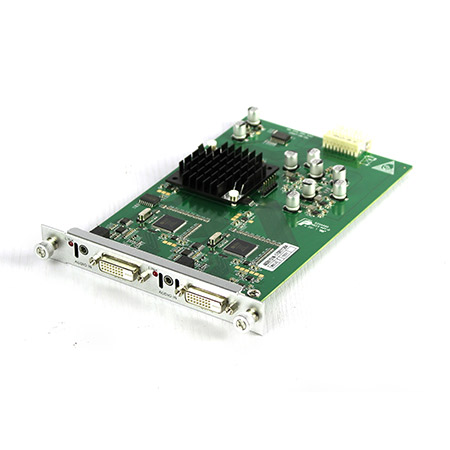 Mixing UHD - DVI Input Card
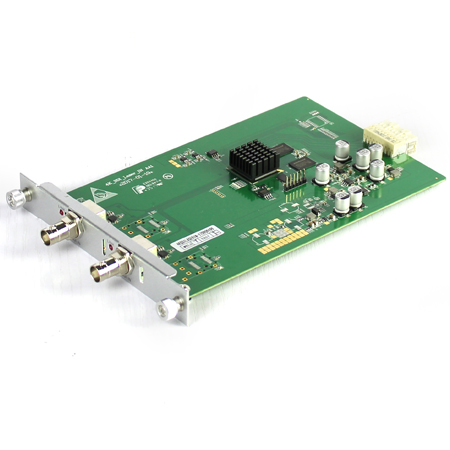 Mixing UHD - SDI Input Card
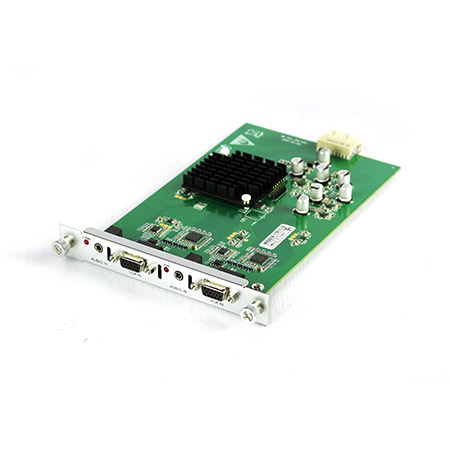 Mixing UHD - VGA Input Card
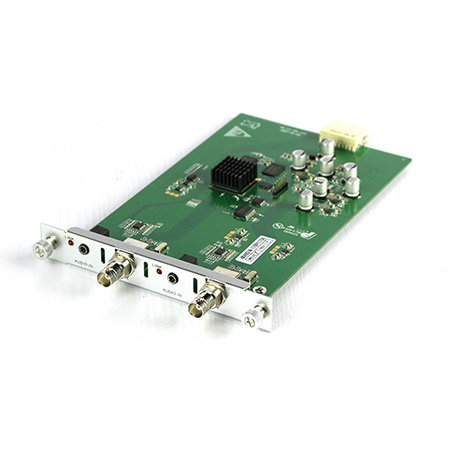 Mixing UHD - AV Input Card
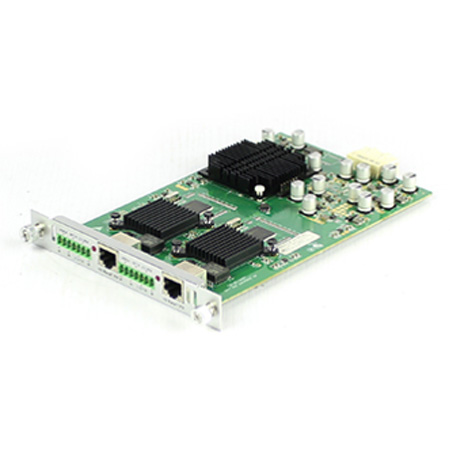 Mixing UHD - HDBT Input Card
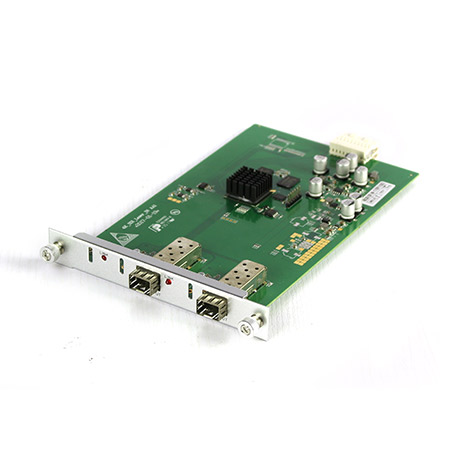 Mixing UHD - Fiber Input Card
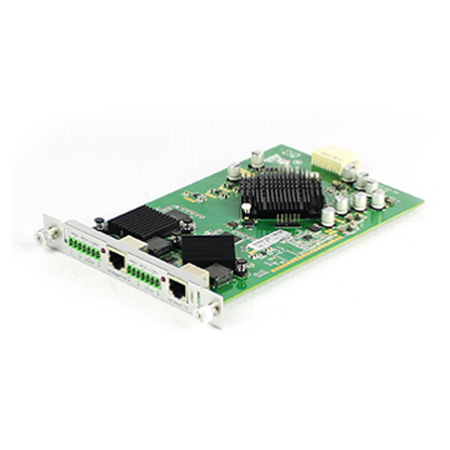 Mixing UHD - HDBT Output Card
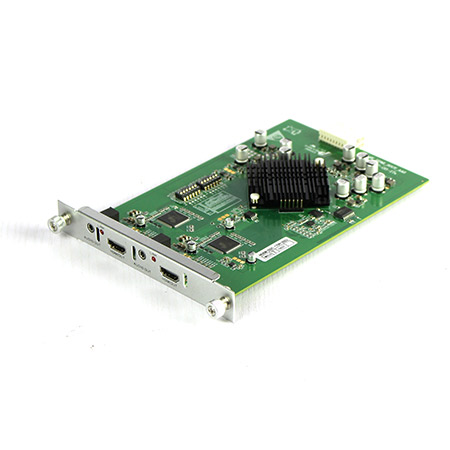 Mixing UHD - HDMI Output Card
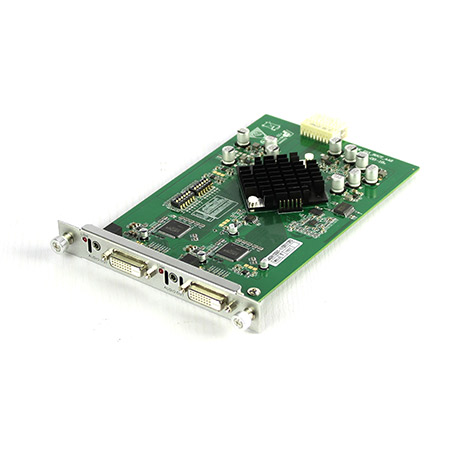 Mixing UHD - DVI Output Card
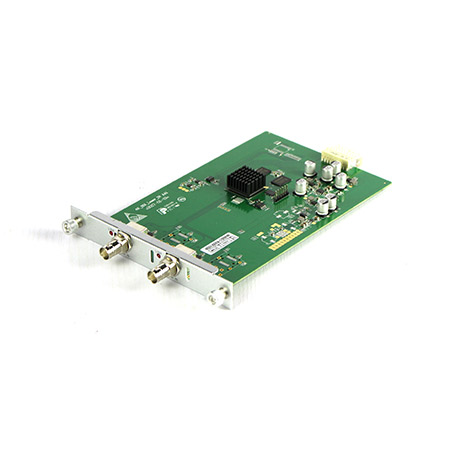 Mixing UHD - SDI Output Card
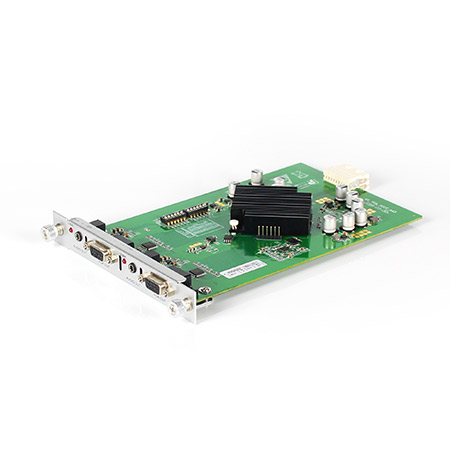 Mixing UHD - VGA Output Card
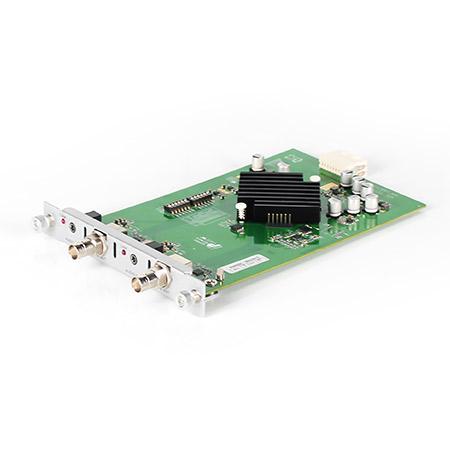 Mixing UHD - AV Output Card
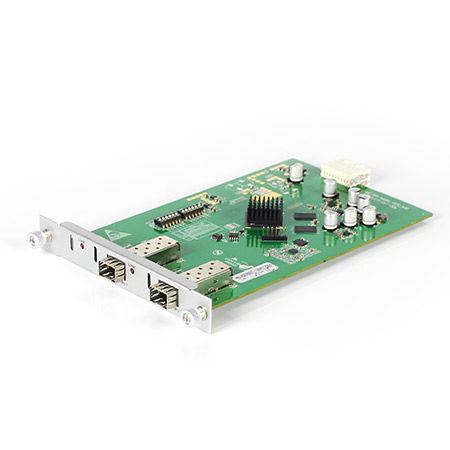 Mixing UHD - Fiber Output Card
The HDMl switch transmits one or more channels of HDMl signals to one or more display devices. For example, two computer hosts share a display, so the matrix switcher can switch the contents of the two computer hosts to the same or multiple displays at will.It supports various resolutions up to 1080p. Users can select any of the different signal input sources using the display device , and users can switch sources via remote control or manually. HDMl switch has 16 to 2 to 4. HDMI switch switches any HD video signal and multi-channel digital audio to one display output, supporting various resolutions up to 1080p. It can transmit multiple different HDMl signal input sources to the same HDMl display device.
The needs of each project is different, so the selection needs are also different. How do we choose theright HDMl video matrix? The selection of HDMl video matrix is a complex project, which involves the appropriate choice of video matrix and accessories, how to match the indoor scene, how to reasonably and effectively install it, how to debug the video matrix, how to avoid a series of interference, etc.
Nowadays, many devices use the all-digital HDMl media interface. The commonly used interface includesTV interfaces, computer interfaces, TV box interfaces and so on. HDMl matrix is to serve these devices with high-definition HDMl interface.In some specific occasions, such as conference rooms, studios,banquet halls and other places, the cross-switching management of HDMl signal is carried out. Then how do we choose the right HDMl video matrix?
Coming the first for how to select the right HDMl video matrix is to confirm the size of the matrix. The number of signal sources is relatively easy to determine. According to the number of signal sources, we can determine the number of inputs of the matrix.For example, in the school broadcasting room, there are16 computers, so there is a need to display the video contents of the computers on 16 screens respectively. Then we can first determine the need for signal switching in this situation.Then coming to the number of outputs: with 16 computers and 16 screens, we should choose 16 inputs by 16 outputs HDMI video matrix.