

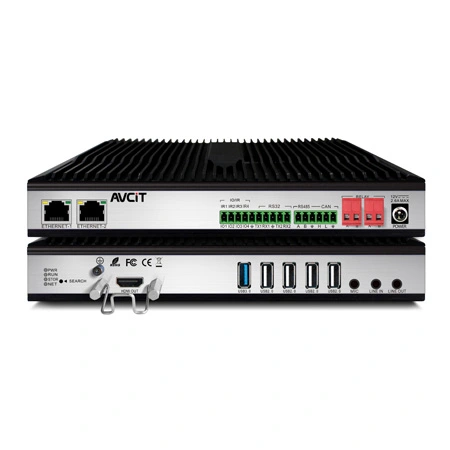
 AIVC-16CH AI BOX
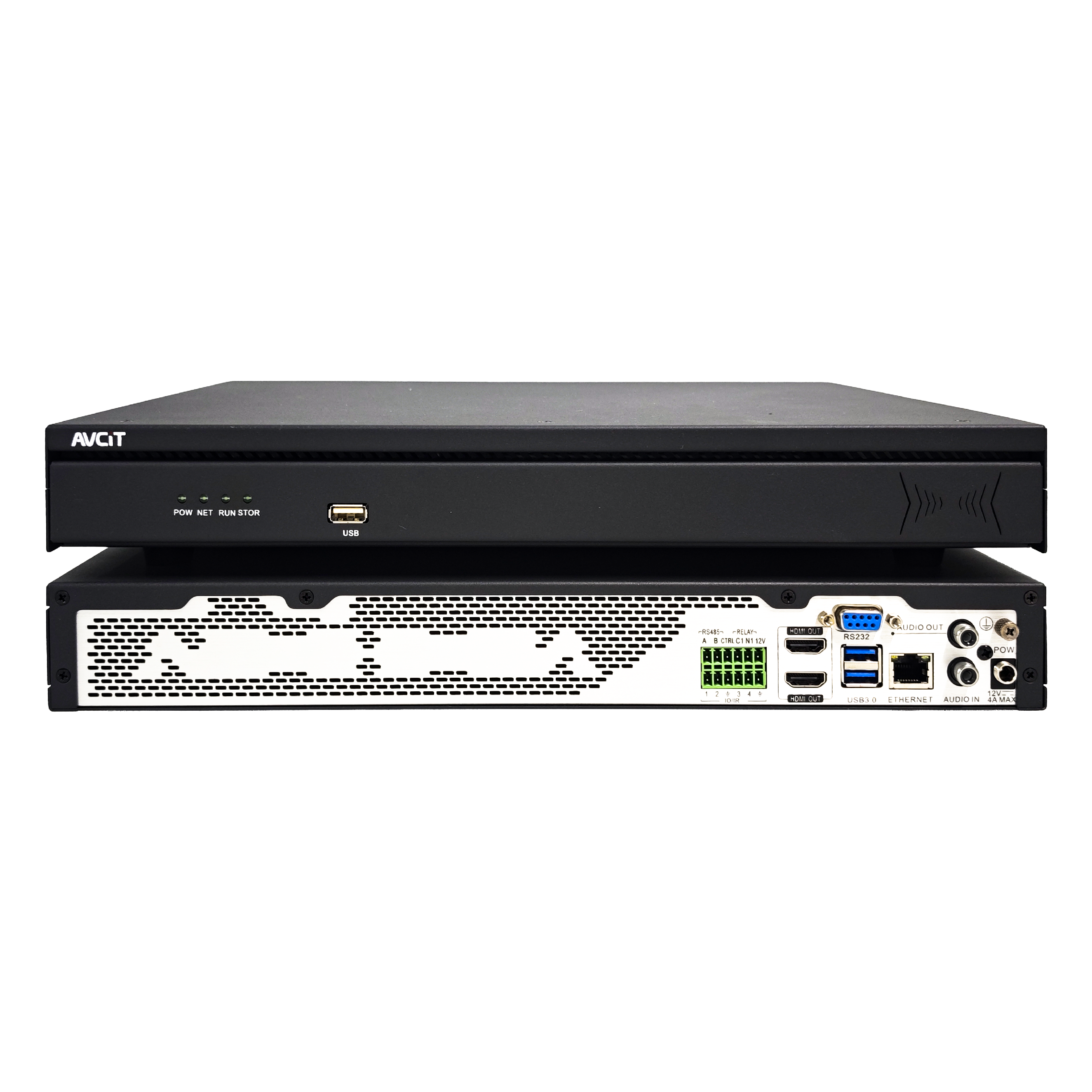 32CH CSN AI NVR
 2K HDMI Video Codec
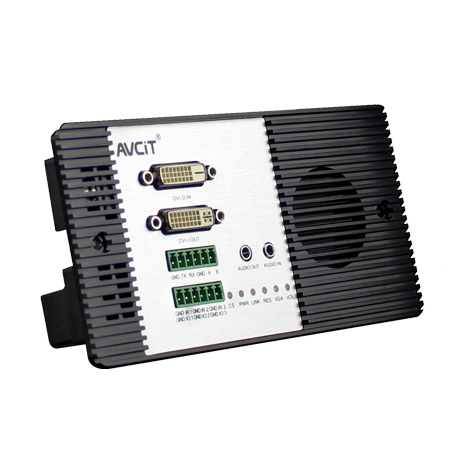 2K DVI Video Codec
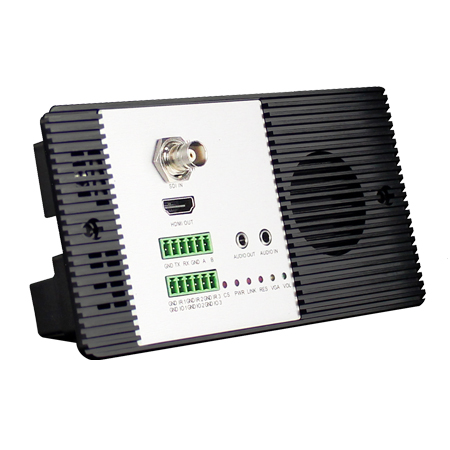 2K SDI Video Codec
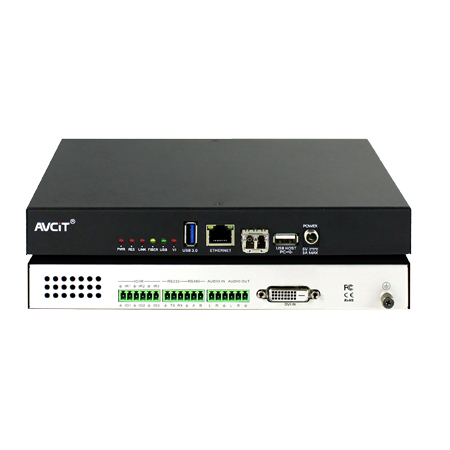 2K HDMI Video Encoder
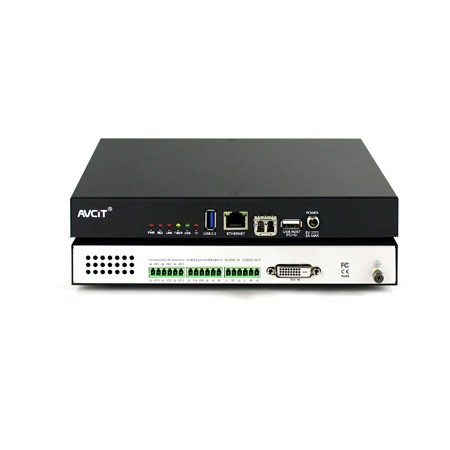 2K DVI Video Encoder
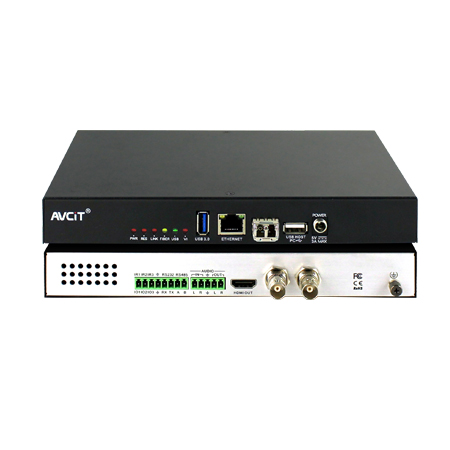 2K SDI Video Encoder
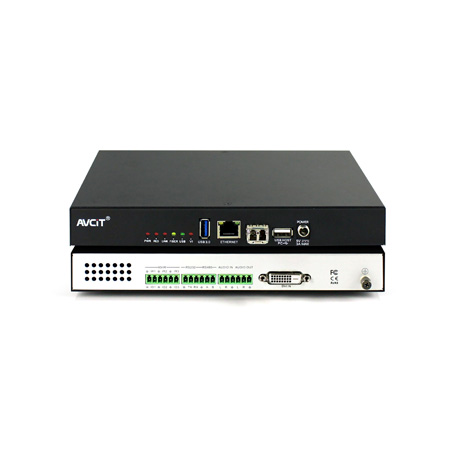 2K VGA Video Encoder
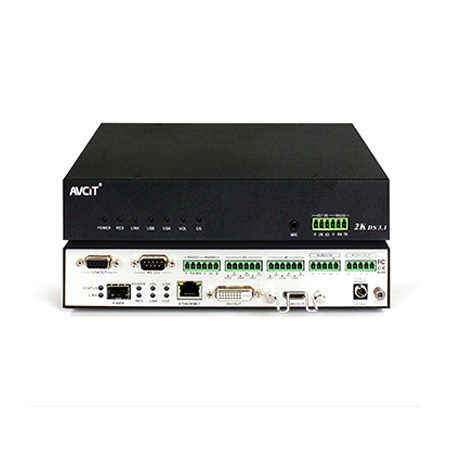 2K Video Wall Decoder (HDMI+DVI)
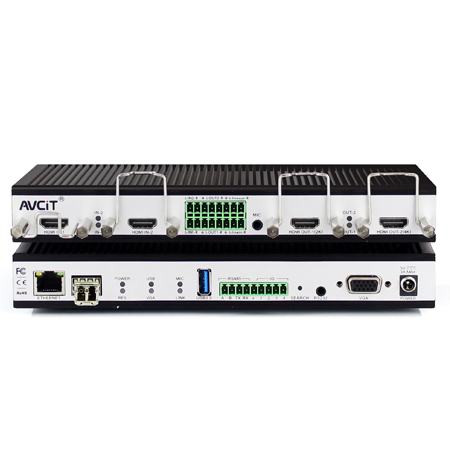 4K HDMI Video Encoder
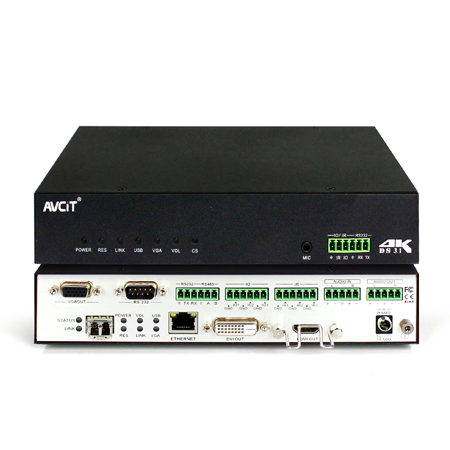 4K HDMI Video Decoder
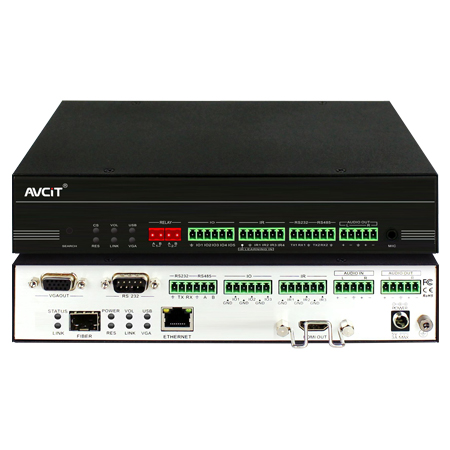 4K HDMI Video Wall Decoder
 4K HDMI + DVI Video Wall Decoder
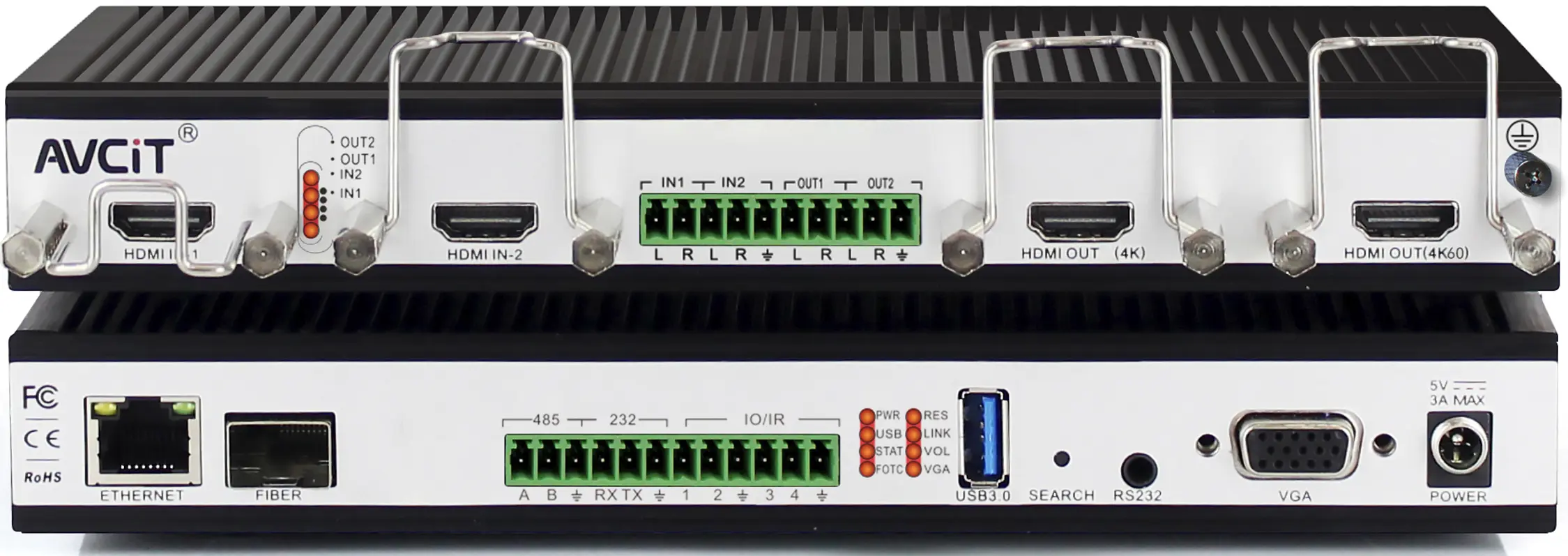 4K HDMI Dual Channel Codec
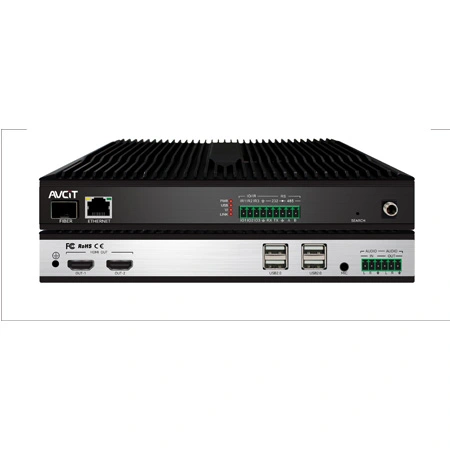 8K HDMI Decoder
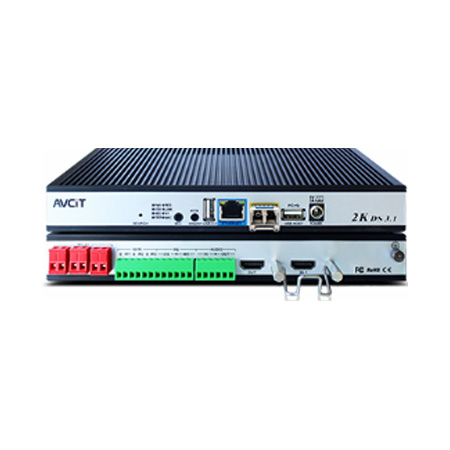 2K KVM Encoder - HDMI
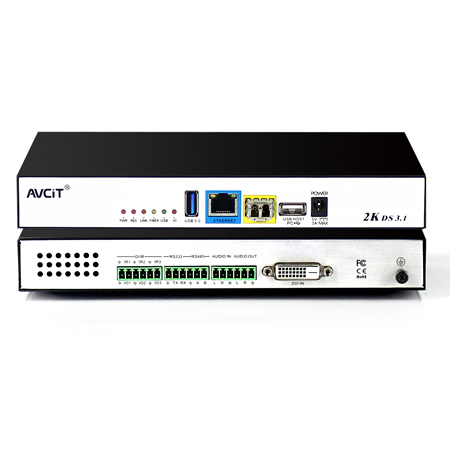 2K KVM Encoder - DVI
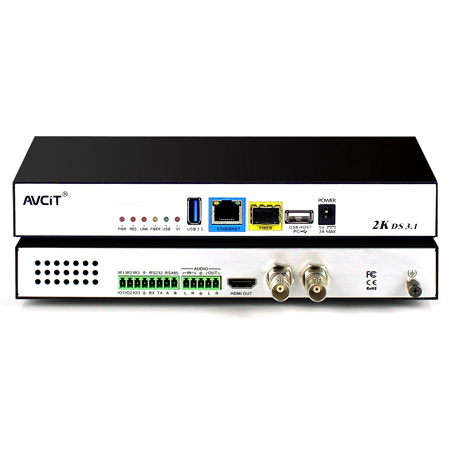 2K KVM Encoder - SDI
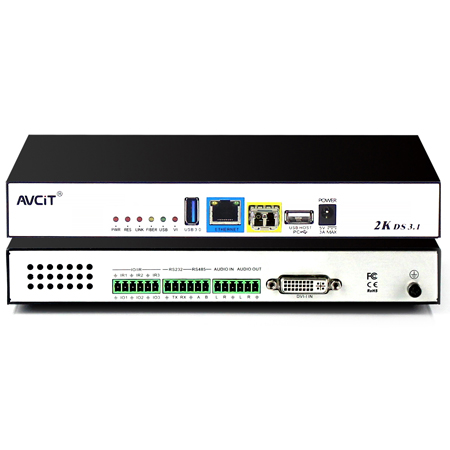 2K KVM Encoder - DVI-I(VGA)
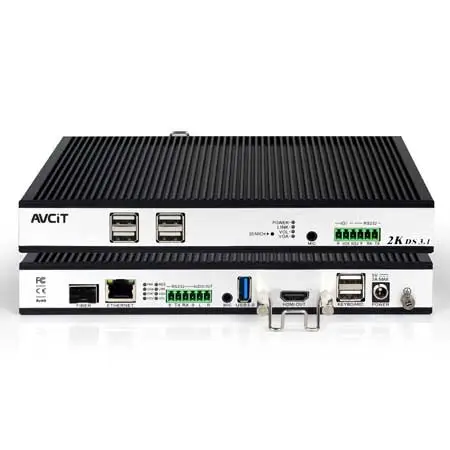 2K KVM Decoder - HDMI
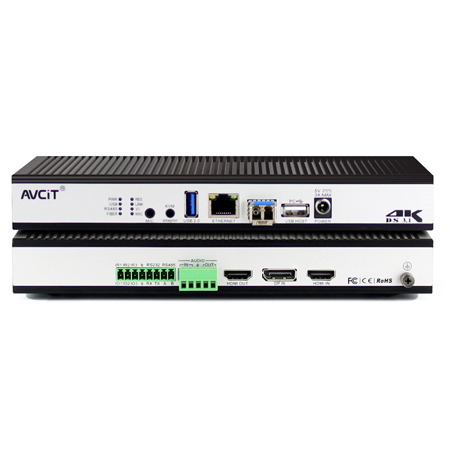 4K KVM Encoder - HDMI + DP
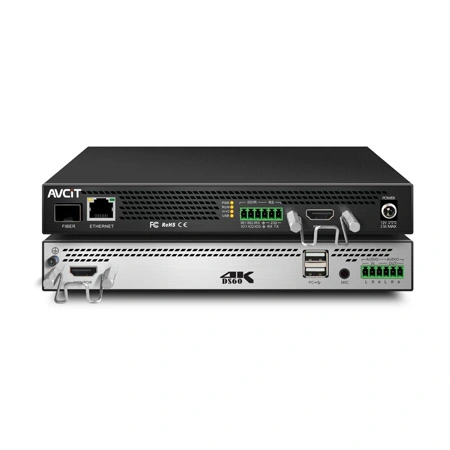 4K@60 KVM Encoder - HDMI
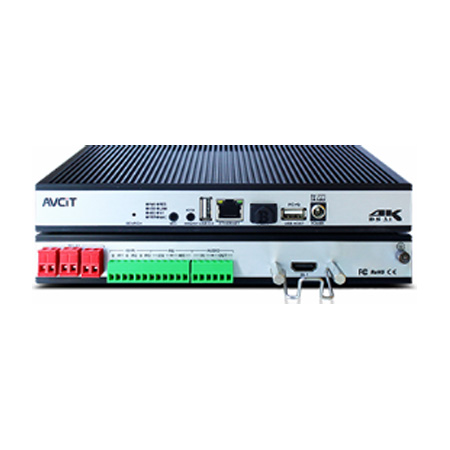 4K KVM Encoder - HDMI + HDMI
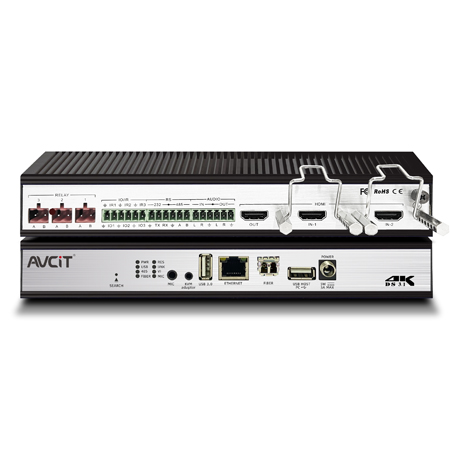 4K KVM Encoder - HDMI
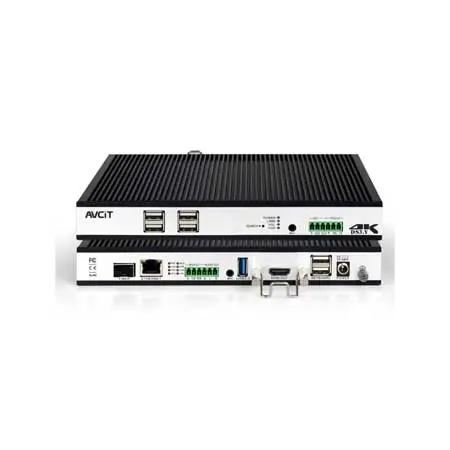 4K KVM Decoder - HDMI
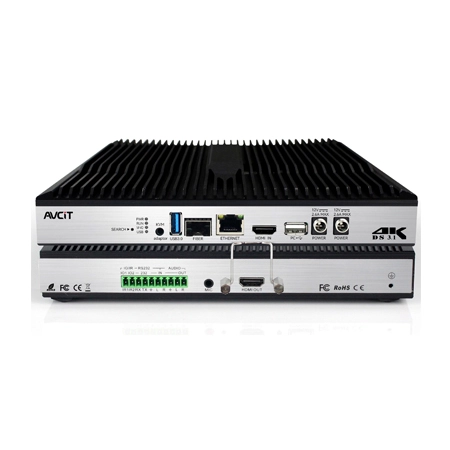 4K60 4:4:4 KVM Encoder - HDMI
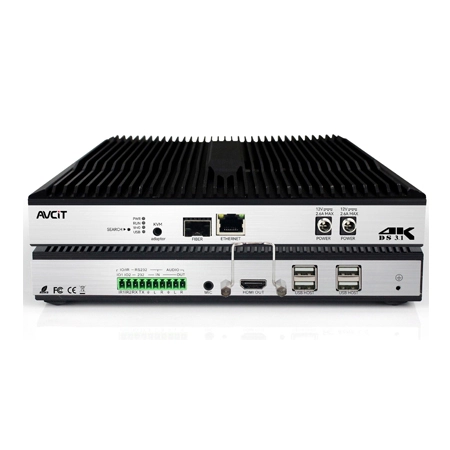 4K60 4:4:4 KVM Decoder-HDMI
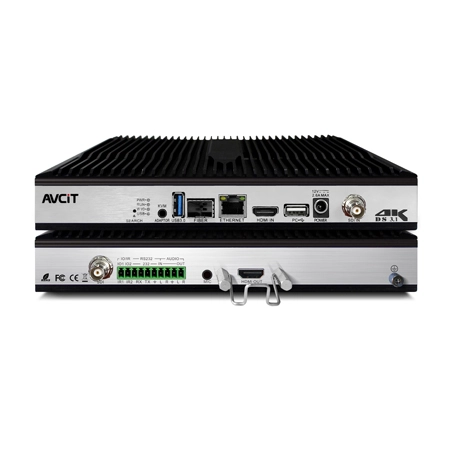 4K60 4:4:4 KVM Encoder - HDMI + SDI
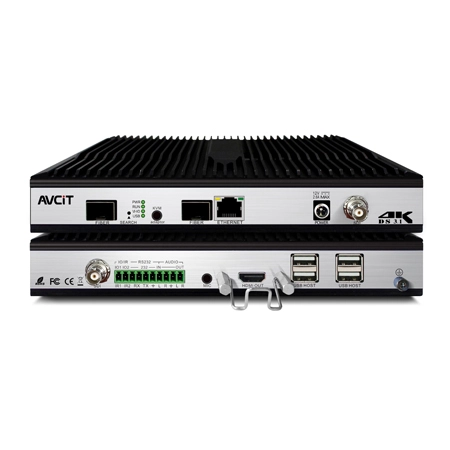 4K60 4:4:4 KVM Decoder - HDMI + SDI
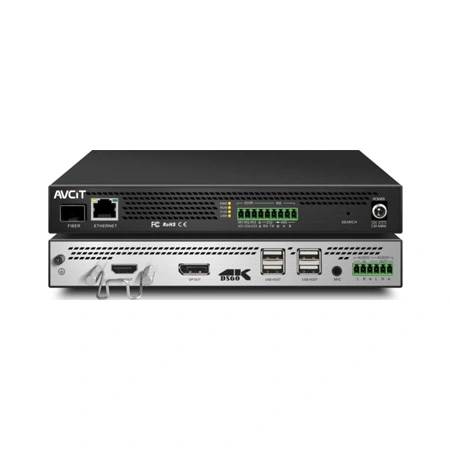 5K KVM Decoder - HDMI +DP
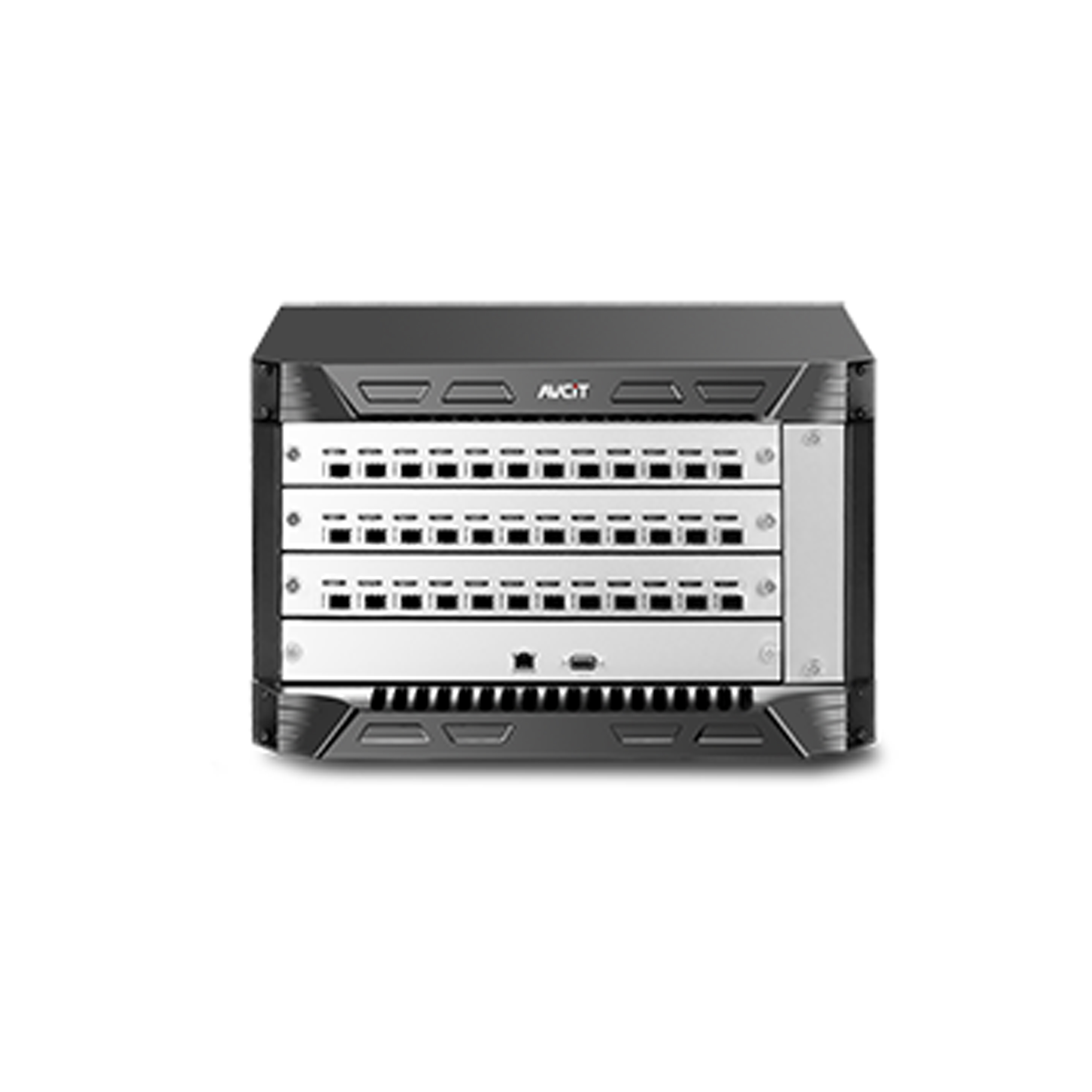 Phinx-36 Ports Fiber KVM Matrix
 Phinx-72 Ports Fiber KVM Matrix
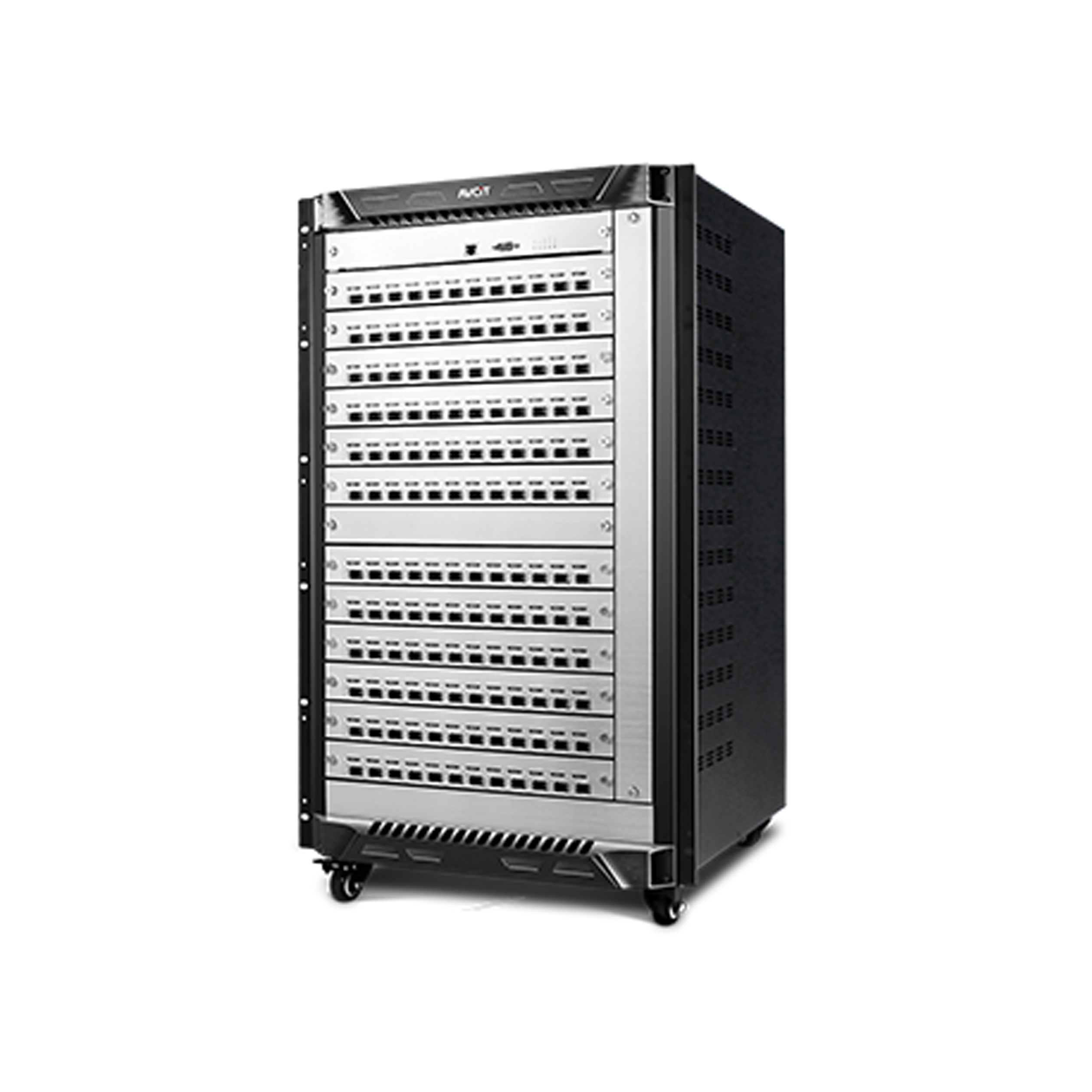 Phinx-144 Ports Fiber KVM Matrix
 Phinx-288 Ports Fiber KVM Matrix
 Phinx-576 Ports Fiber KVM Matrix
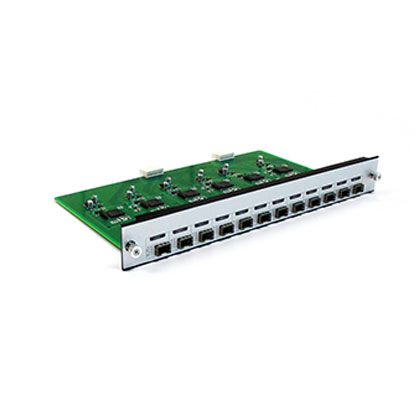 Phinx - I/O SFP Module Card
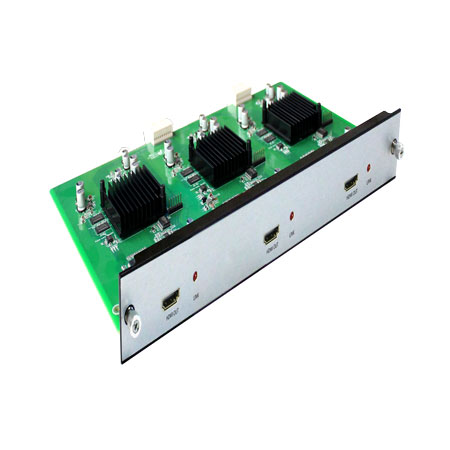 Phinx - Video Wall Control Card
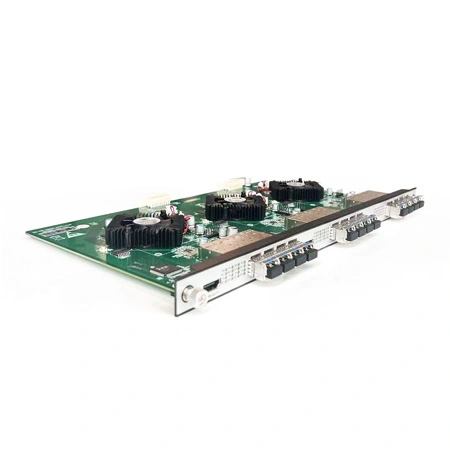 Phinx- Video Wall & SFP Card
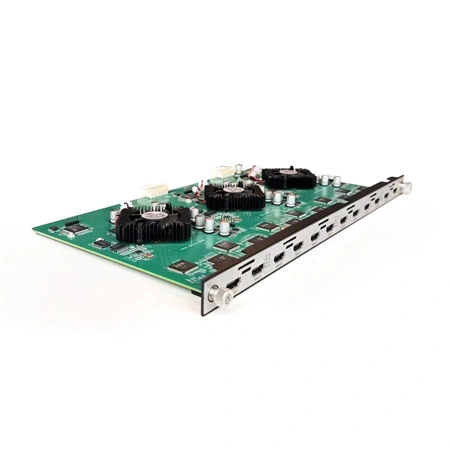 Phinx- Video Card(6IN6OUT)
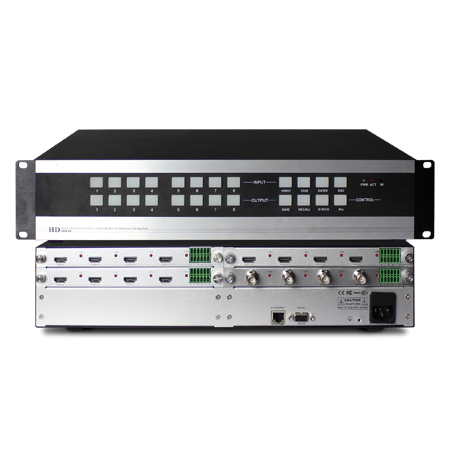 2K Video Wall Matrix - 8x8
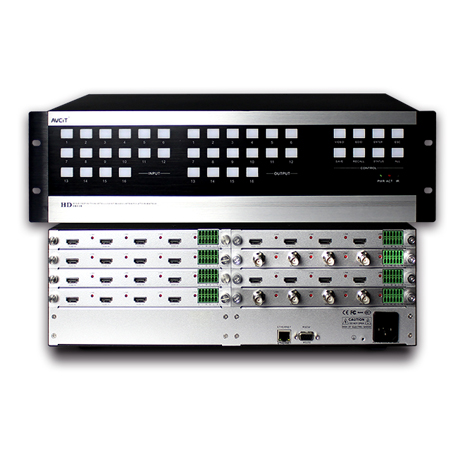 2K Video Wall Matrix - 16x16
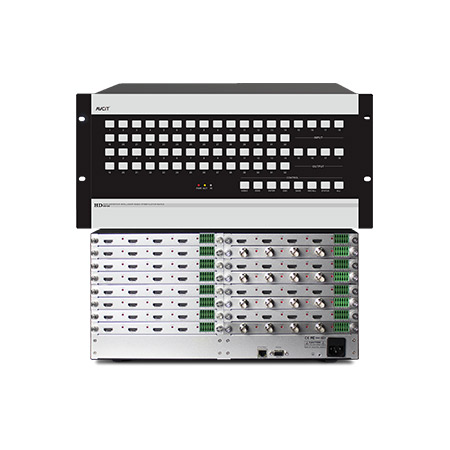 2K Video Wall Matrix - 32x32
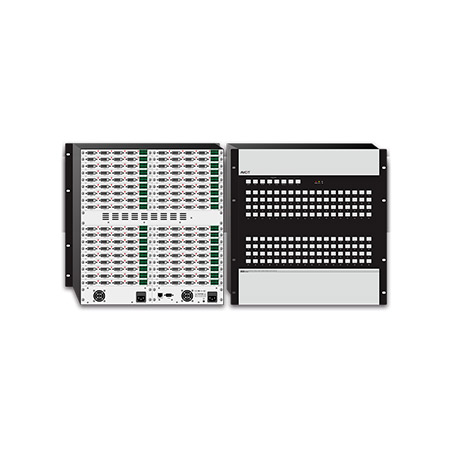 2K Video Wall Matrix - 72x72
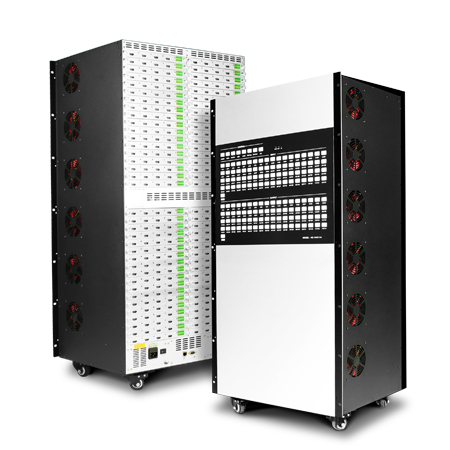 2K Video Wall Matrix - 144x144
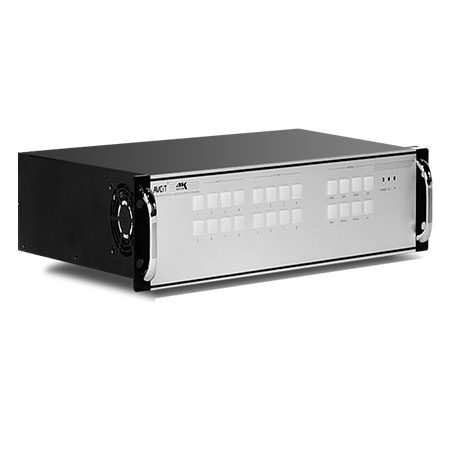 4K Video Matrix Switcher - 8x8
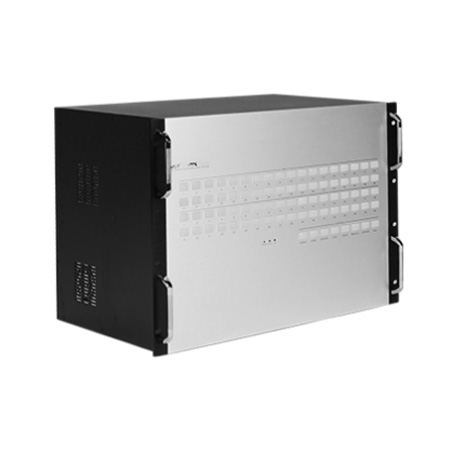 4K Video Matrix Switcher - 36x36
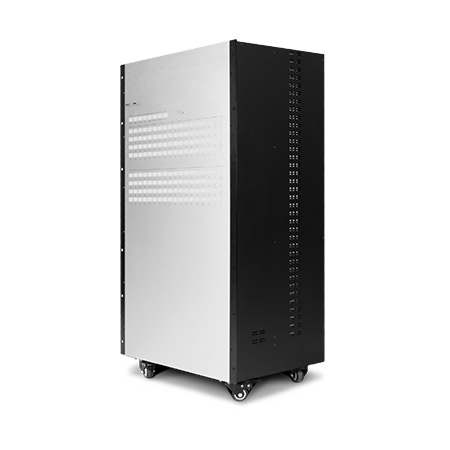 4K Video Matrix Switcher - 72x72
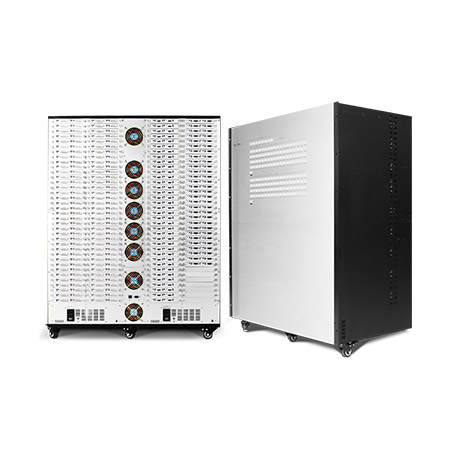 4K Video Matrix Switcher - 144x144
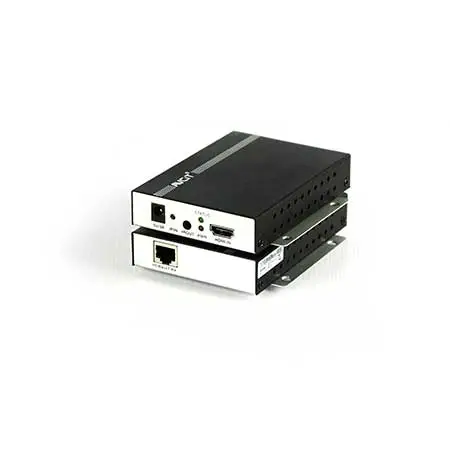 Mixing UHD - 4K HDBT Extender
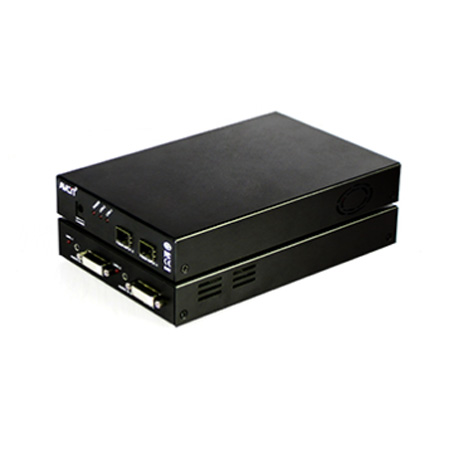 Mixing UHD - 4K Fiber Extender
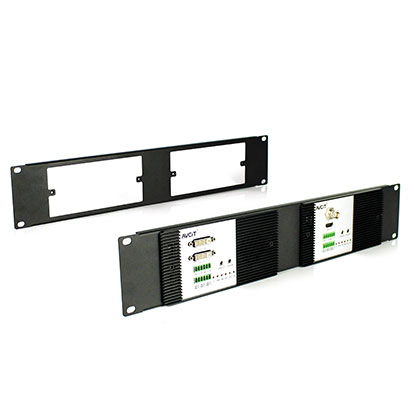
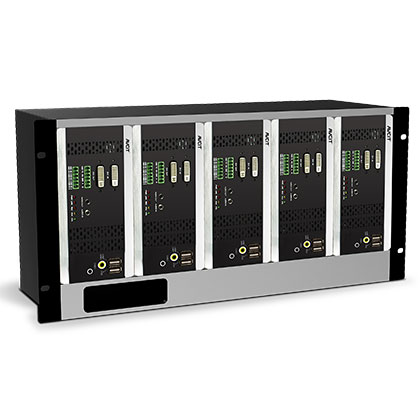 Rack Mounting Kit
 Wall Mounting Kit











 EN
EN
 es
es  th
th
Blog
Join us
FAQs

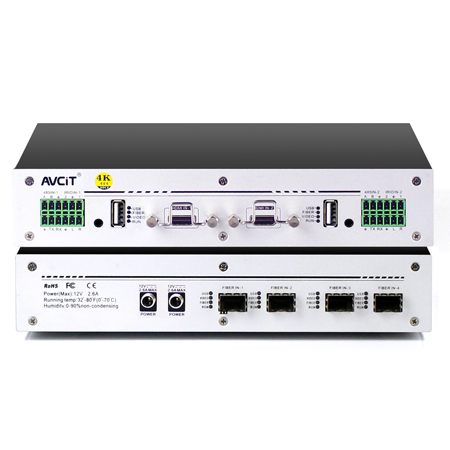 4K KVM Transmitter-HDMI
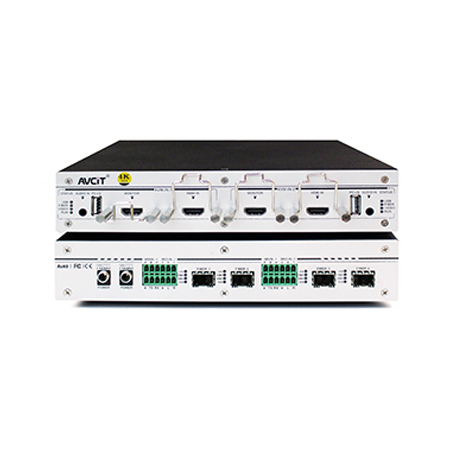 4K KVM Transmitter-HDMI+HDMI LOOP
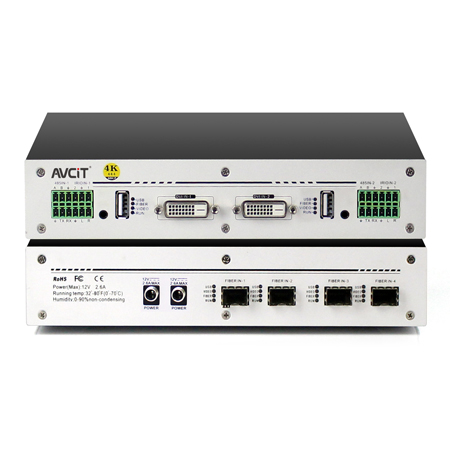 4K KVM Transmitter-DVI
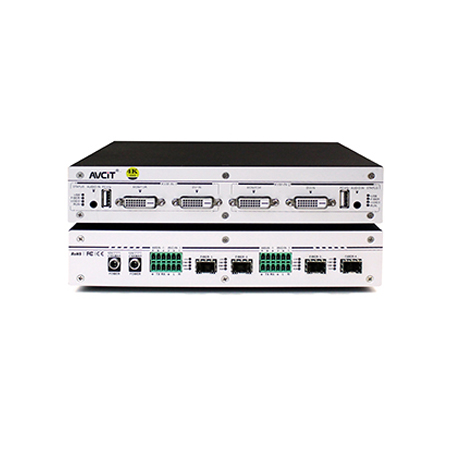 4K KVM Transmitter-DVI+DVI LOOP
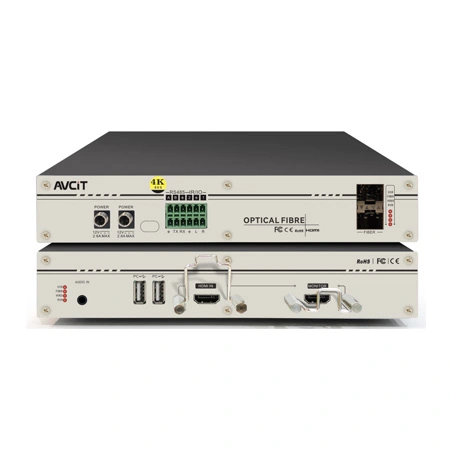 4K60 KVM Transmitter - HDMI
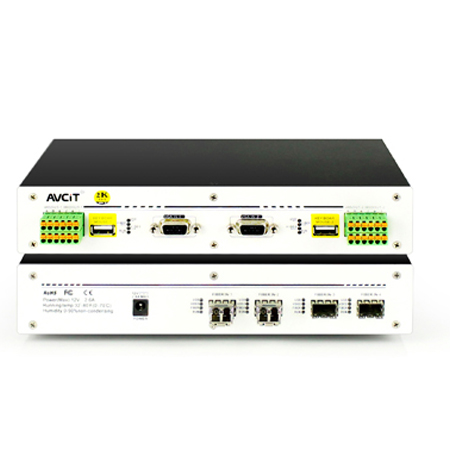 2K KVM Transmitter-VGA
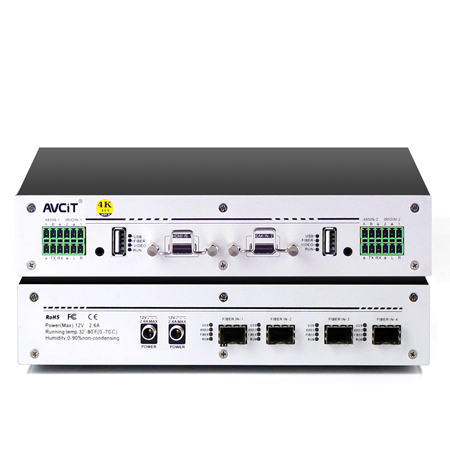 4K KVM Receiver-HDMI
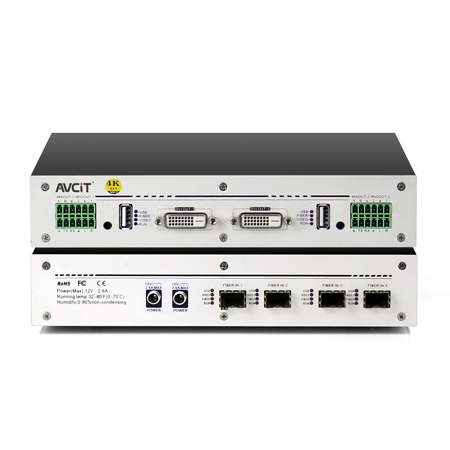 4K KVM Receiver-DVI
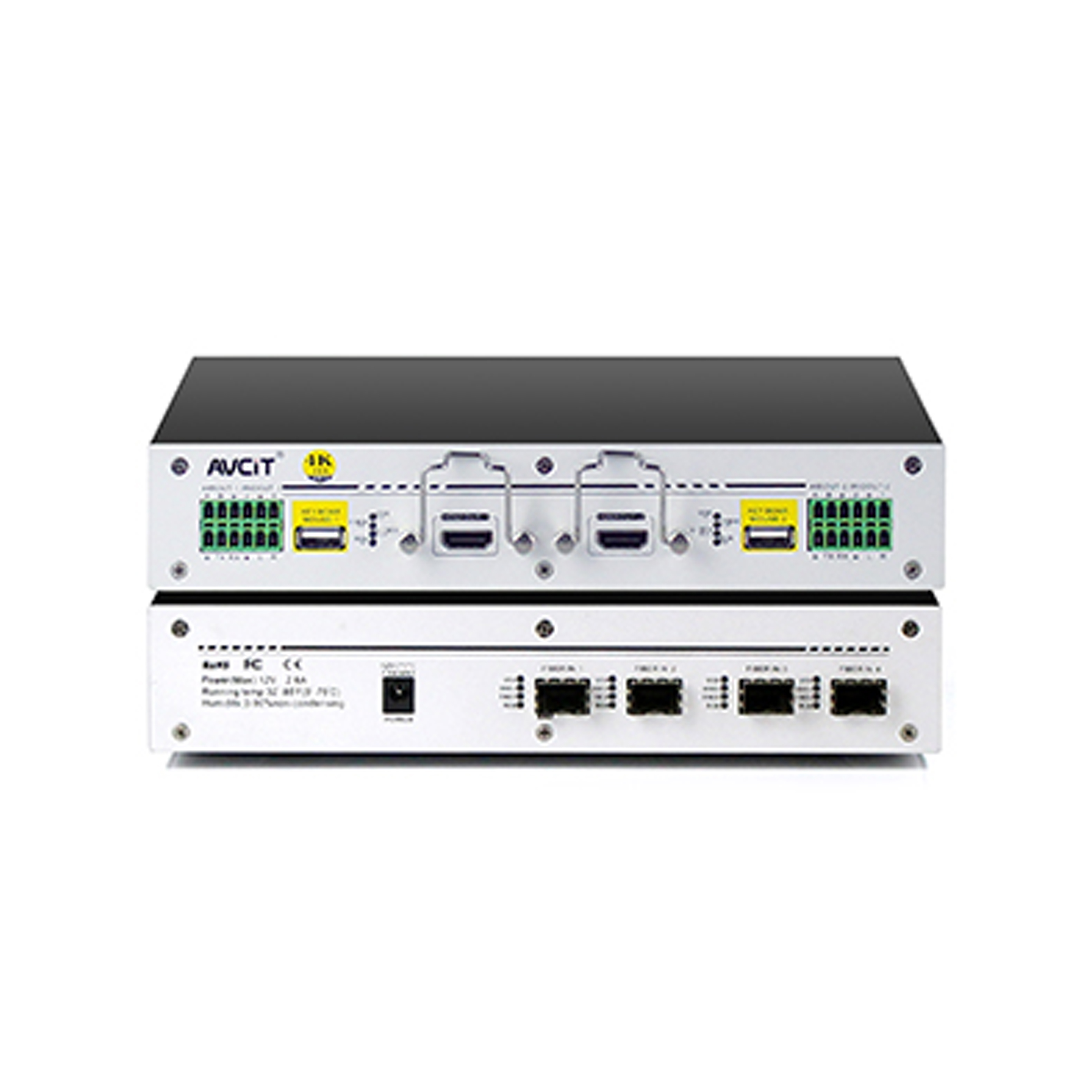 Quad-view KVM Receiver-HDMI
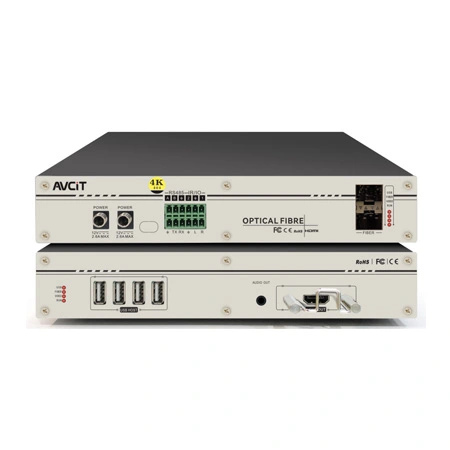 4K60 KVM Receiver - HDMI
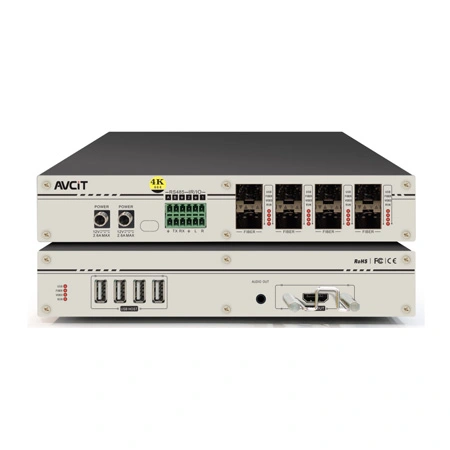 4K60 Quad-view KVM Receiver
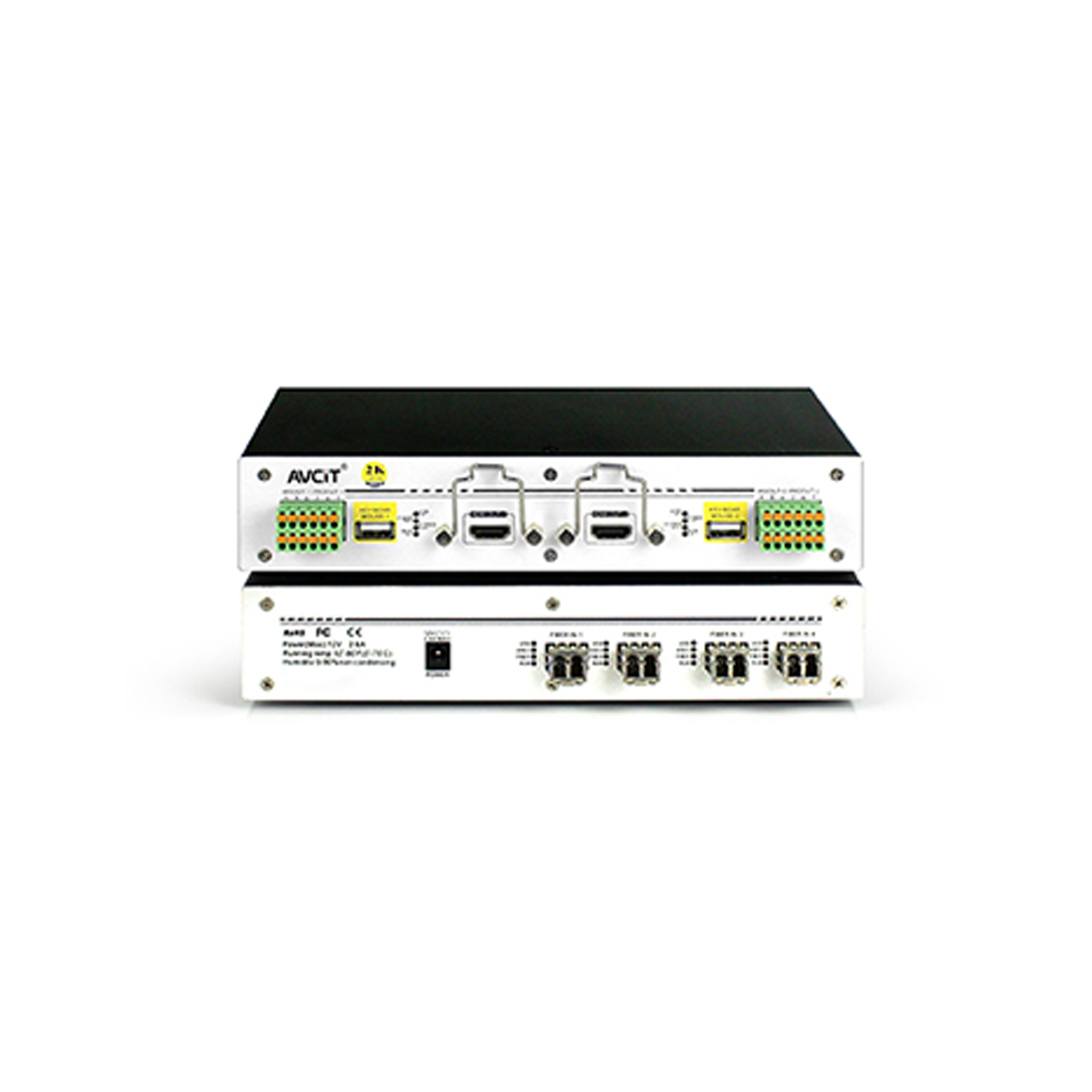 2K KVM Receiver-HDMI
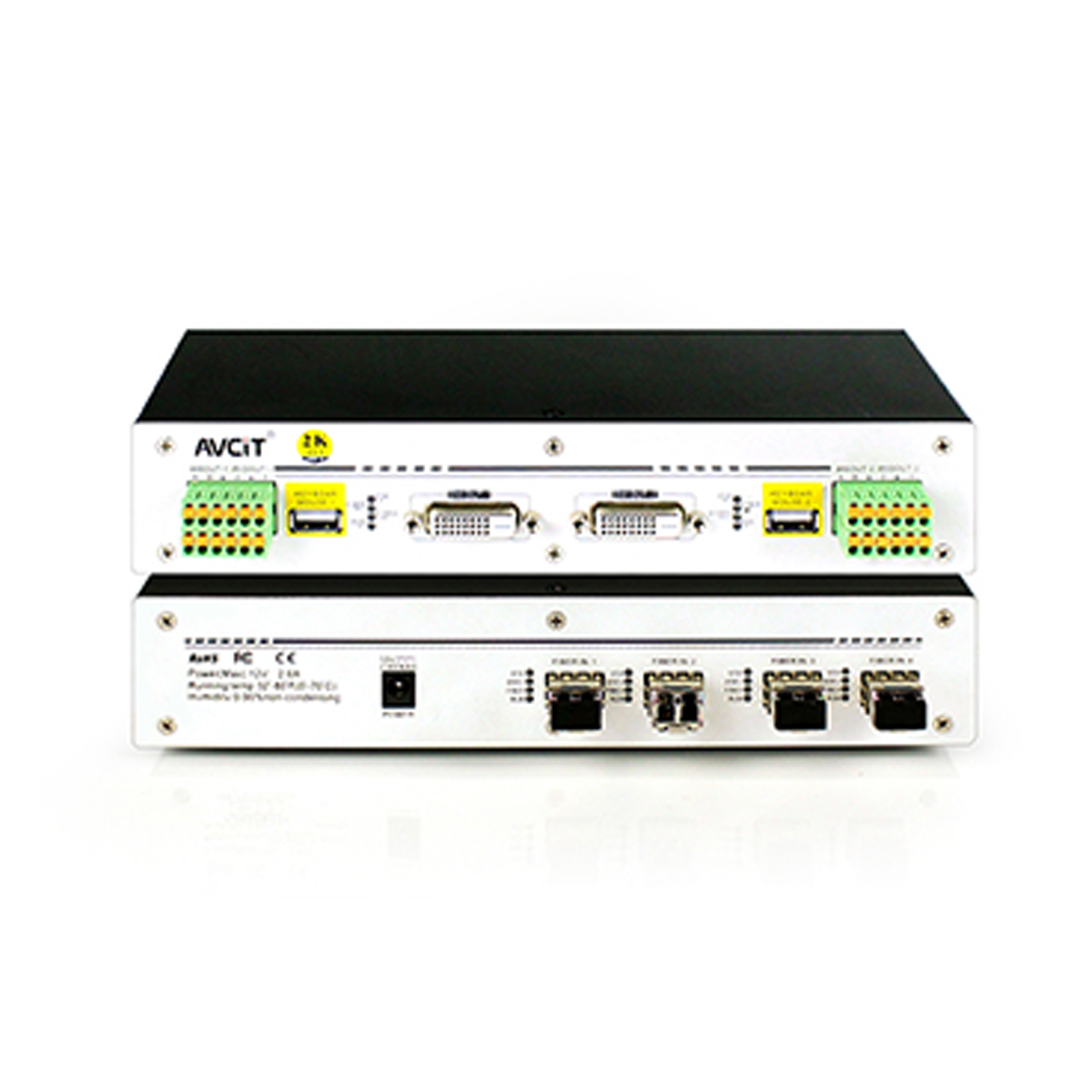 2K KVM Receiver-DVI
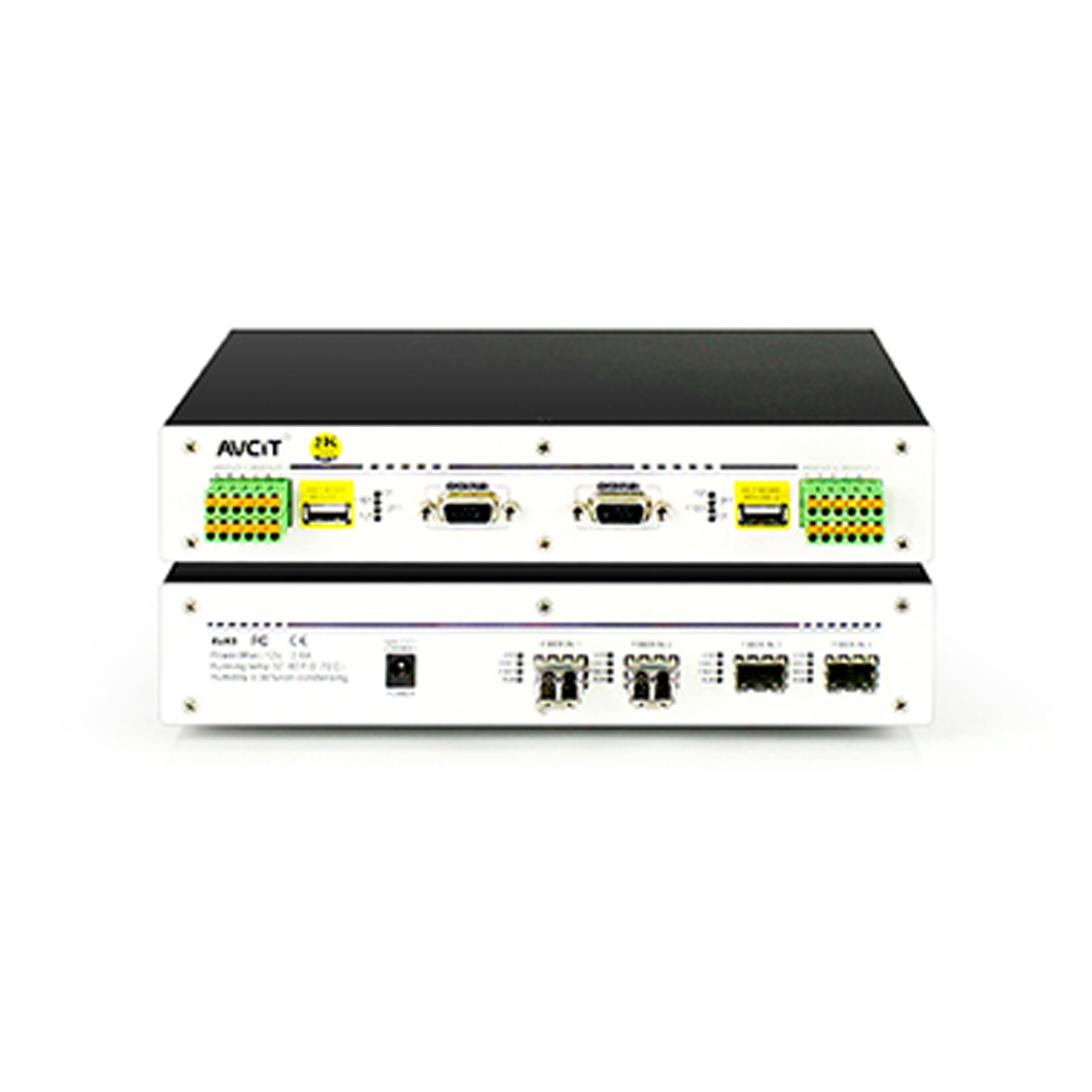 2K KVM Receiver-VGA
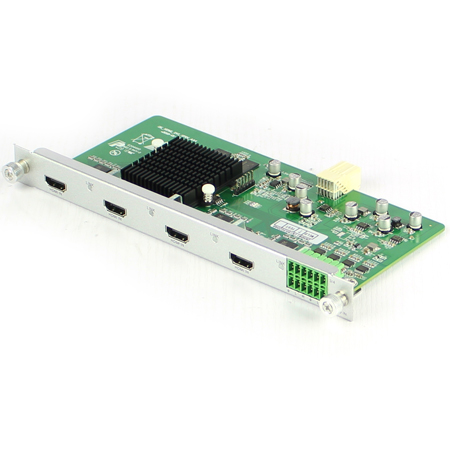 Mixing HD-2K HDMI Input Card
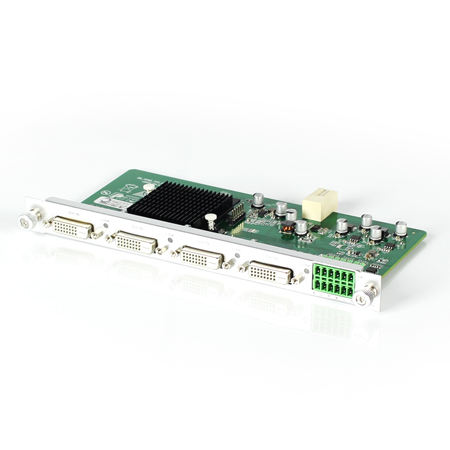 Mixing HD-2K DVI Input Card
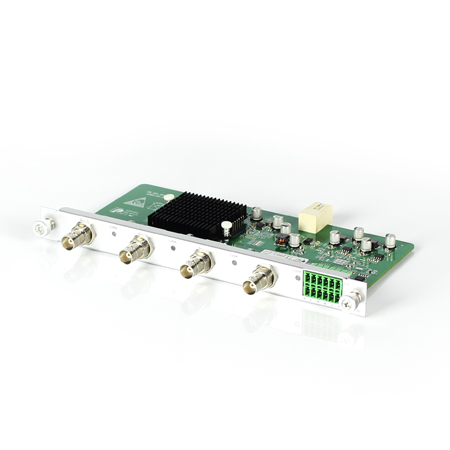 Mixing HD-2K SDI Input Card
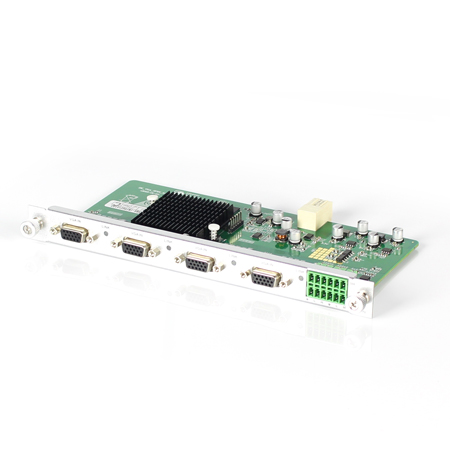 Mixing HD-2K VGA Input Card
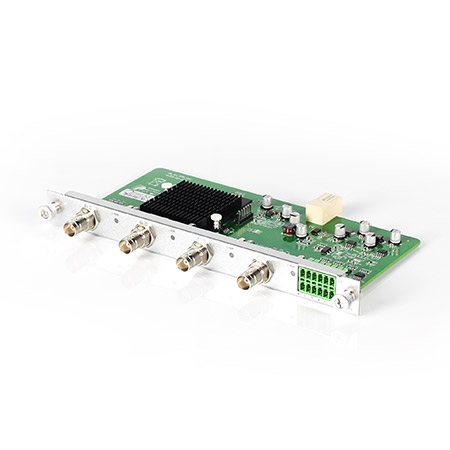 Mixing HD-2K AV Input Card
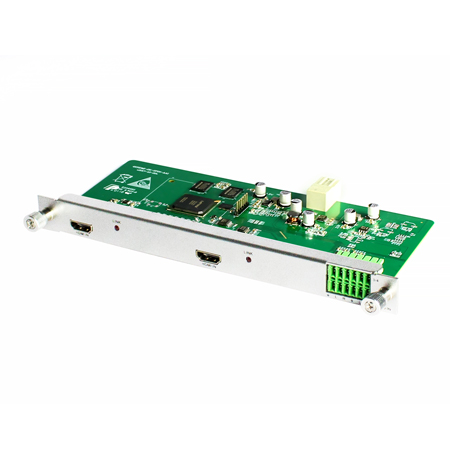 Mixing HD-HDMI UHD Input Card
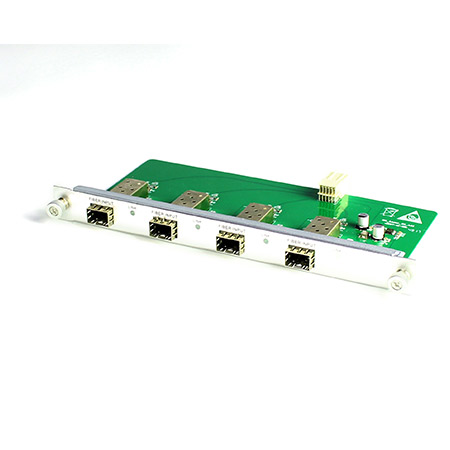 Mixing HD-Fiber Input Card
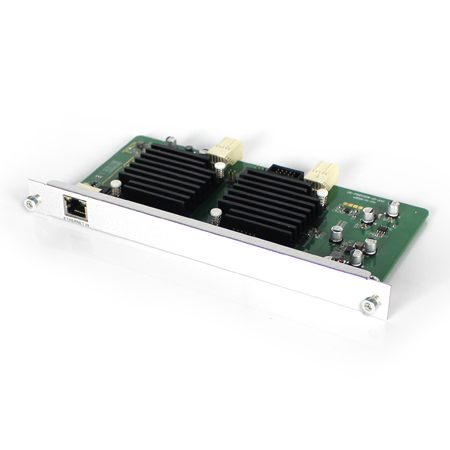 Mixing HD-IP Input Card
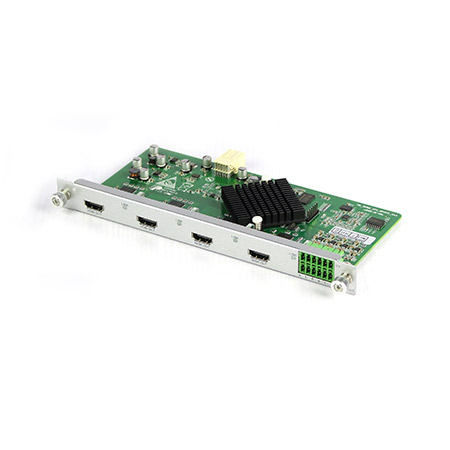 Mixing HD-HDMI Output Card
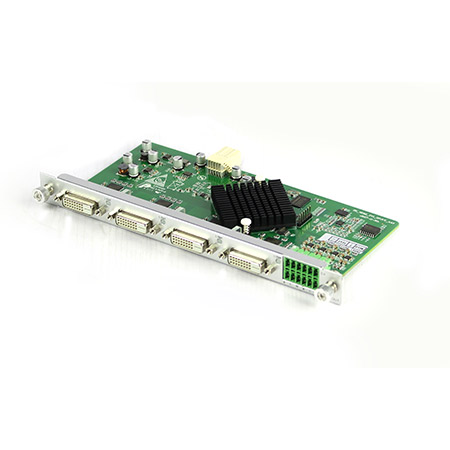 Mixing HD-DVI Output Card
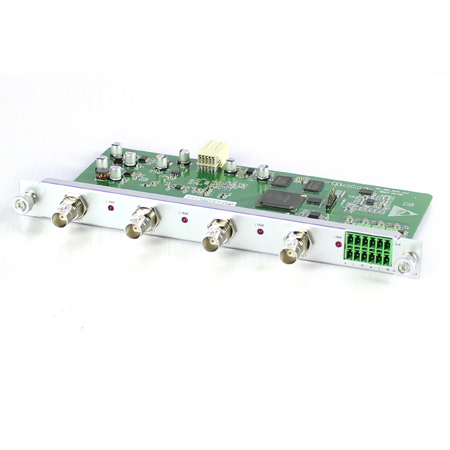 Mixing HD-SDI Output Card
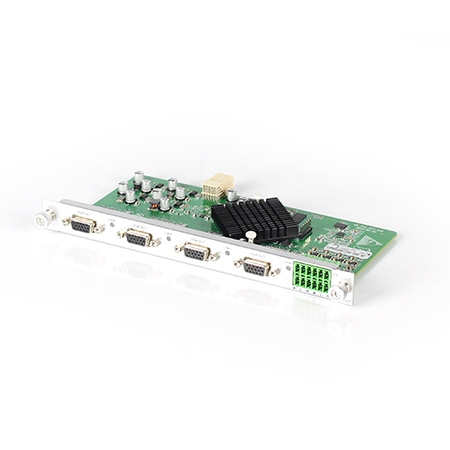 Mixing HD-VGA Output Card
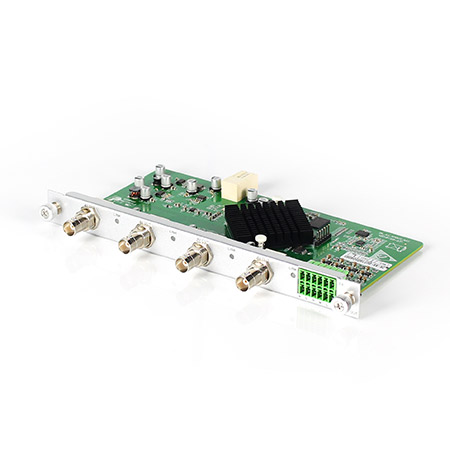 Mixing HD-AV Output Card
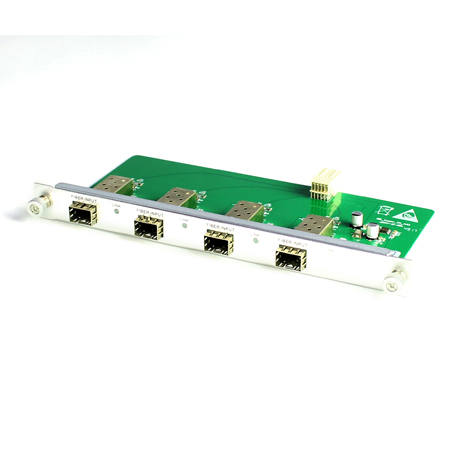 Mixing HD-Fiber Output Card
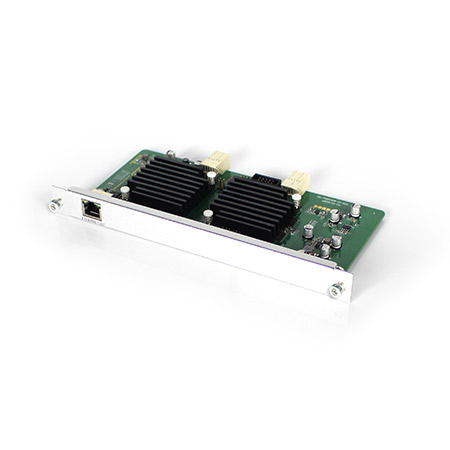 Mixing HD-IP Output Card
Mixing HD-HDMI Video Wall Control Card (2 channel)
Mixing HD-IP Output Card
Mixing HD-HDMI Video Wall Control Card (2 channel)
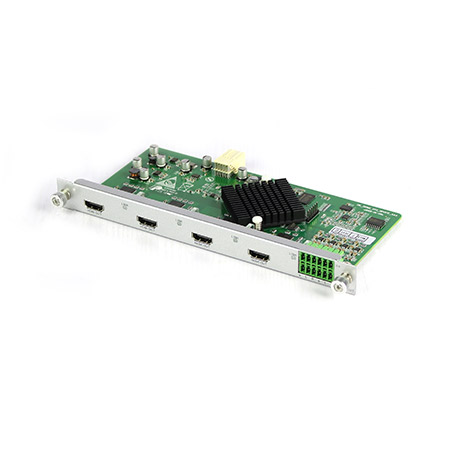 Mixing HD-HDMI Video Wall Control Card (1 channel)
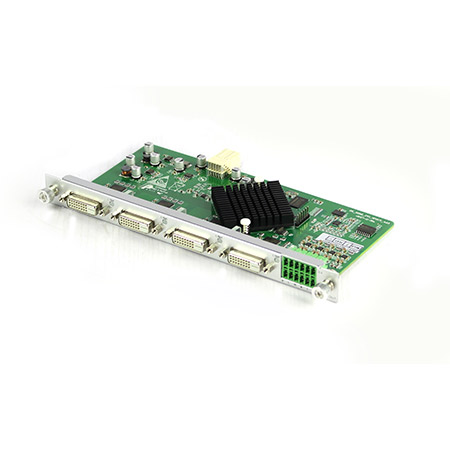 Mixing HD-DVI Video Wall Control Card (2 channel)
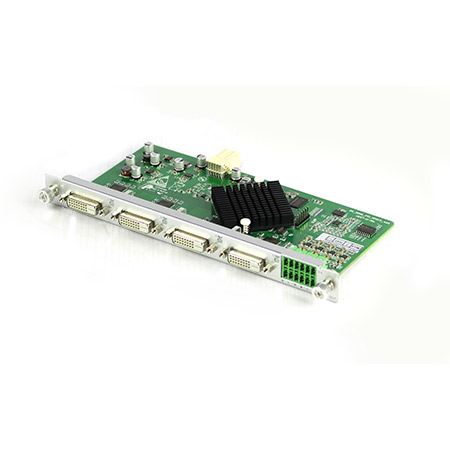 Mixing HD-DVI Video Wall Control Card (1 channel)
 Mixing UHD - HDMI Input Card
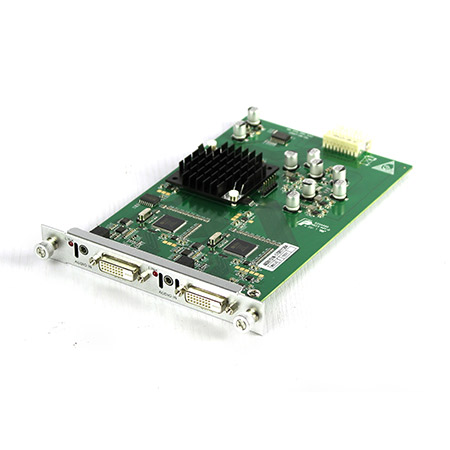 Mixing UHD - DVI Input Card
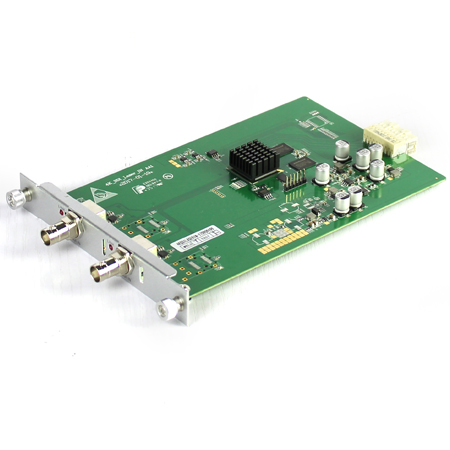 Mixing UHD - SDI Input Card
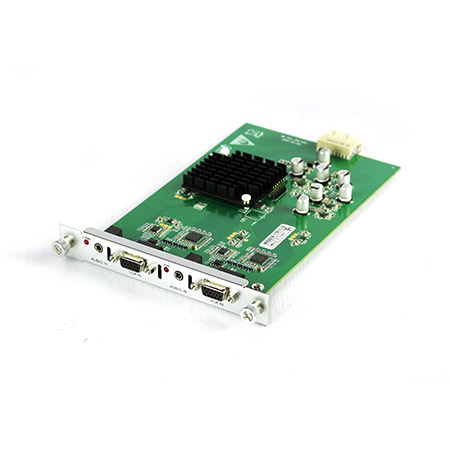 Mixing UHD - VGA Input Card
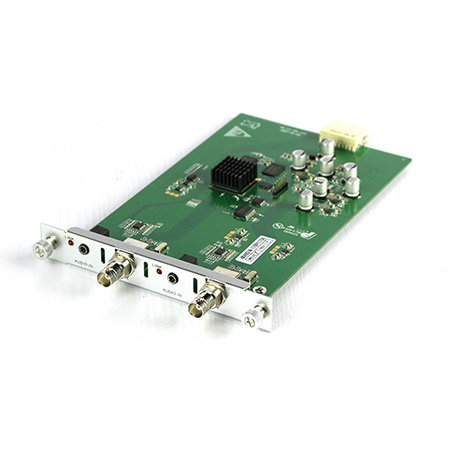 Mixing UHD - AV Input Card
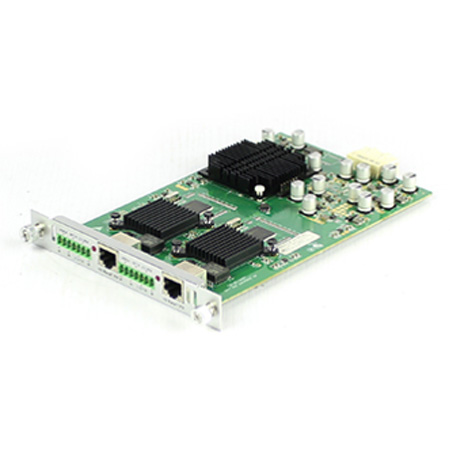 Mixing UHD - HDBT Input Card
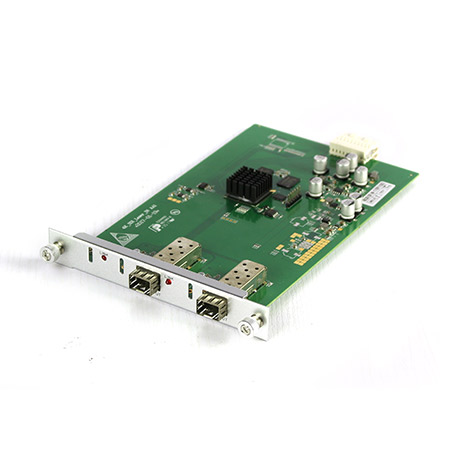 Mixing UHD - Fiber Input Card
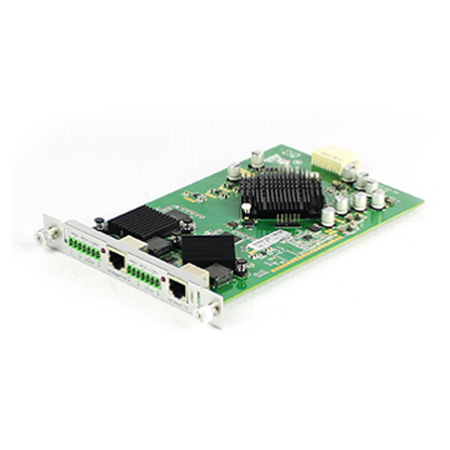 Mixing UHD - HDBT Output Card
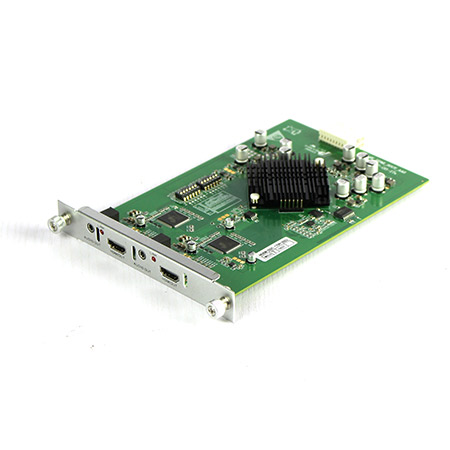 Mixing UHD - HDMI Output Card
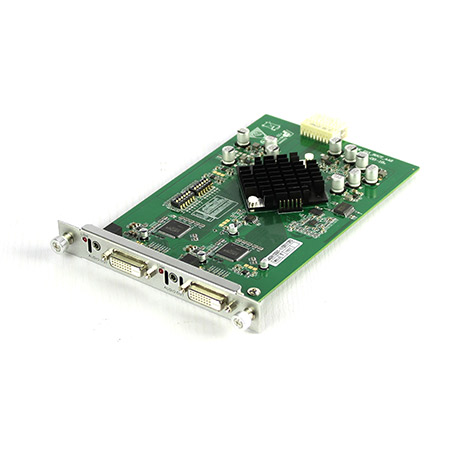 Mixing UHD - DVI Output Card
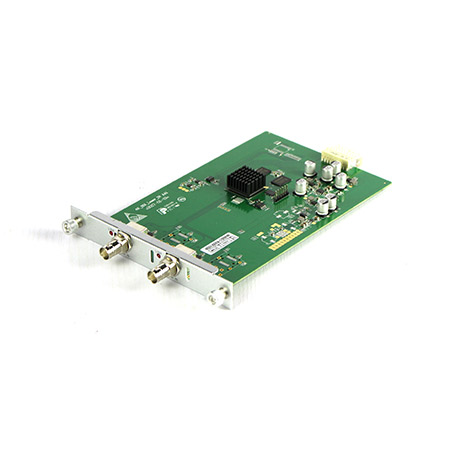 Mixing UHD - SDI Output Card
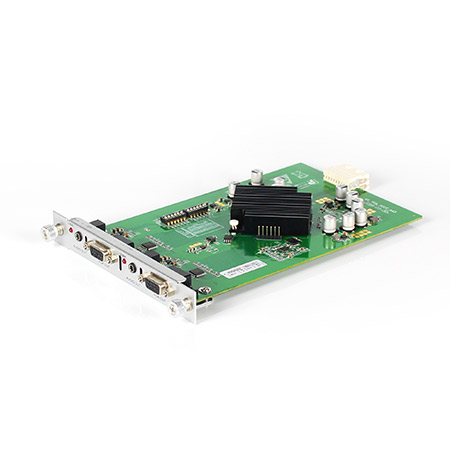 Mixing UHD - VGA Output Card
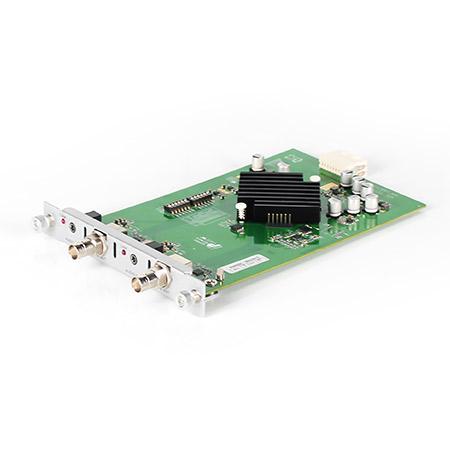 Mixing UHD - AV Output Card
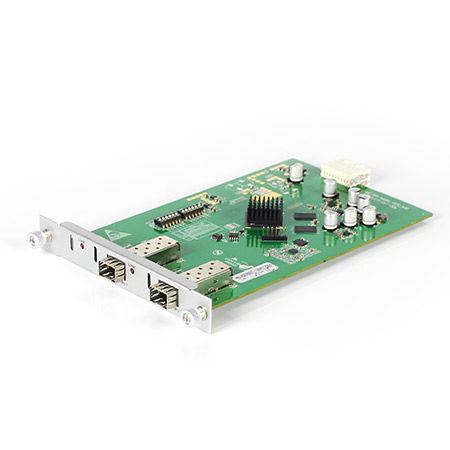 Mixing UHD - Fiber Output Card
In today's technology-driven world, data centers play a critical role in storing and managing vast amounts of information. As these centers continue to grow in complexity, ensuring operational efficiency becomes paramount. One solution that can address this challenge is the use of Networked KVM Switches. This article will delve into the concept of Networked KVM Switches and explore their role in maximizing efficiency within data centers.
KVM, short for Keyboard, Video, and Mouse, is a common term in the IT industry. KVM Switches enable users to control multiple computers or servers using a single keyboard, video monitor, and mouse. These switches eliminate the need for multiple sets of peripherals and simplify the management of connected devices.
A Network KVM Switch takes this concept to the next level by extending its functionality through network connectivity. By connecting KVM switches to a network, users gain remote access to servers and devices from any location within the network. This significantly enhances the flexibility, convenience, and efficiency of data center operations.
Centralized Control
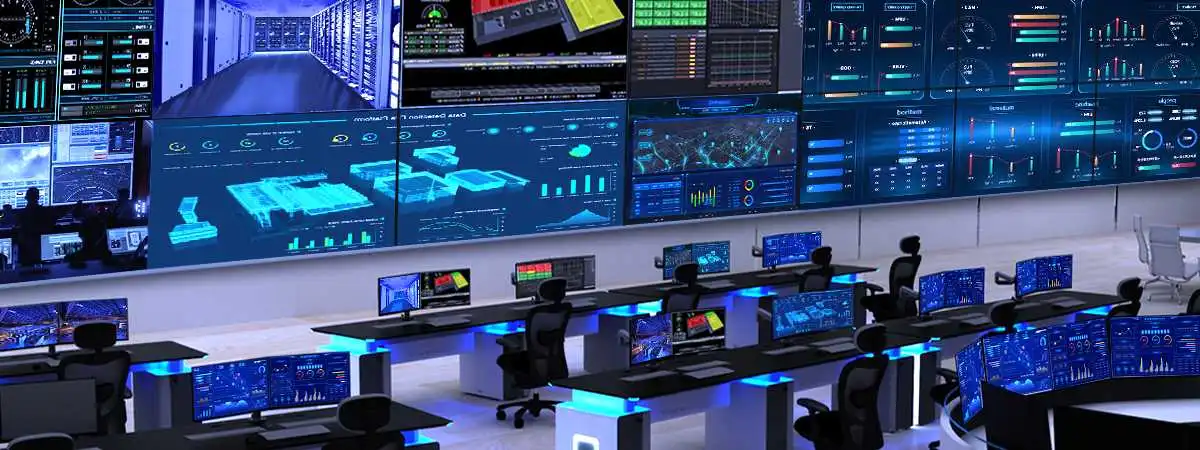
Networked KVM Switches allow IT professionals to monitor and manage multiple servers and devices from a central location. This eliminates the need to physically access each device individually, saving time and reducing potential disruptions.
Enhanced Collaboration
In larger data centers, multiple teams may be working on different servers simultaneously. Networked KVM Switch enables collaboration by providing remote access to specific servers, allowing teams to work simultaneously without interfering with each other's operations.
Improved Troubleshooting
When issues arise in a data center, swift resolution is crucial to minimize downtime. Networked KVM Switches allow IT personnel to diagnose and troubleshoot problems remotely, eliminating the need for physically being present at the affected server rack. This speeds up the resolution process and reduces the impact on overall operations.
Flexibility and Scalability
Networked KVM Switches offer scalability, allowing data centers to grow and expand without significant hardware changes. Additional servers or devices can be easily added to the network, and access can be granted remotely, ensuring effortless management of a constantly evolving infrastructure.
To fully leverage the benefits of Networked KVM Switches, data center administrators should consider the following best practices:
Utilize Intelligent Switching
Opt for Networked KVM Switches equipped with intelligent switching capabilities. These switches automatically detect inactive devices and help conserve network bandwidth by only transmitting data from active connections.
Implement Secure Access Controls
Protecting data and network infrastructure is paramount. The Networked KVM Switch should include robust security features such as authentication protocols, encryption, and access controls to prevent unauthorized access to critical servers and devices.
Ensure Redundancy
To maximize uptime, deploy redundant Networked KVM Switches or implement failover mechanisms. This ensures that even if one switch fails, operations can seamlessly continue without interruptions.
Monitor and Analyze Performance
Leverage the built-in monitoring and analytics capabilities of Networked KVM Switches to gain insights into performance, identify bottlenecks, and optimize resource allocation. This data-driven approach helps improve overall efficiency and productivity.
Networked KVM Switches present a game-changing solution for data center management. By centralizing control, enhancing collaboration, and offering scalability, these switches help organizations navigate the complexities of modern data centers. Embracing Networked KVM Switches brings improved efficiency, reduced downtime, and enables better allocation of IT resources. Stay ahead of the curve and explore the benefits of Networked KVM Switches for your data center today.