
 AIVC-16CH AI BOX
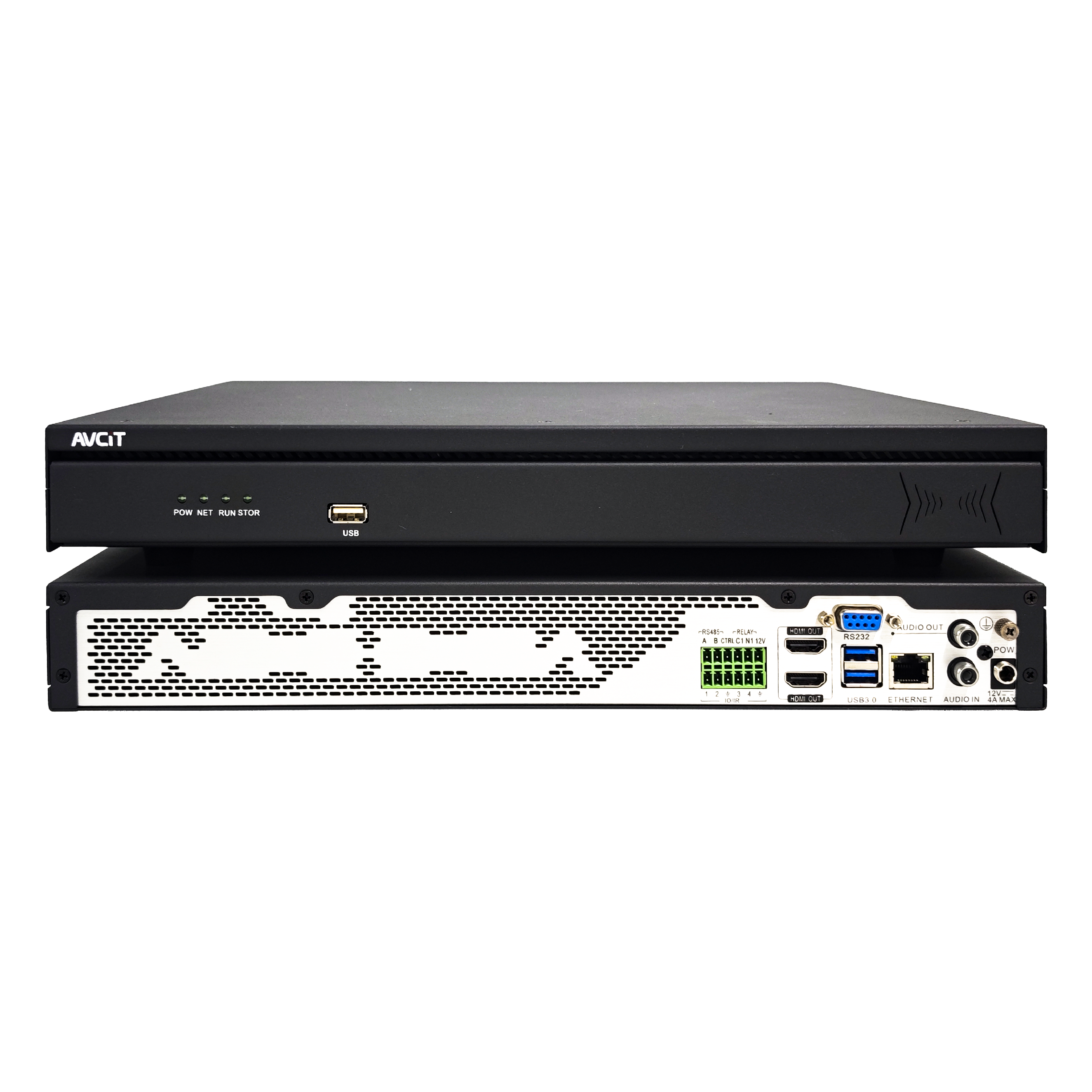 32CH CSN AI NVR
 2K HDMI Video Codec
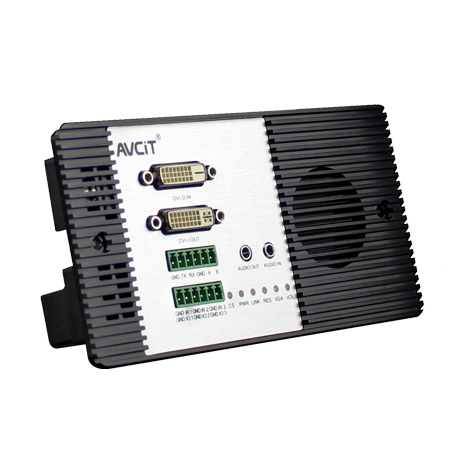 2K DVI Video Codec
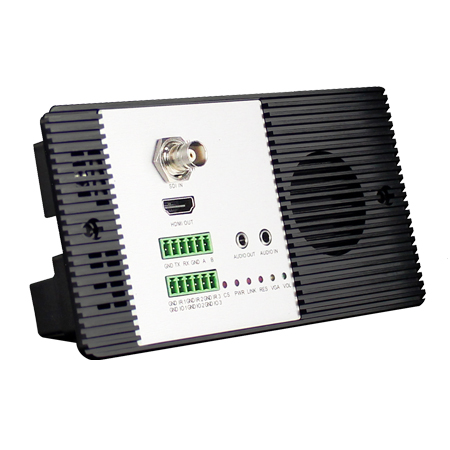 2K SDI Video Codec
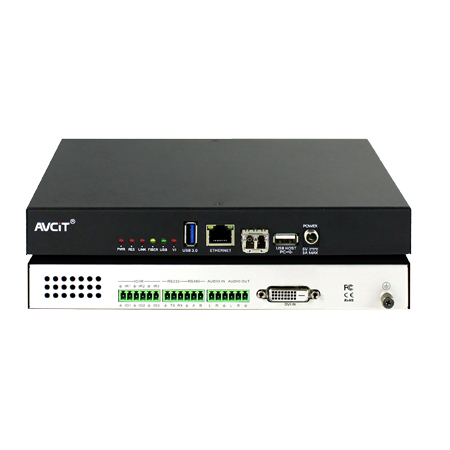 2K HDMI Video Encoder
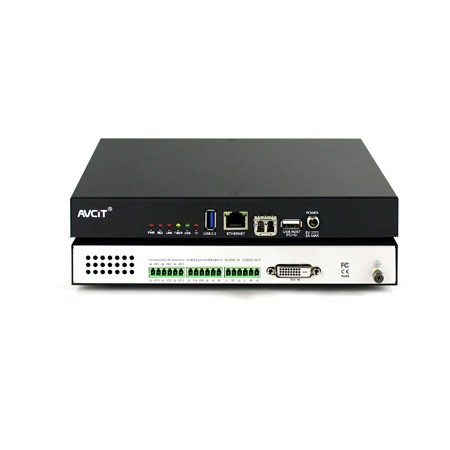 2K DVI Video Encoder
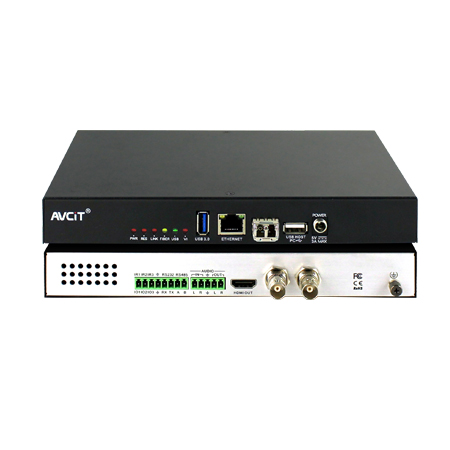 2K SDI Video Encoder
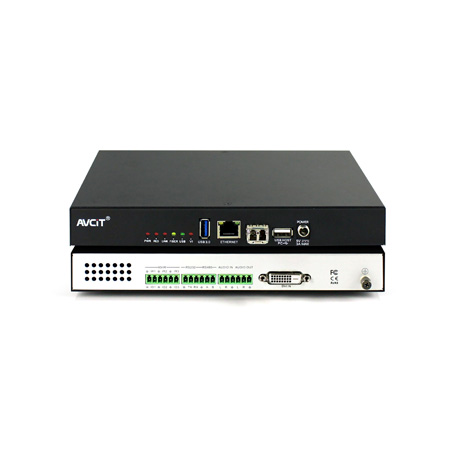 2K VGA Video Encoder
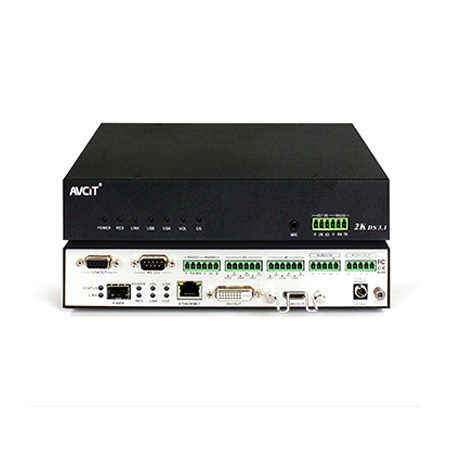 2K Video Wall Decoder (HDMI+DVI)
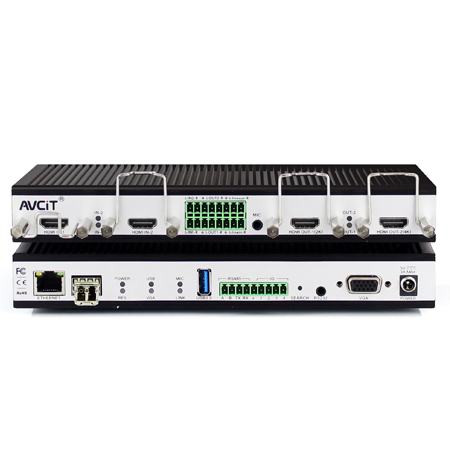 4K HDMI Video Encoder
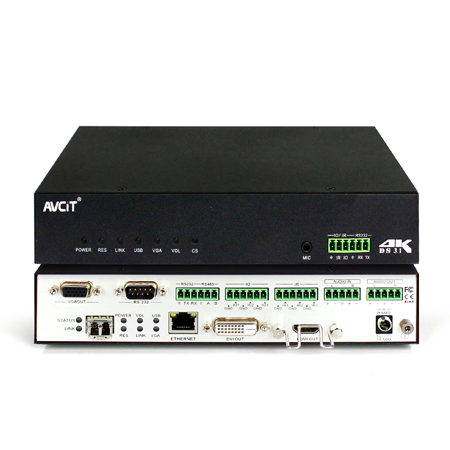 4K HDMI Video Decoder
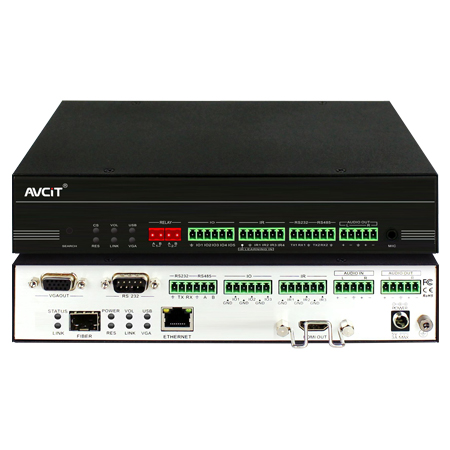 4K HDMI Video Wall Decoder
 4K HDMI + DVI Video Wall Decoder
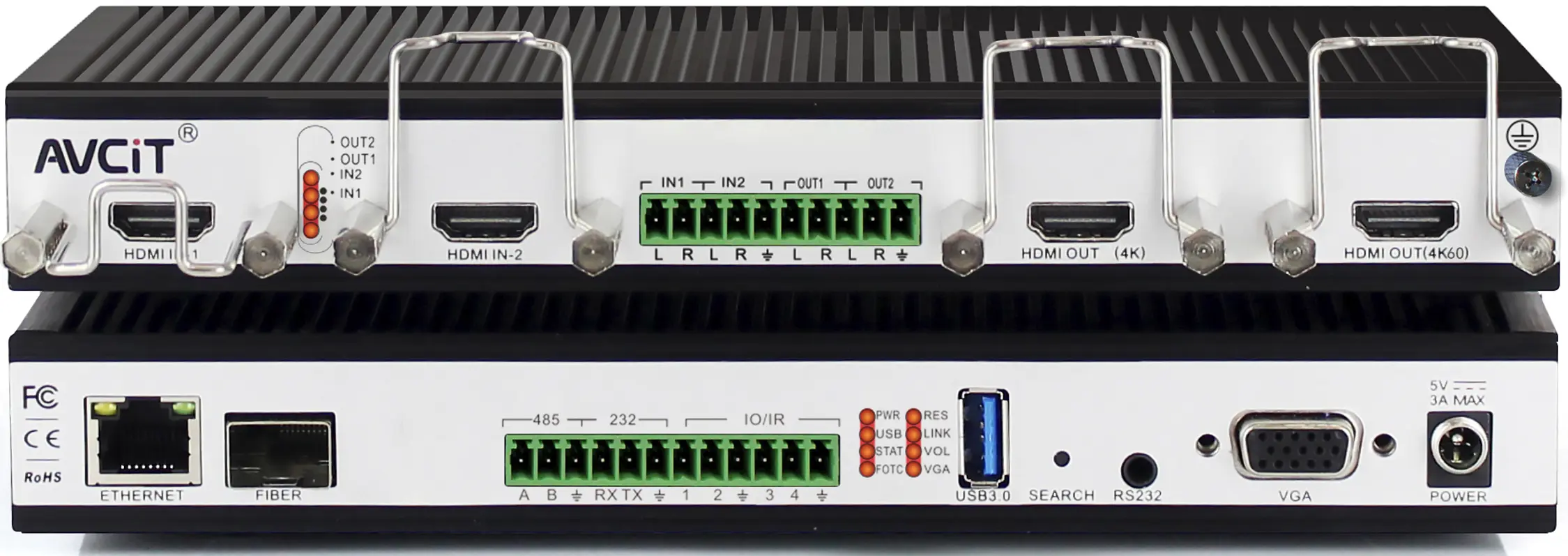 4K HDMI Dual Channel Codec
 8K HDMI Decoder
 2K KVM Encoder - HDMI
 2K KVM Encoder - DVI
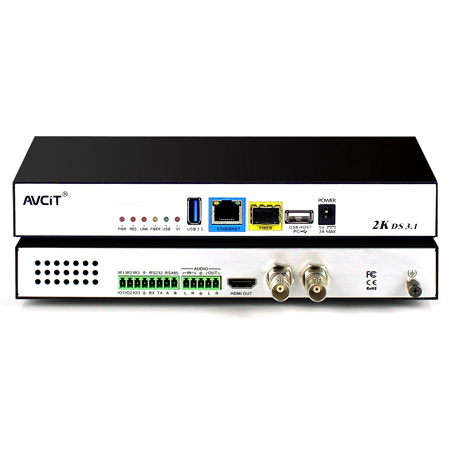 2K KVM Encoder - SDI
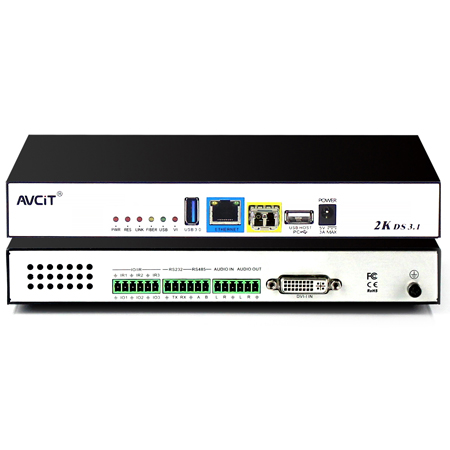 2K KVM Encoder - DVI-I(VGA)
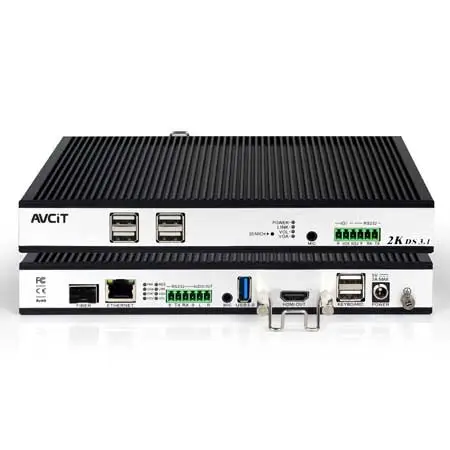 2K KVM Decoder - HDMI
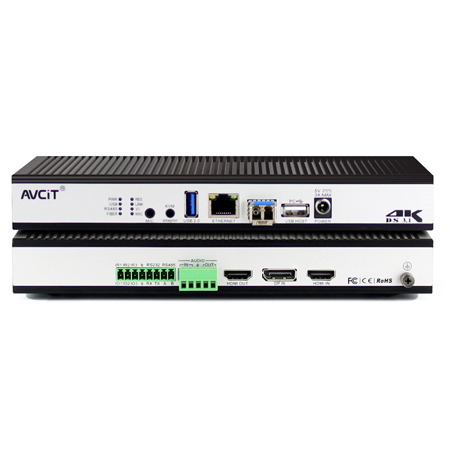 4K KVM Encoder - HDMI + DP
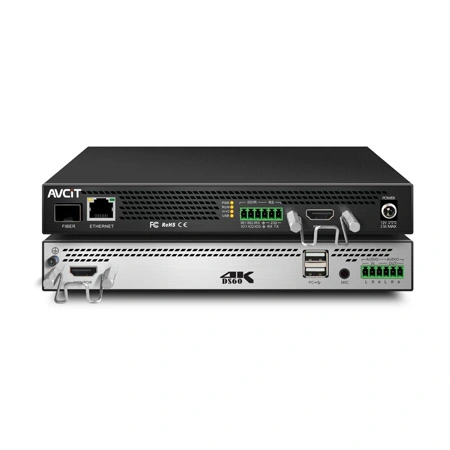 4K@60 KVM Encoder - HDMI
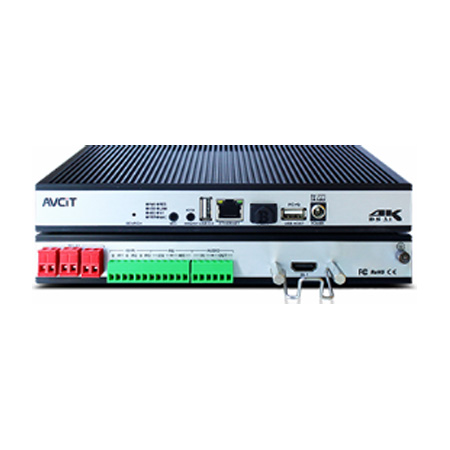 4K KVM Encoder - HDMI + HDMI
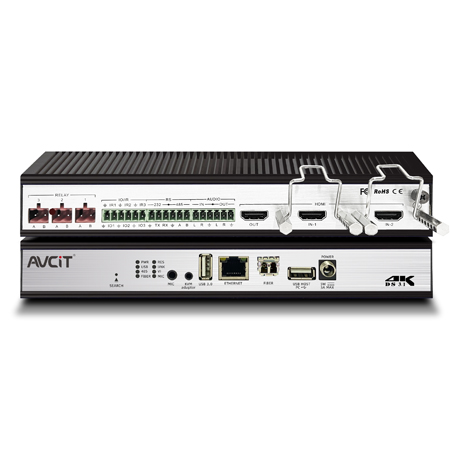 4K KVM Encoder - HDMI
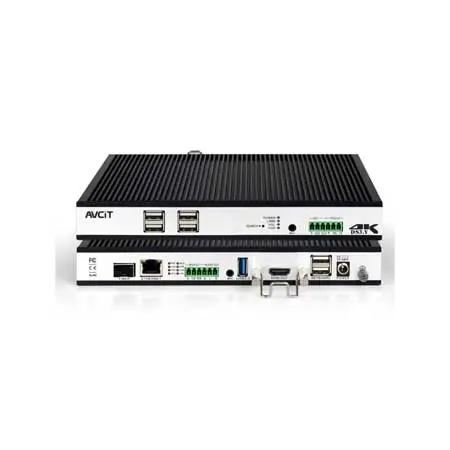 4K KVM Decoder - HDMI
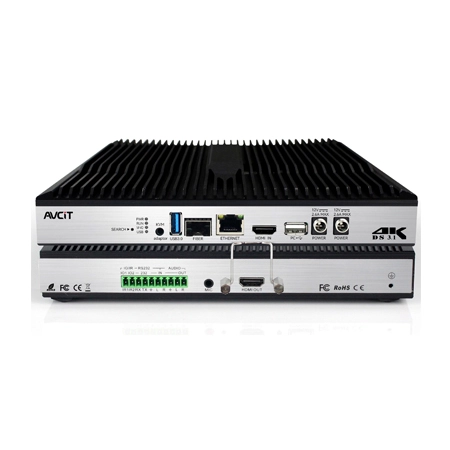 4K60 4:4:4 KVM Encoder - HDMI
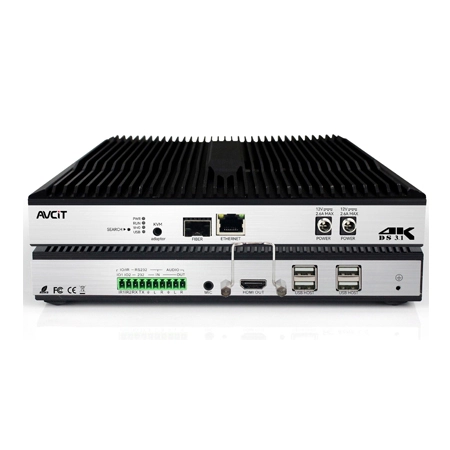 4K60 4:4:4 KVM Decoder-HDMI
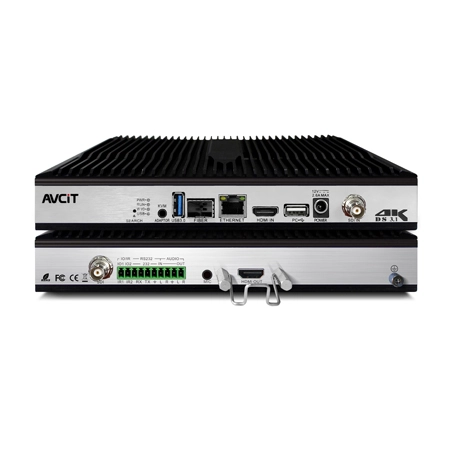 4K60 4:4:4 KVM Encoder - HDMI + SDI
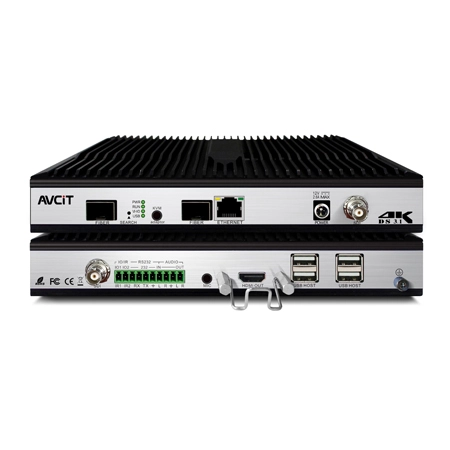 4K60 4:4:4 KVM Decoder - HDMI + SDI
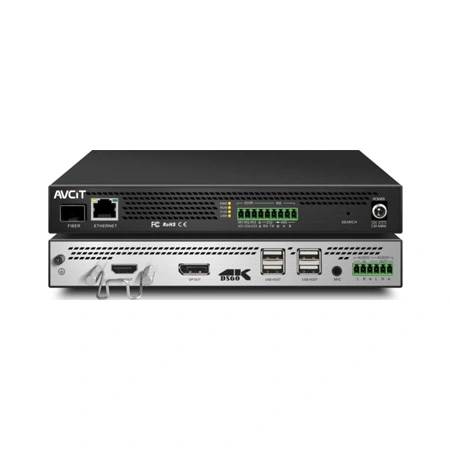 5K KVM Decoder - HDMI +DP
 Phinx-36 Ports Fiber KVM Matrix
 Phinx-72 Ports Fiber KVM Matrix
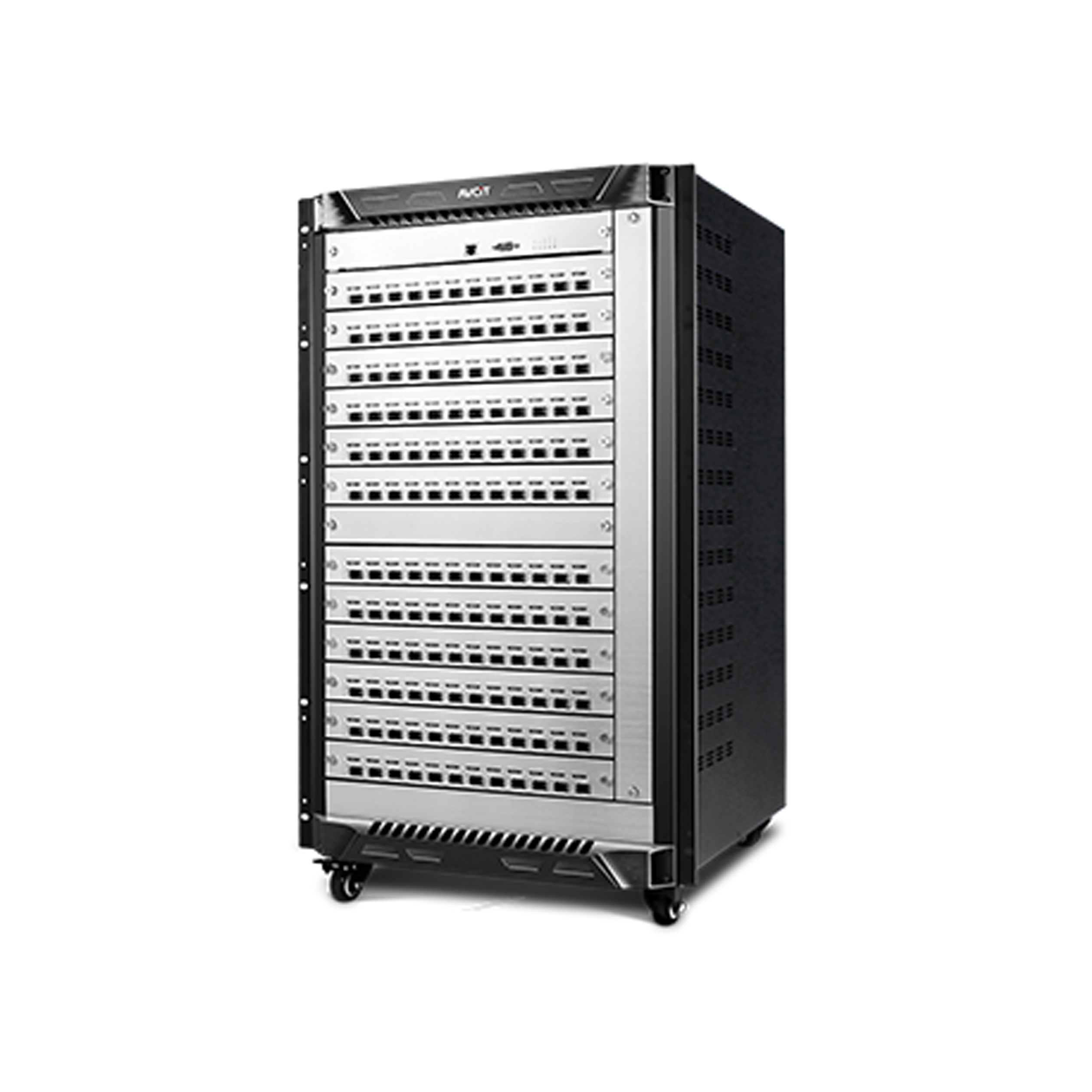 Phinx-144 Ports Fiber KVM Matrix
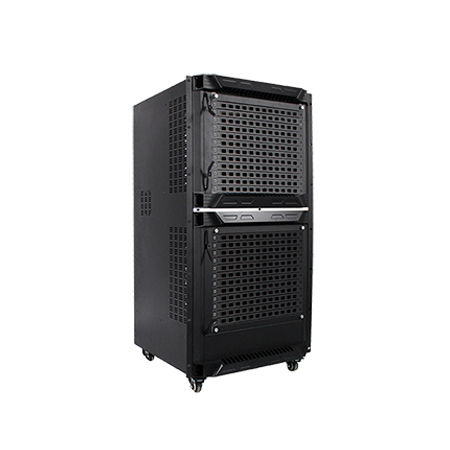 Phinx-288 Ports Fiber KVM Matrix
 Phinx-576 Ports Fiber KVM Matrix
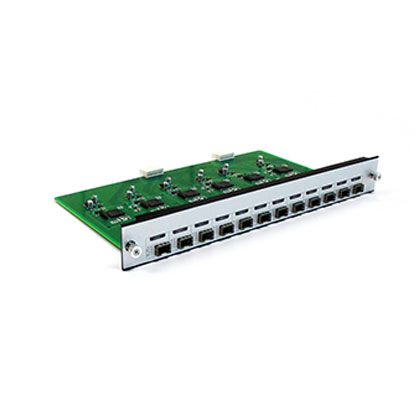 Phinx - I/O SFP Module Card
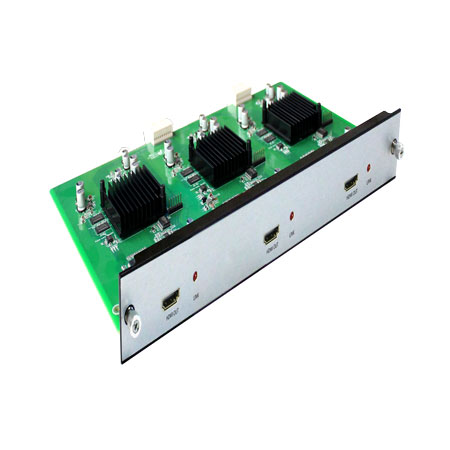 Phinx - Video Wall Control Card
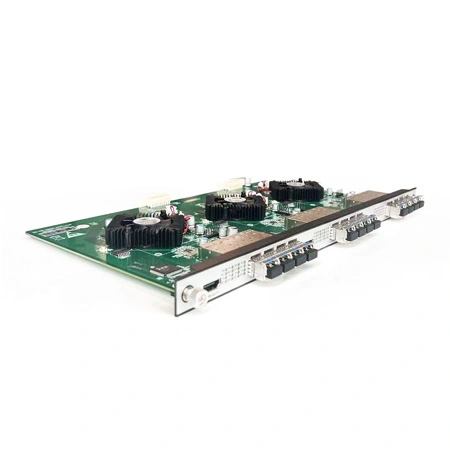 Phinx- Video Wall & SFP Card
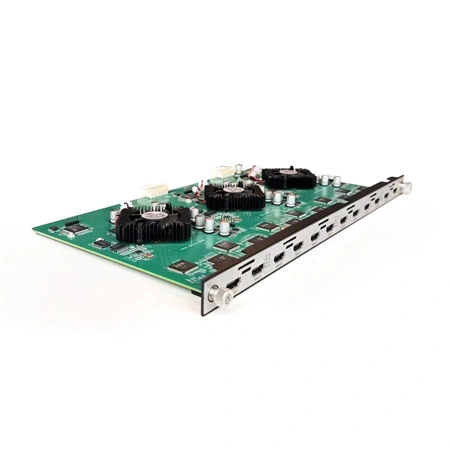 Phinx- Video Card(6IN6OUT)
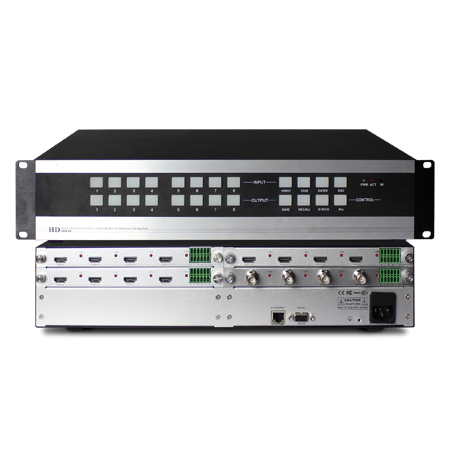 2K Video Wall Matrix - 8x8
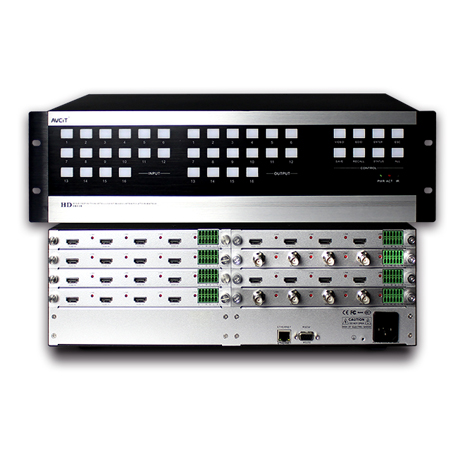 2K Video Wall Matrix - 16x16
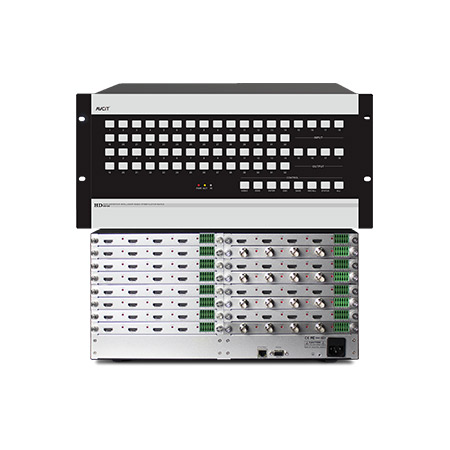 2K Video Wall Matrix - 32x32
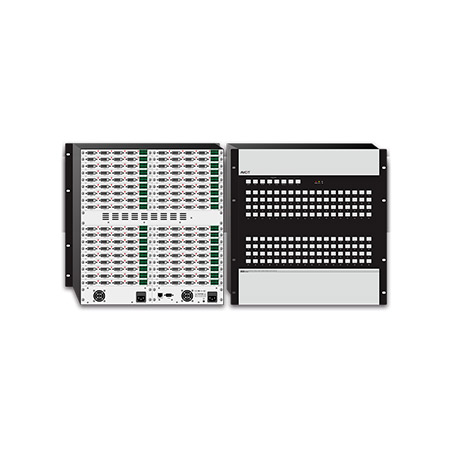 2K Video Wall Matrix - 72x72
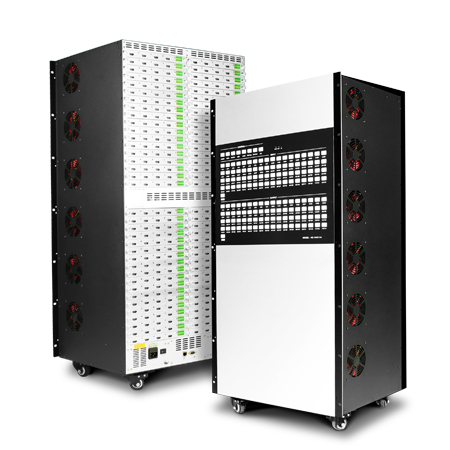 2K Video Wall Matrix - 144x144
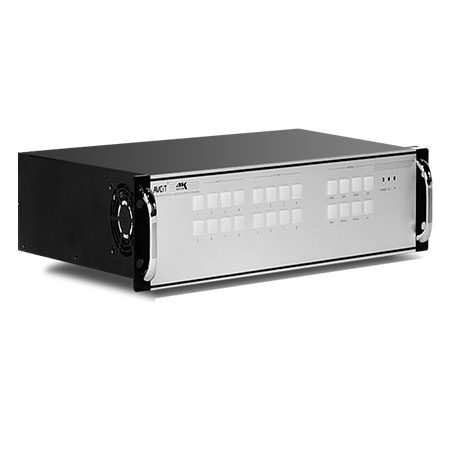 4K Video Matrix Switcher - 8x8
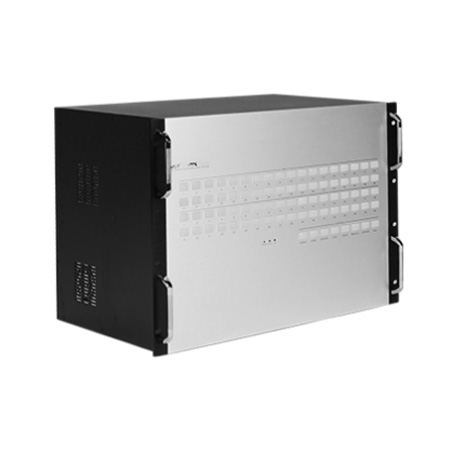 4K Video Matrix Switcher - 36x36
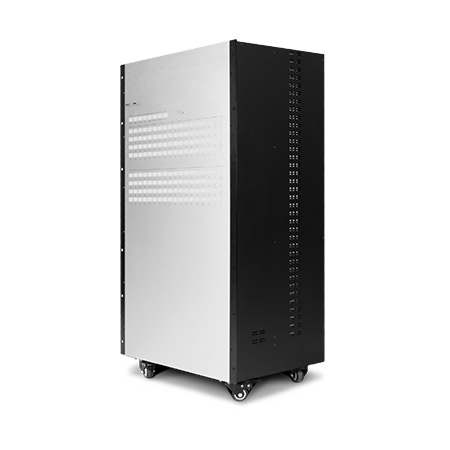 4K Video Matrix Switcher - 72x72
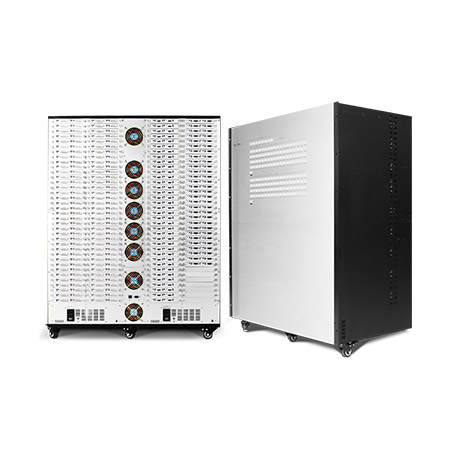 4K Video Matrix Switcher - 144x144
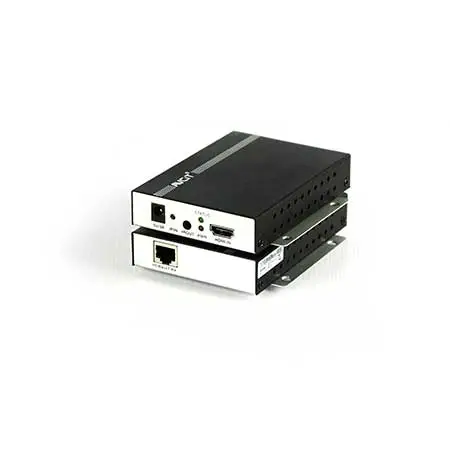 Mixing UHD - 4K HDBT Extender
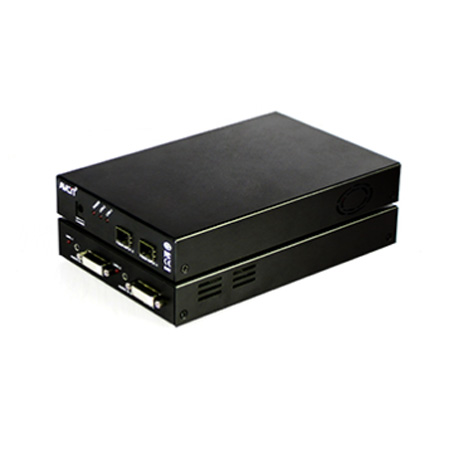 Mixing UHD - 4K Fiber Extender
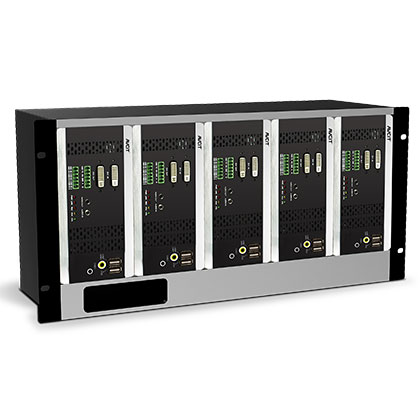 Rack Mounting Kit
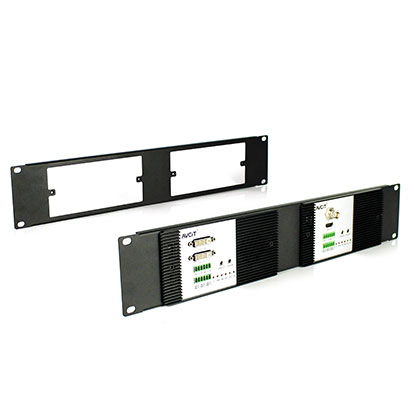 Wall Mounting Kit












 EN
EN
 es
es  th
th
Blog
Join us
FAQs

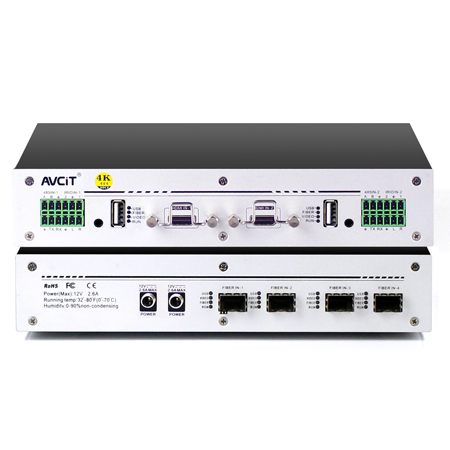 4K KVM Transmitter-HDMI
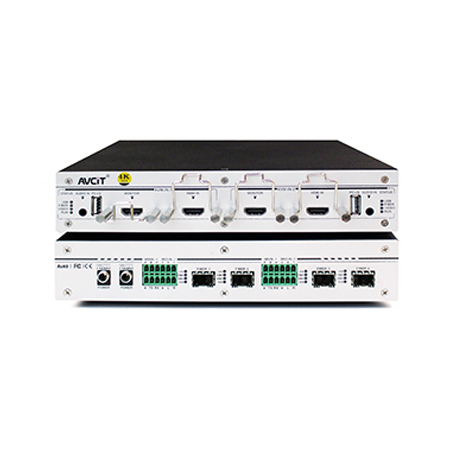 4K KVM Transmitter-HDMI+HDMI LOOP
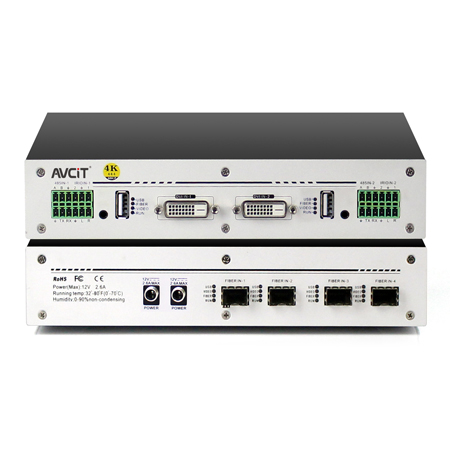 4K KVM Transmitter-DVI
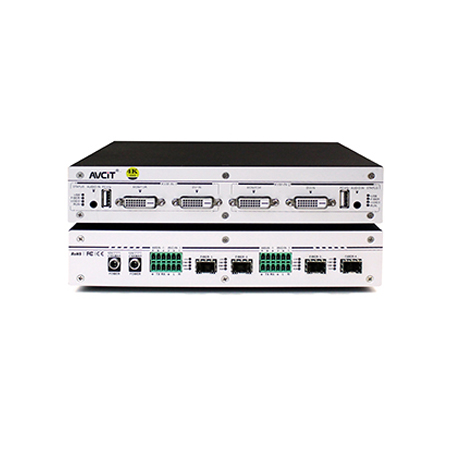 4K KVM Transmitter-DVI+DVI LOOP
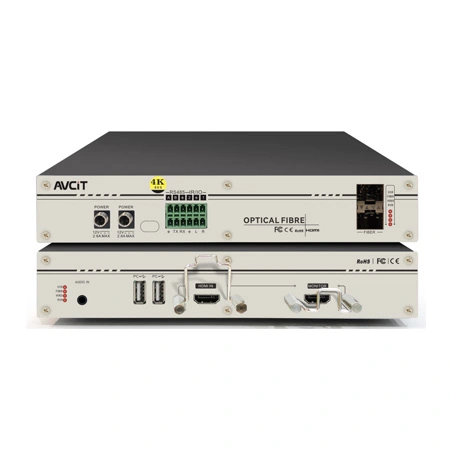 4K60 KVM Transmitter - HDMI
 2K KVM Transmitter-VGA
 4K KVM Receiver-HDMI
 4K KVM Receiver-DVI
 Quad-view KVM Receiver-HDMI
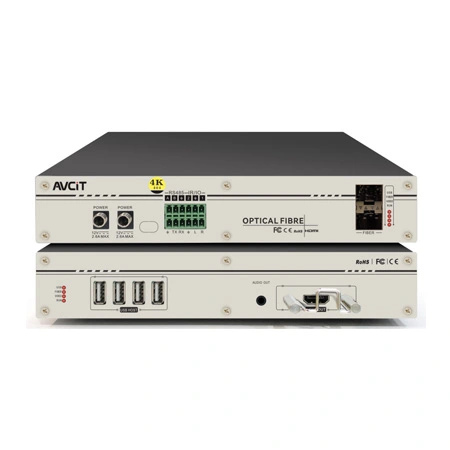 4K60 KVM Receiver - HDMI
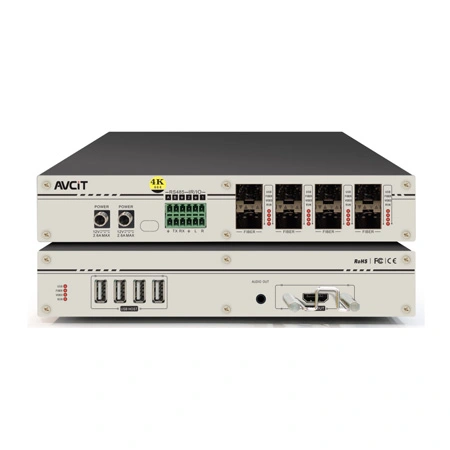 4K60 Quad-view KVM Receiver
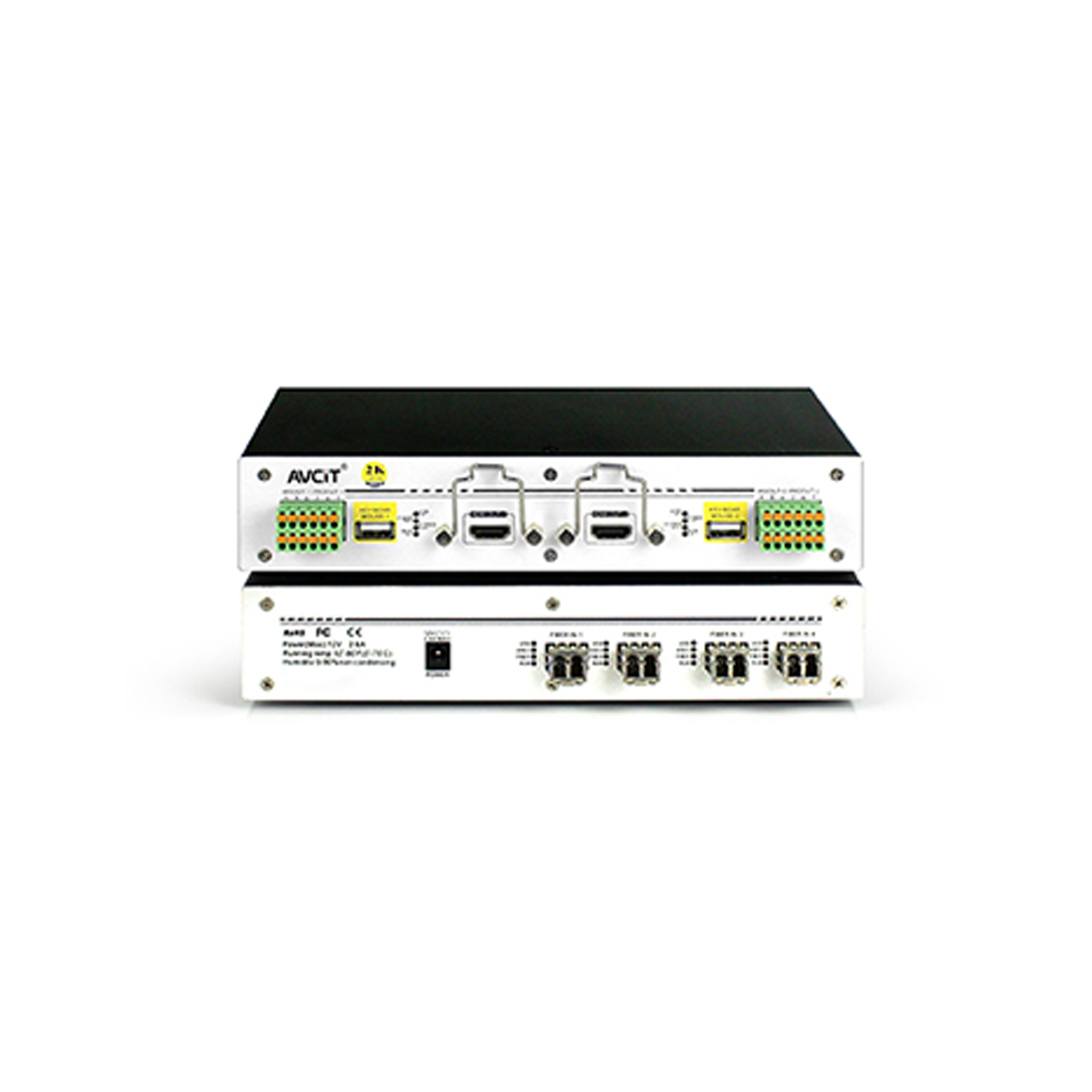 2K KVM Receiver-HDMI
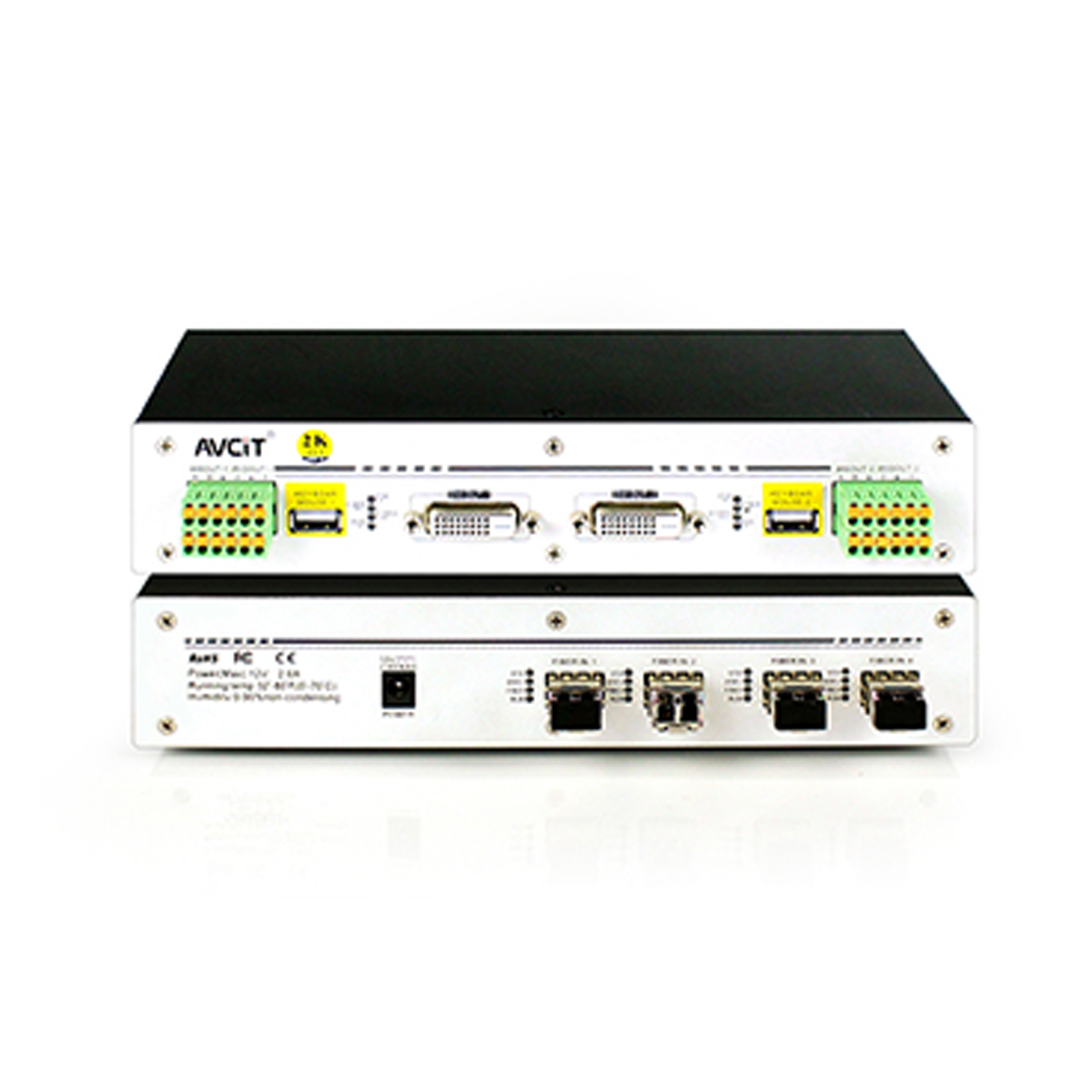 2K KVM Receiver-DVI
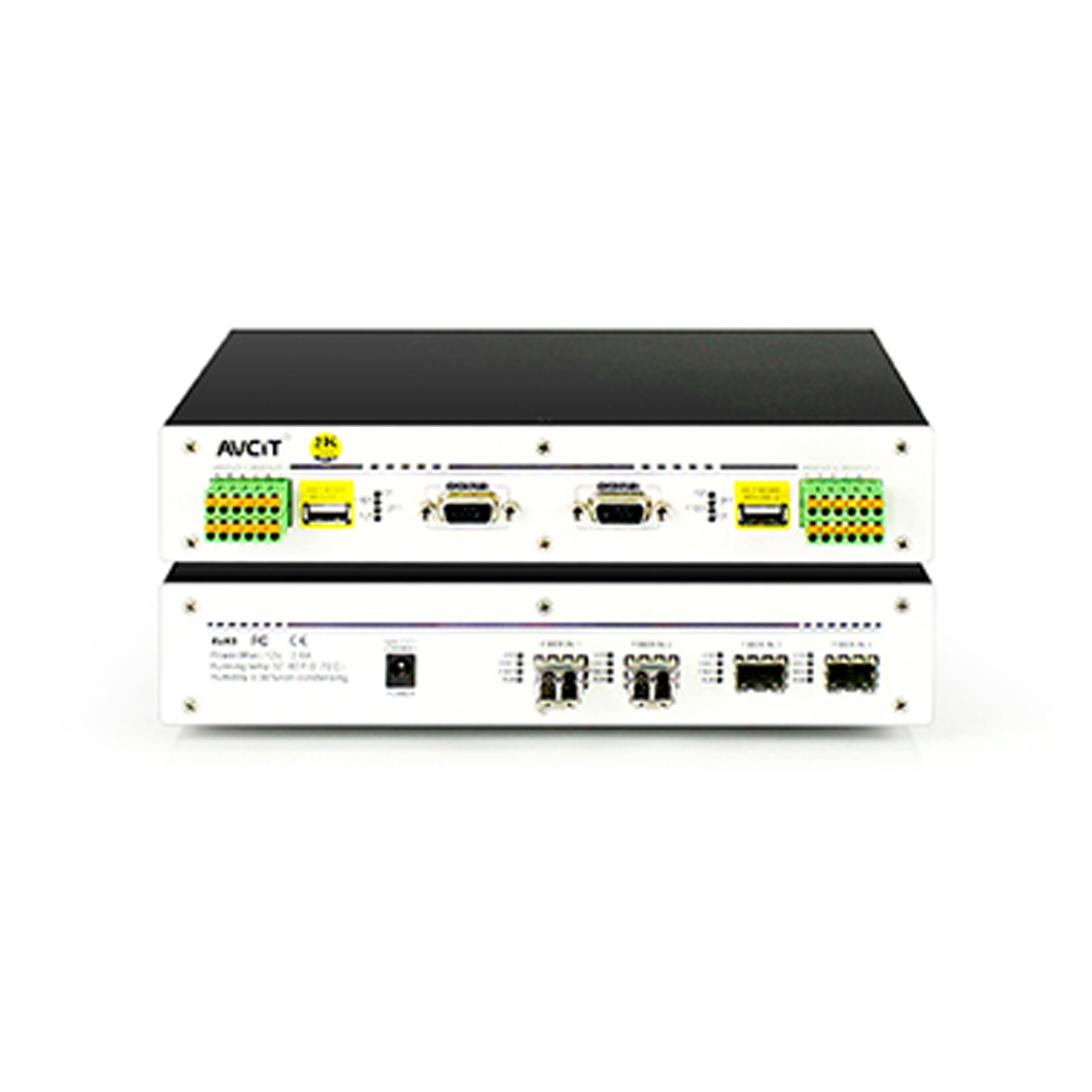 2K KVM Receiver-VGA
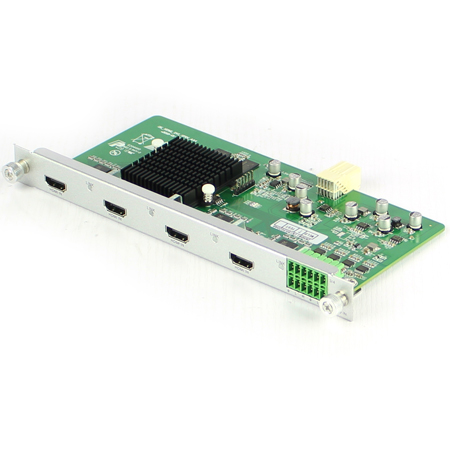 Mixing HD-2K HDMI Input Card
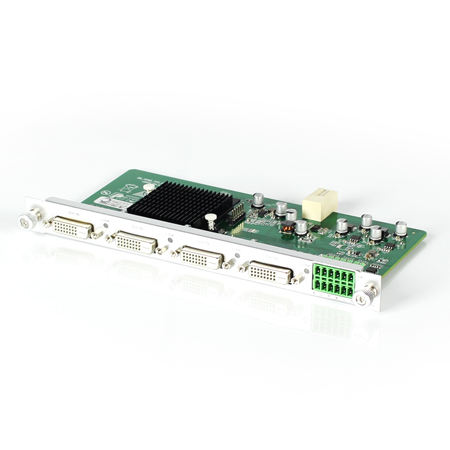 Mixing HD-2K DVI Input Card
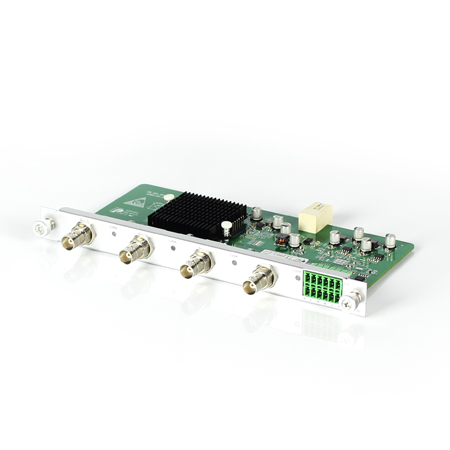 Mixing HD-2K SDI Input Card
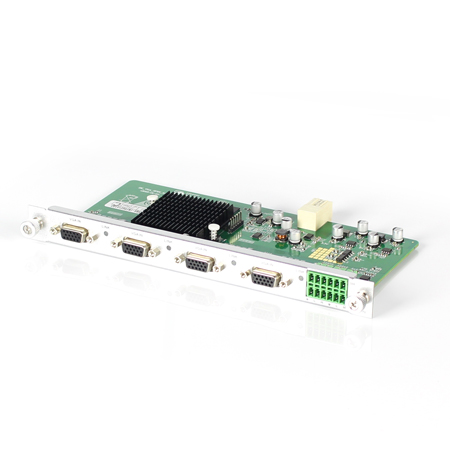 Mixing HD-2K VGA Input Card
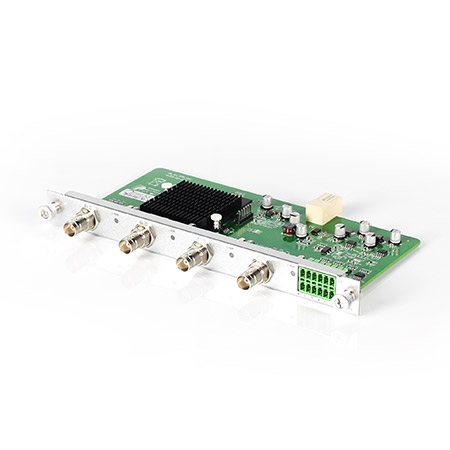 Mixing HD-2K AV Input Card
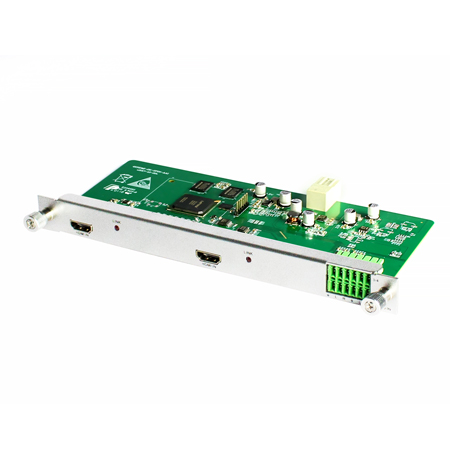 Mixing HD-HDMI UHD Input Card
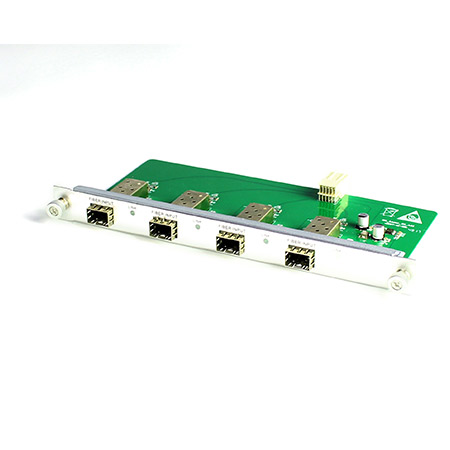 Mixing HD-Fiber Input Card
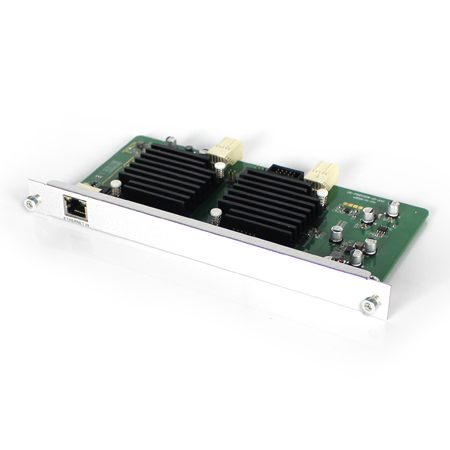 Mixing HD-IP Input Card
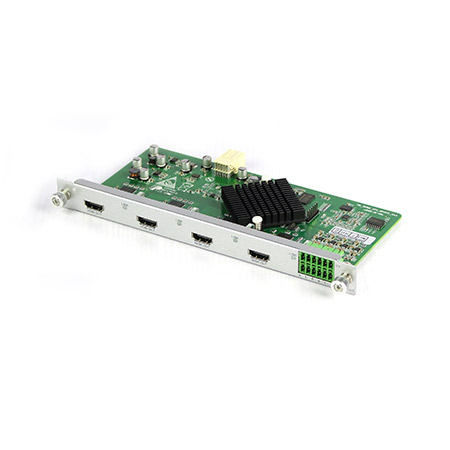 Mixing HD-HDMI Output Card
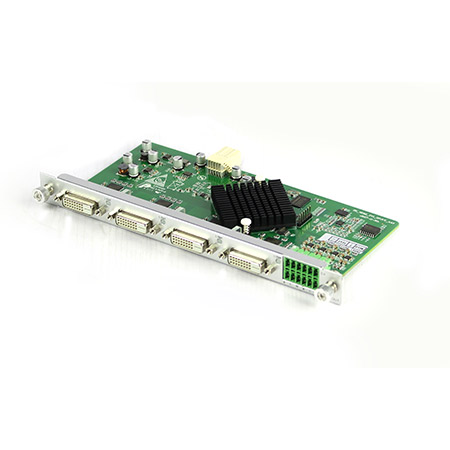 Mixing HD-DVI Output Card
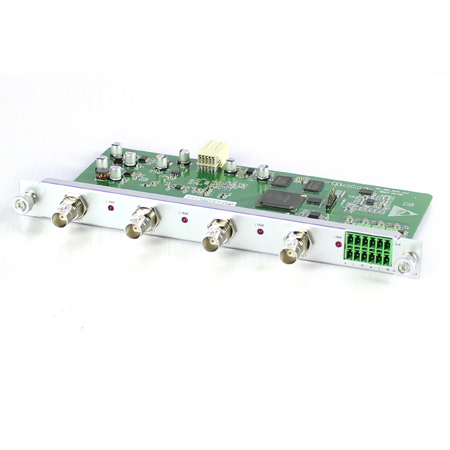 Mixing HD-SDI Output Card
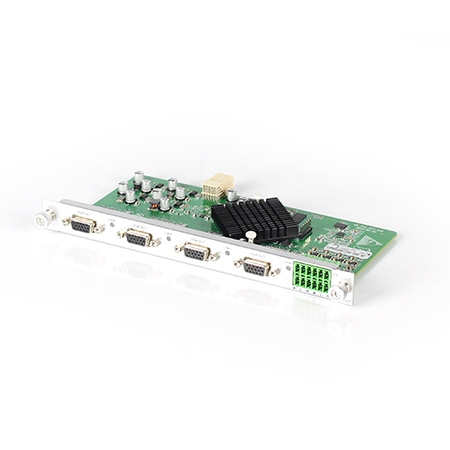 Mixing HD-VGA Output Card
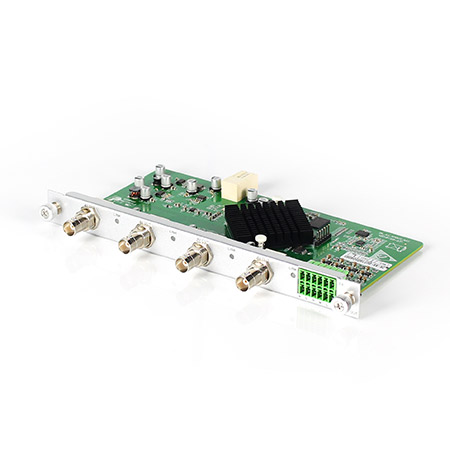 Mixing HD-AV Output Card
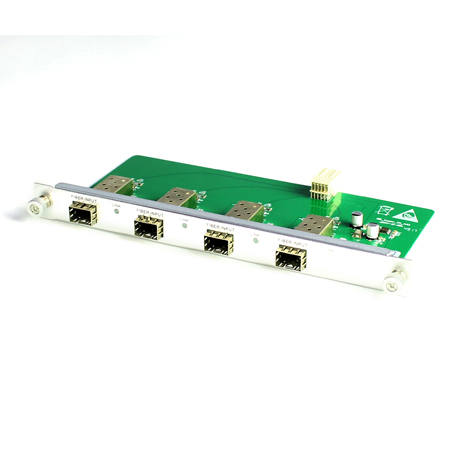 Mixing HD-Fiber Output Card
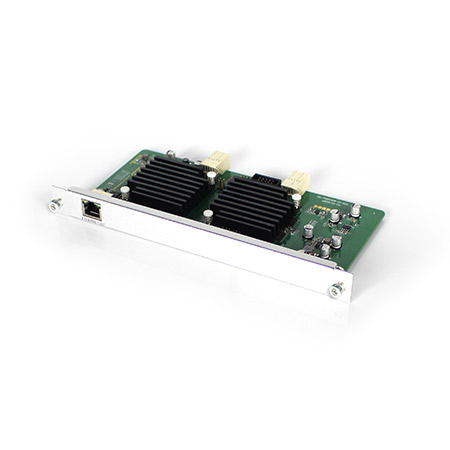 Mixing HD-IP Output Card
Mixing HD-HDMI Video Wall Control Card (2 channel)
Mixing HD-IP Output Card
Mixing HD-HDMI Video Wall Control Card (2 channel)
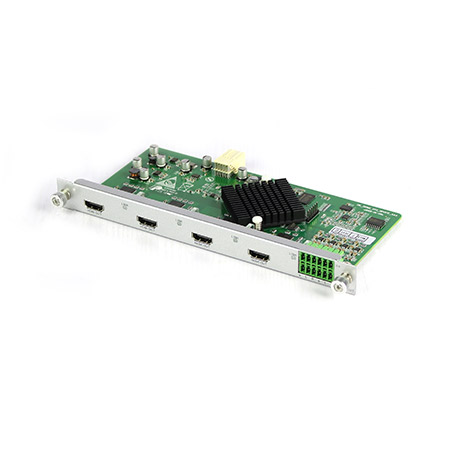 Mixing HD-HDMI Video Wall Control Card (1 channel)
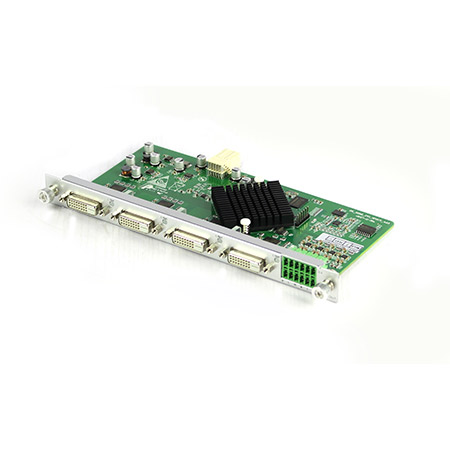 Mixing HD-DVI Video Wall Control Card (2 channel)
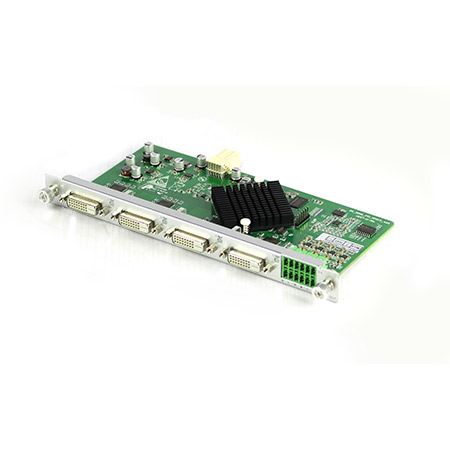 Mixing HD-DVI Video Wall Control Card (1 channel)
 Mixing UHD - HDMI Input Card
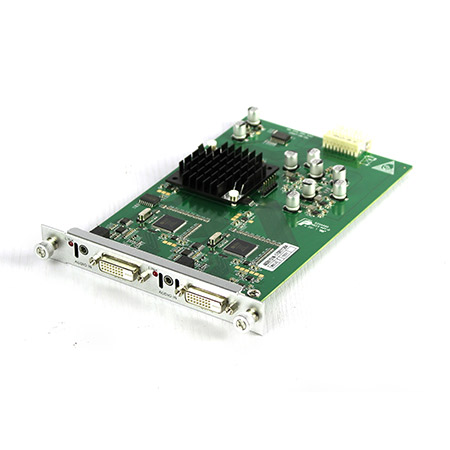 Mixing UHD - DVI Input Card
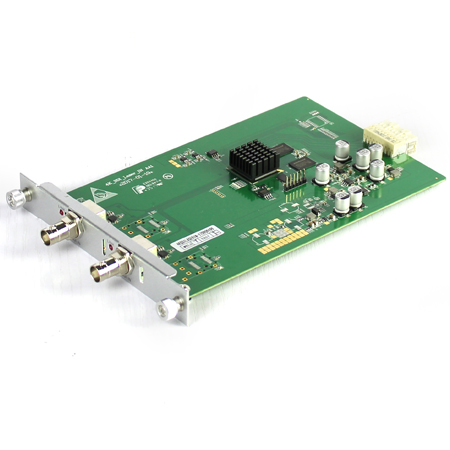 Mixing UHD - SDI Input Card
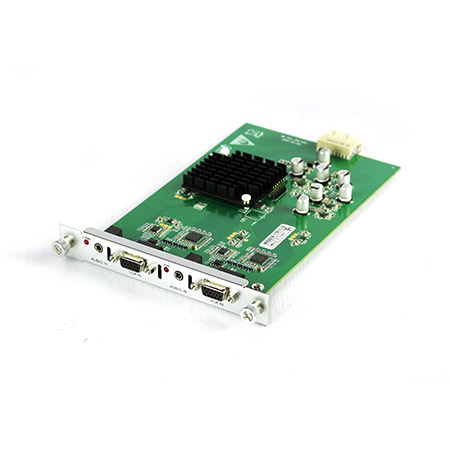 Mixing UHD - VGA Input Card
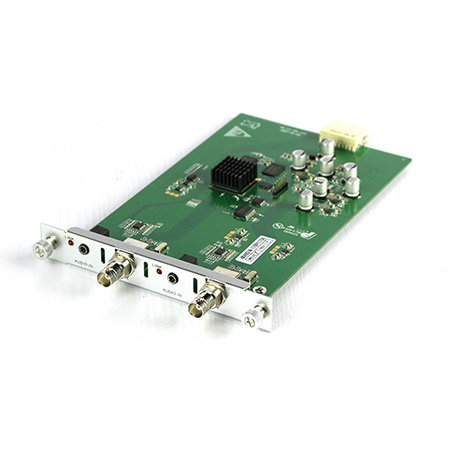 Mixing UHD - AV Input Card
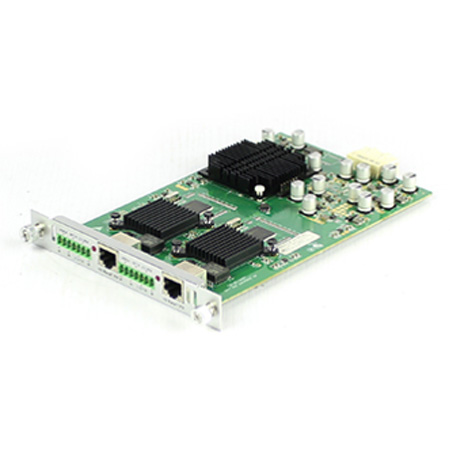 Mixing UHD - HDBT Input Card
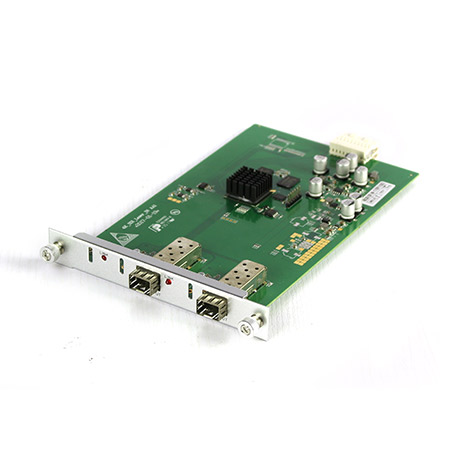 Mixing UHD - Fiber Input Card
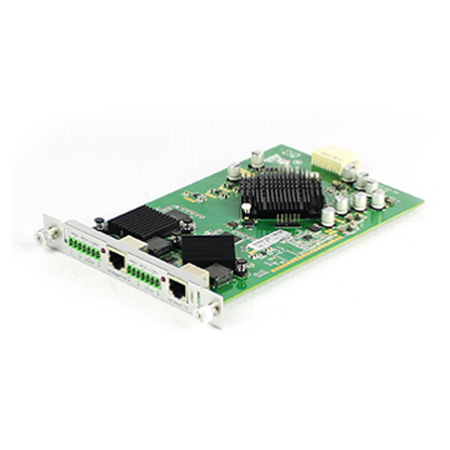 Mixing UHD - HDBT Output Card
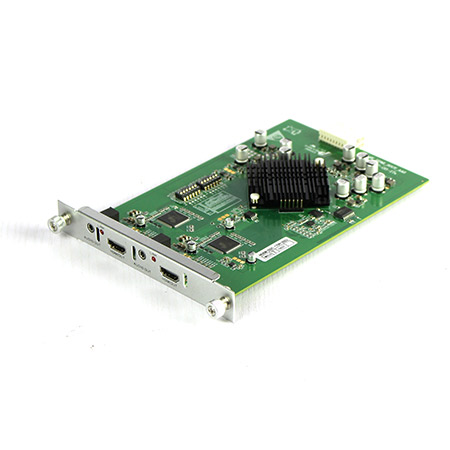 Mixing UHD - HDMI Output Card
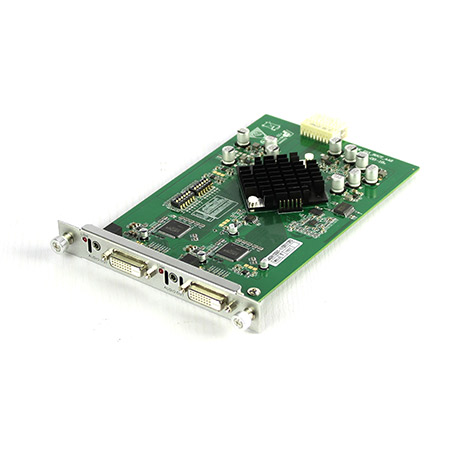 Mixing UHD - DVI Output Card
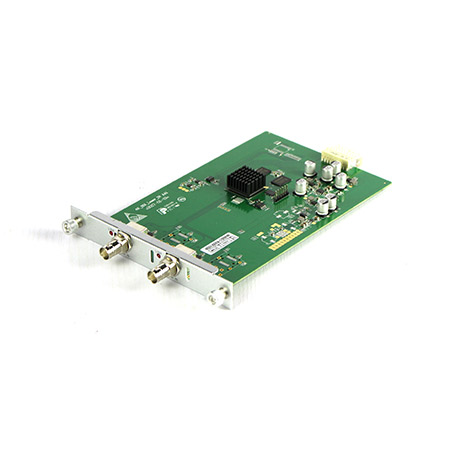 Mixing UHD - SDI Output Card
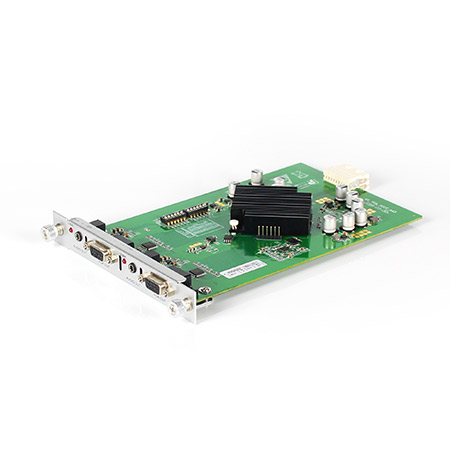 Mixing UHD - VGA Output Card
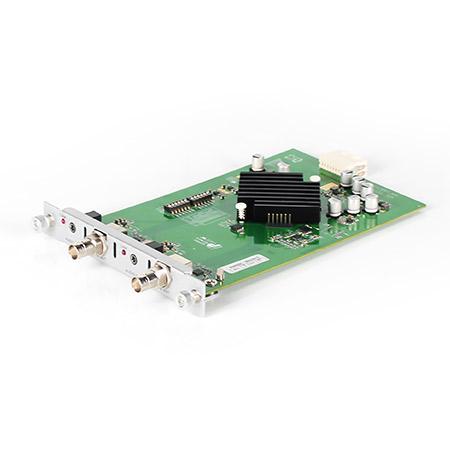 Mixing UHD - AV Output Card
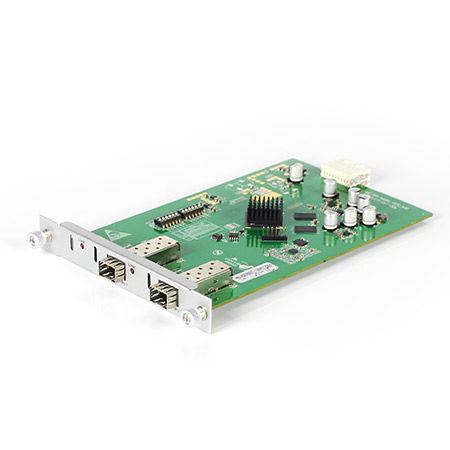 Mixing UHD - Fiber Output Card
The main GRC risks are audit exposure, incomplete incident evidence and unclear accountability. In critical operations, the incident itself is only part of the problem. The larger exposure appears when teams cannot prove when the event started, who saw it, how it was escalated and what evidence supports the response.
Most asset-heavy sites already have cameras, control systems, operator workstations and incident records. The issue is that these records often sit across disconnected systems. A camera may show the event, a manual log may describe part of the response and an operator may remember the sequence, but those fragments do not always form a complete evidentiary record when regulators, insurers or executives ask for accountability.
Incident accountability is difficult because people, systems and evidence are often disconnected during the moment that matters most. Operators may be watching the screen, speaking to another team, escalating the issue and trying to keep a record at the same time. Details can be missed because the priority is to control the situation.
The systems do not always close the gap. CCTV footage, alarm records, access activity and operator actions may all exist, but they often sit in different places. When the review starts, the organization has to piece together the story manually.
That is where accountability becomes difficult to prove. A response may have happened, but the organization still needs to show who was involved, what they saw, what action was taken and what evidence supports it.
GRC becomes more proactive when organizations identify risk earlier, while teams can still respond. Fire, smoke, intrusion and PPE non-compliance should not only appear in reports after an incident has already disrupted operations.
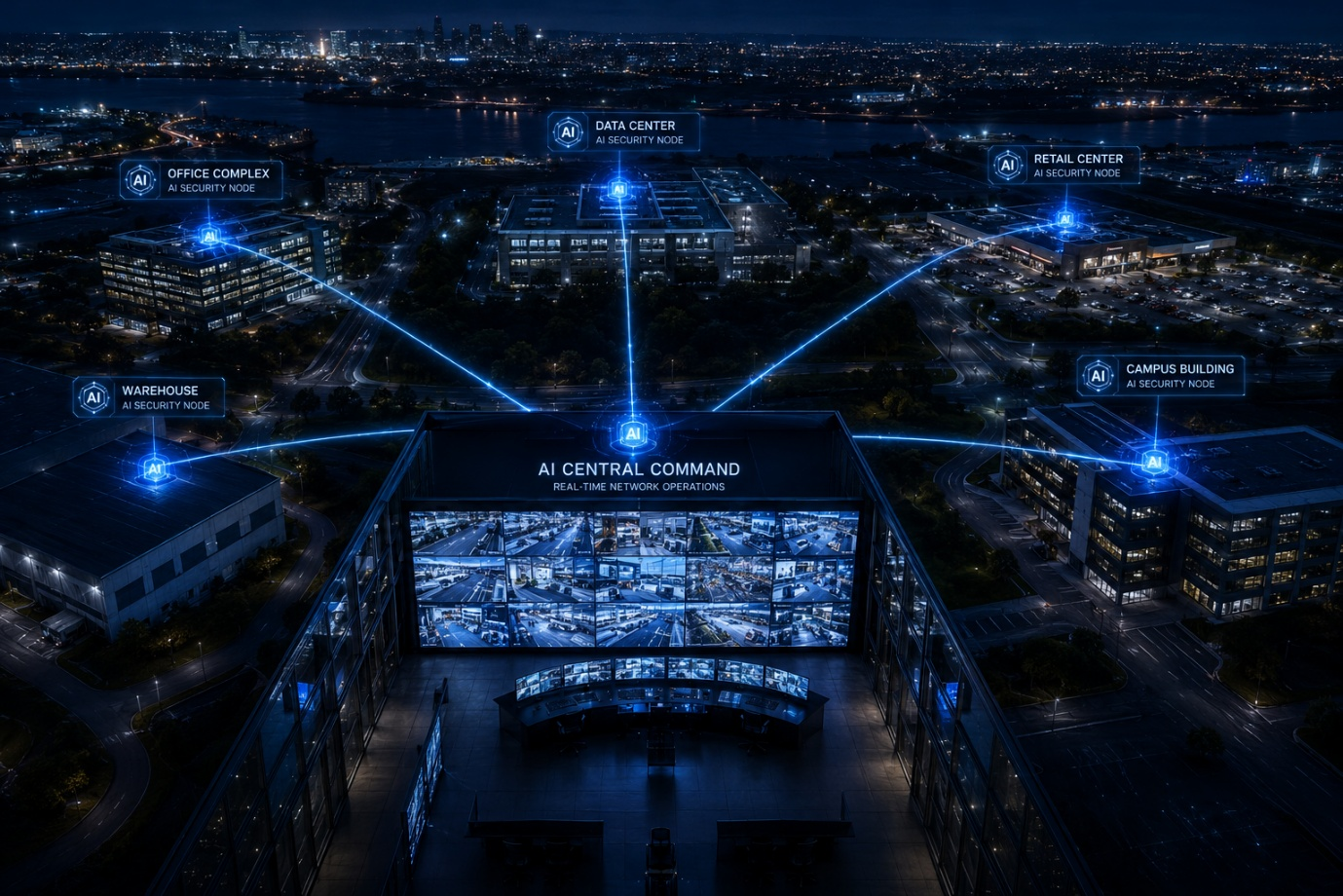
AVCiT's AI Box supports proactive risk management by detecting defined risk events across existing camera feeds. Instead of relying only on operators to identify every exception manually, the system helps surface events that need attention.
Those events can also become usable records. When detections are logged and exported to Excel, compliance teams have a clearer view of what was detected, when it happened and where follow-up may be needed.
Teams need evidence that can stand up in a review: what happened, when it happened, where it happened and what visual evidence supports the event.
AVCiT's AI edge computing platform helps create that record at the point of detection. When a risk event is identified, the system can capture metadata, annotated snapshots, raw images and configurable video clips, so teams are not relying only on manual screenshots or a later search through continuous footage.
For operations and compliance teams, this makes the evidence easier to use. The event record can show the detected risk, the time, the source camera and the supporting image or video, giving teams a clearer basis for incident review, escalation and reporting.
Because sensitive footage is part of the risk. Critical environments may capture employees, contractors, vehicles, restricted zones and operational processes. If that footage has to leave the organization's own network for analysis, data control becomes harder to prove.
AVCiT's AI edge surveillance system processes video on-site, so event data can remain within the organization's controlled environment. This supports data sovereignty and reduces reliance on external cloud servers for analysis.
It also supports continuity. When internet or cloud connectivity is unstable, local processing allows detection to continue within the site environment. Local encryption and distributed architecture help reduce single-point exposure, keeping critical event processing closer to where the risk occurs.
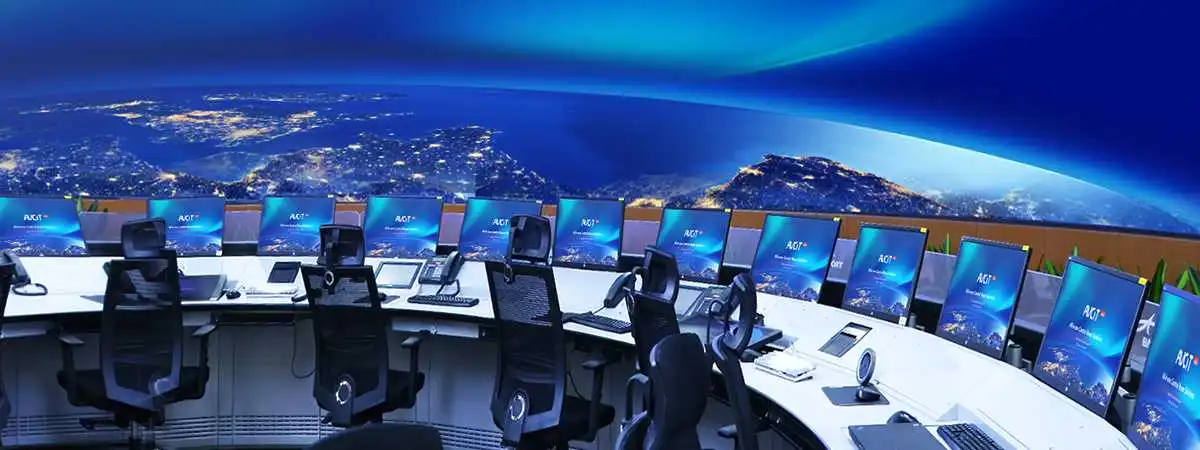
Critical systems should not be accessible to everyone who can reach the workstation. In control rooms and operations centers, a single operator may have access to live sources, alarms, production systems, security feeds or infrastructure controls. If access is too broad, the organization increases the risk of unauthorized action, unclear responsibility and inconsistent response.
AVCiT's IP-based KVM supports role-based access control, so each operator only sees and controls the systems they are authorized to manage. This helps organizations align system access with roles, responsibilities and operating procedures.
AI security systems improve audit readiness when they create records that can be reviewed without rebuilding the incident manually. Alerts, images, metadata and event logs need to flow into the dashboards, video walls, third-party platforms and reporting workflows teams already use.
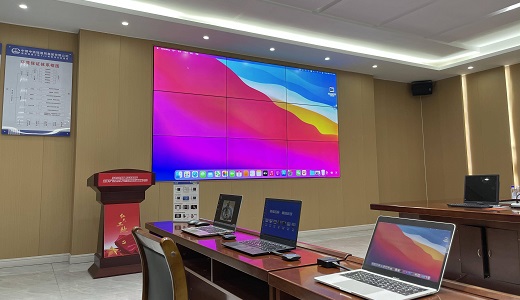
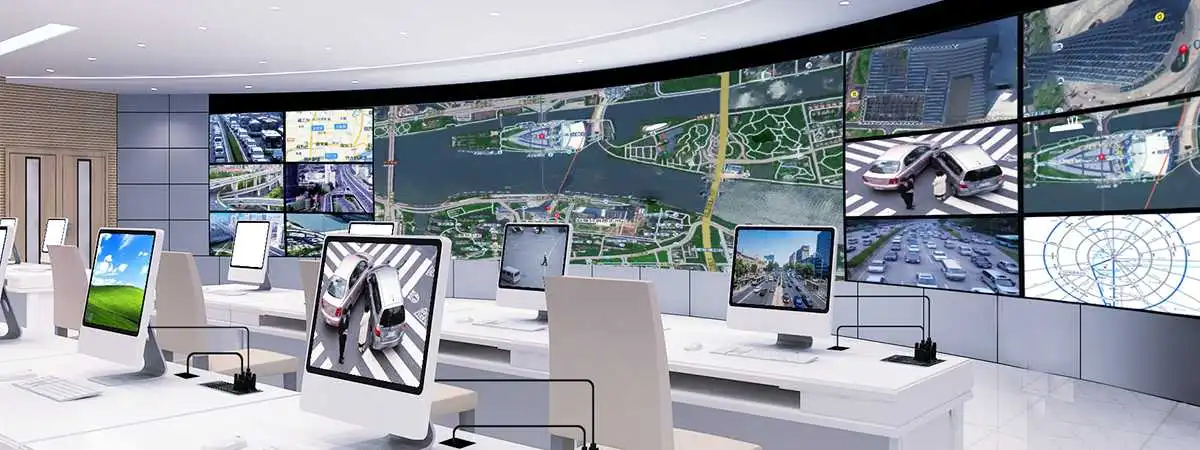
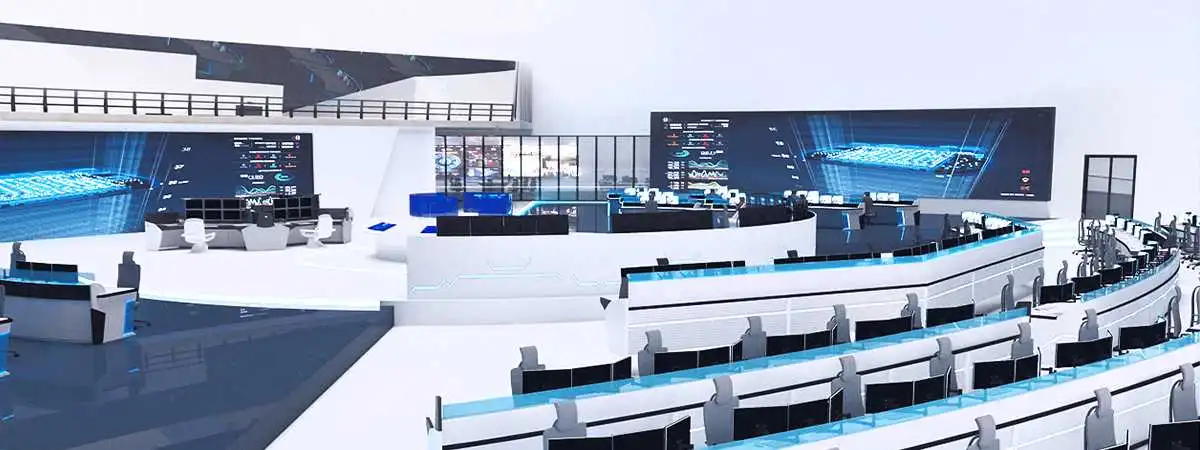
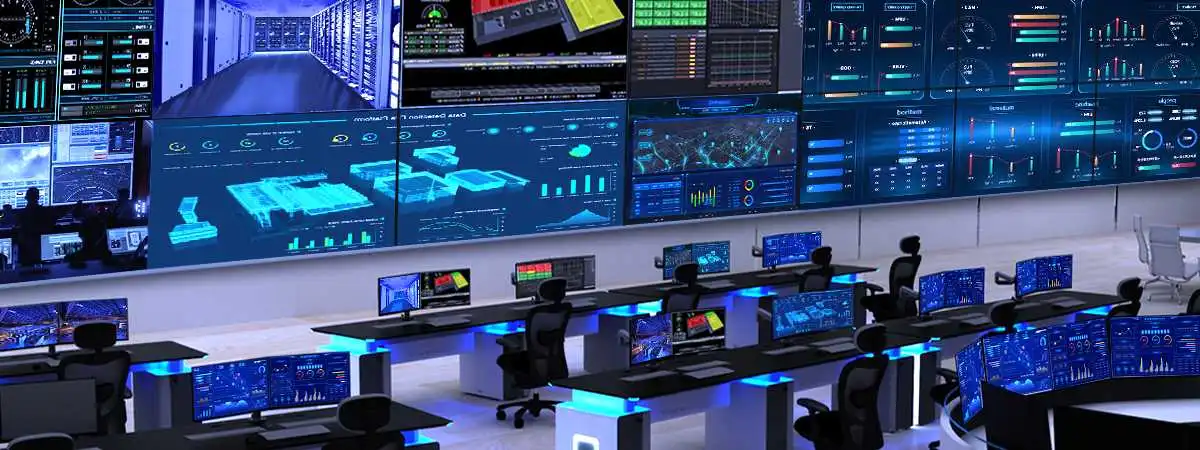
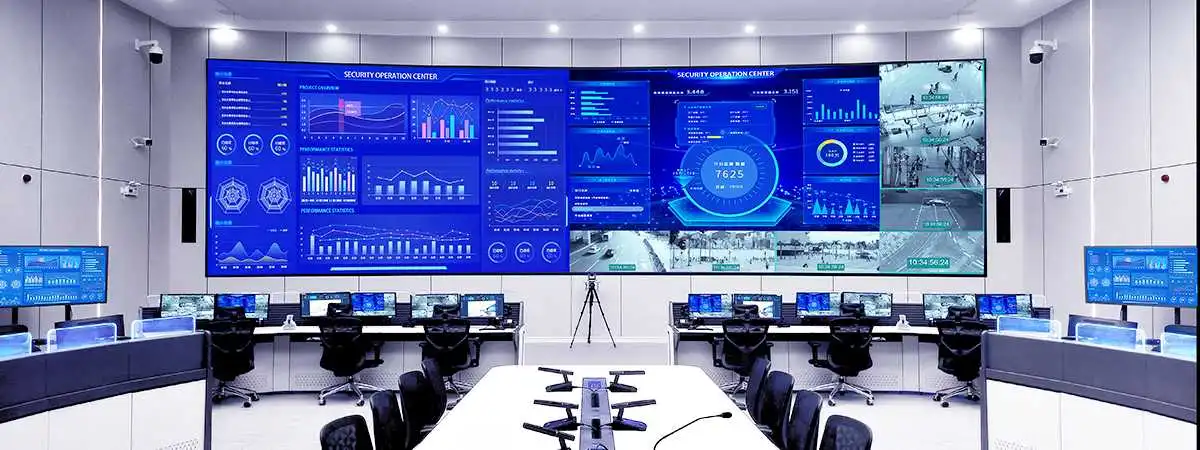
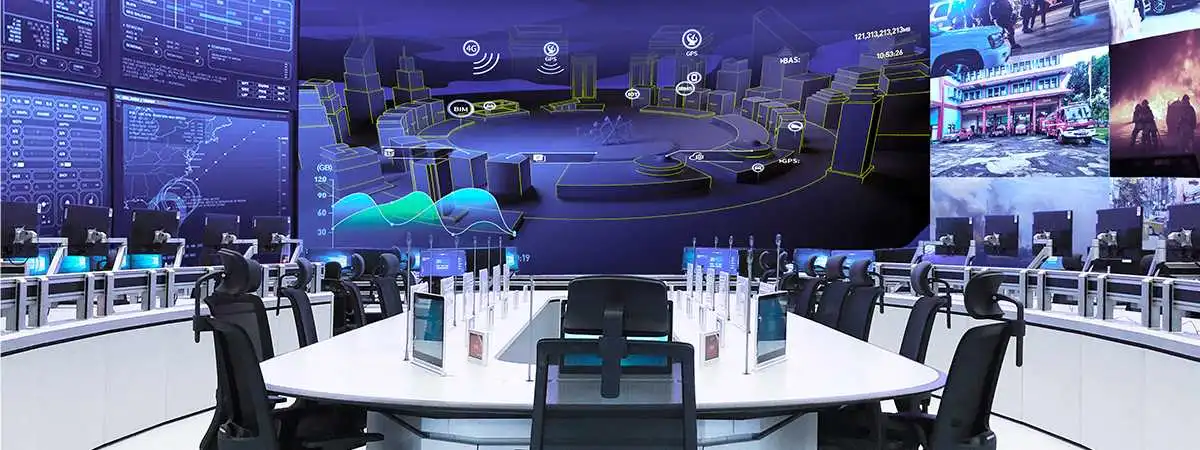
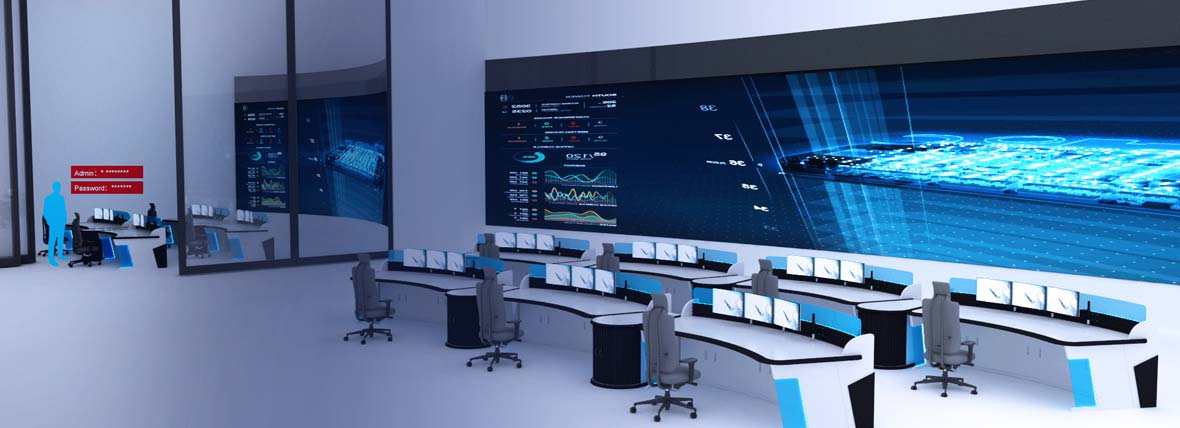
AVCiT brings detection, evidence capture, access control and visual response together as an operational infrastructure layer. AI Box detects and documents risk events. IP-based KVM supports authorized access to systems. AVCiT's Video Wall Controller gives operators a shared view for response and escalation.
The AVCiT AI edge computing surveillance solution for CR Land shows how this approach can scale. The deployment upgraded more than 3,000 cameras across multiple sites and achieved documented fire and smoke detection outcomes. While each organization has its own compliance obligations, the case shows how existing camera infrastructure can support broader risk visibility and operational accountability.
Technology only supports GRC when it reflects real operating conditions. Site risks, operator roles, alert workflows and reporting requirements should shape how systems are configured.
For operations and compliance leaders, the test is practical. Can your systems produce visibility, access trails and evidentiary records when audits, incident reviews or board-level risk questions arise? If not, the gap is not only technical. It is a governance exposure.
Contact the AVCiT team today to discuss how AI Box, IP-based KVM and video wall control can help your organization strengthen incident evidence, access accountability and GRC-ready operational records.