AIVC-16CH AI BOX
 32CH CSN AI NVR
 Portable Video Analysis Box
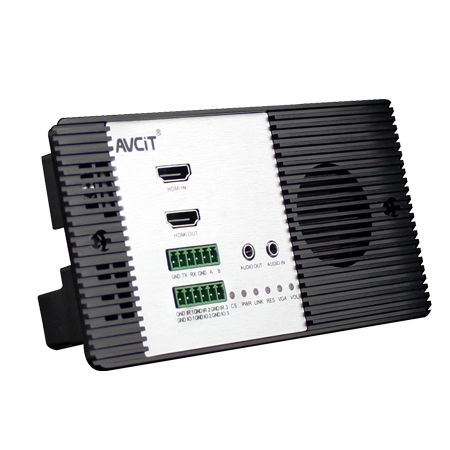
 2K HDMI Video Codec
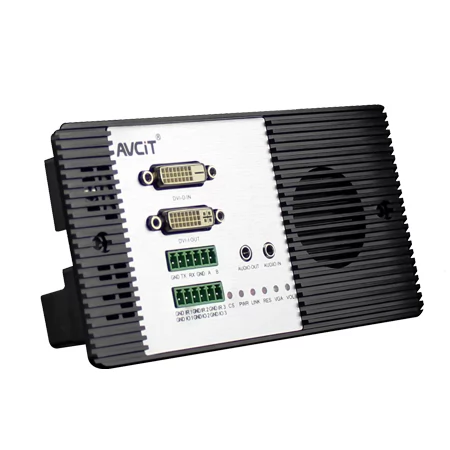
 2K DVI Video Codec
 2K SDI Video Codec
 2K HDMI Video Encoder
 2K DVI Video Encoder
 2K SDI Video Encoder
 2K VGA Video Encoder
 2K Video Wall Decoder (HDMI+DVI)
 4K HDMI Video Encoder
 4K HDMI Video Decoder
 4K HDMI Video Wall Decoder
 4K HDMI + DVI Video Wall Decoder
 4K HDMI Dual Channel Codec
 8K HDMI Decoder
 2K KVM Encoder - HDMI
 2K KVM Encoder - DVI
 2K KVM Encoder - SDI
 2K KVM Encoder - DVI-I(VGA)
 2K KVM Decoder - HDMI
 4K KVM Encoder - HDMI + DP
 4K@60 KVM Encoder - HDMI
 4K KVM Encoder - HDMI + HDMI
 4K KVM Encoder - HDMI
 4K KVM Decoder - HDMI
 4K60 4:4:4 KVM Encoder - HDMI
 4K60 4:4:4 KVM Decoder-HDMI
 4K60 4:4:4 KVM Encoder - HDMI + SDI
 4K60 4:4:4 KVM Decoder - HDMI + SDI
 5K KVM Decoder - HDMI +DP
 Phinx-36 Ports Fiber KVM Matrix
 Phinx-72 Ports Fiber KVM Matrix
 Phinx-144 Ports Fiber KVM Matrix
 Phinx-288 Ports Fiber KVM Matrix
 Phinx-576 Ports Fiber KVM Matrix
 Phinx - I/O SFP Module Card
 Phinx - Video Wall Control Card
 Phinx- Video Wall & SFP Card
 Phinx- Video Card(6IN6OUT)
 2K Video Wall Matrix - 8x8
 2K Video Wall Matrix - 16x16
 2K Video Wall Matrix - 32x32
 2K Video Wall Matrix - 72x72
 2K Video Wall Matrix - 144x144
 4K Video Matrix Switcher - 8x8
 4K Video Matrix Switcher - 36x36
 4K Video Matrix Switcher - 72x72
 4K Video Matrix Switcher - 144x144
 Mixing UHD - 4K HDBT Extender
 Mixing UHD - 4K Fiber Extender
 Rack Mounting Kit
 Wall Mounting Kit
 Conference Server
 Conference Terminal


 EN
 es
 th
Blog
Join us
FAQs

 4K KVM Transmitter-HDMI
 4K KVM Transmitter-HDMI+HDMI LOOP
 4K KVM Transmitter-DVI
 4K KVM Transmitter-DVI+DVI LOOP
 4K60 KVM Transmitter - HDMI
 2K KVM Transmitter-VGA
 4K KVM Receiver-HDMI
 4K KVM Receiver-DVI
 Quad-view KVM Receiver-HDMI
 4K60 KVM Receiver - HDMI
 4K60 Quad-view KVM Receiver
 2K KVM Receiver-HDMI
 2K KVM Receiver-DVI
 2K KVM Receiver-VGA
 Mixing HD-2K HDMI Input Card
 Mixing HD-2K DVI Input Card
 Mixing HD-2K SDI Input Card
 Mixing HD-2K VGA Input Card
 Mixing HD-2K AV Input Card
 Mixing HD-HDMI UHD Input Card
 Mixing HD-Fiber Input Card
 Mixing HD-IP Input Card
 Mixing HD-HDMI Output Card
 Mixing HD-DVI Output Card
 Mixing HD-SDI Output Card
 Mixing HD-VGA Output Card
 Mixing HD-AV Output Card
 Mixing HD-Fiber Output Card
 Mixing HD-IP Output Card
Mixing HD-HDMI Video Wall Control Card (2 channel)
 Mixing HD-HDMI Video Wall Control Card (1 channel)
 Mixing HD-DVI Video Wall Control Card (2 channel)
 Mixing HD-DVI Video Wall Control Card (1 channel)
 Mixing UHD - HDMI Input Card
 Mixing UHD - DVI Input Card
 Mixing UHD - SDI Input Card
 Mixing UHD - VGA Input Card
 Mixing UHD - AV Input Card
 Mixing UHD - HDBT Input Card
 Mixing UHD - Fiber Input Card
 Mixing UHD - HDBT Output Card
 Mixing UHD - HDMI Output Card
 Mixing UHD - DVI Output Card
 Mixing UHD - SDI Output Card
 Mixing UHD - VGA Output Card
 Mixing UHD - AV Output Card
 Mixing UHD - Fiber Output Card
Most of what your cameras record gets looked at after something has gone wrong.
Manual inspection finds hazards late. Replacing every camera ties up capital for months, and more inspectors add cost faster than they add coverage. AI video analytics skips all of that by working from the cameras already on site, and it can go in quickly without replacing them or rebuilding the system.
AVCiT has two products for this. AI Box is an edge AI device that sits beside your cameras and analyzes their streams on-site, and the CSN AI NVR is a recorder with AI built in. Below you'll find how each one works, what happened when AVCiT's edge AI platform went onto about 3,000 existing camera feeds, and how to pick between them.
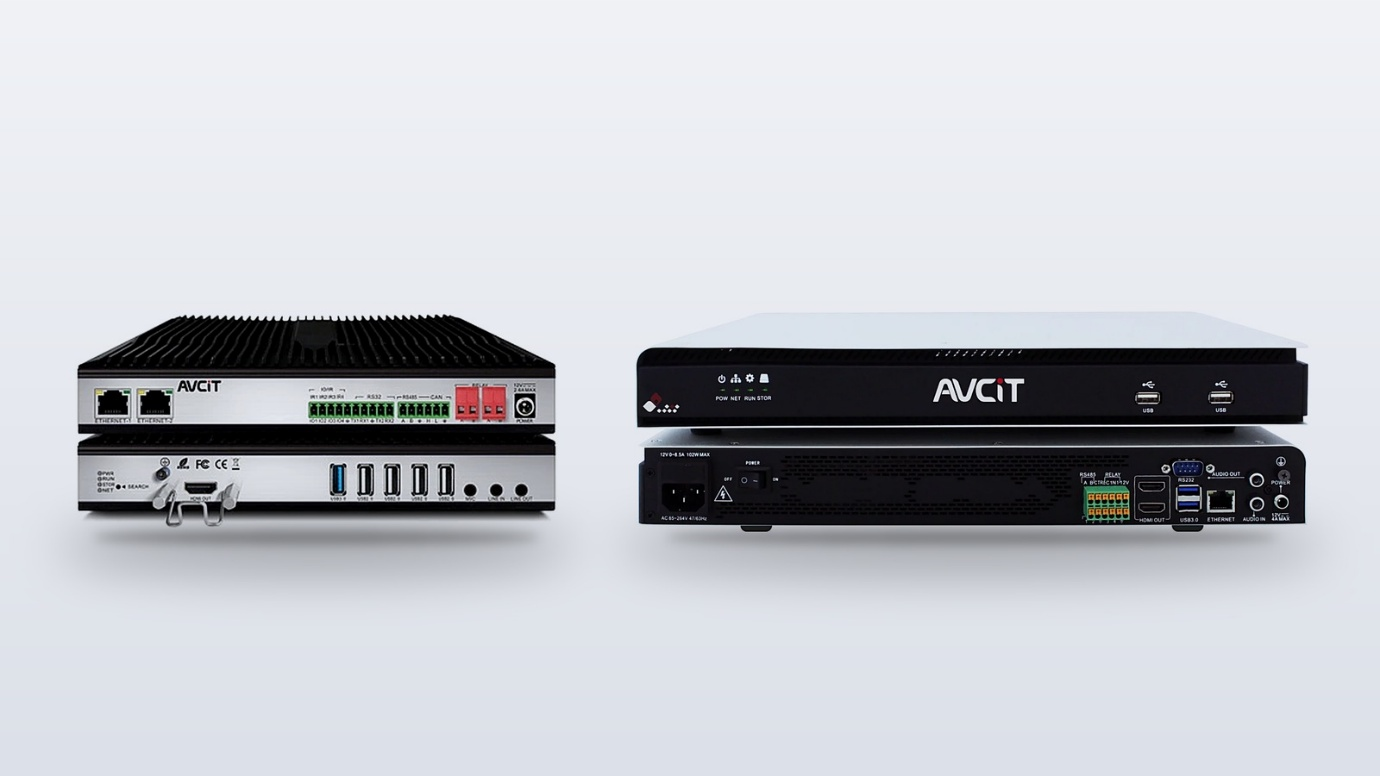
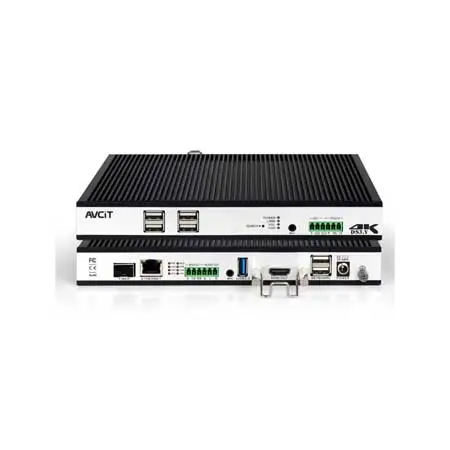
Left: AI Box | Right: CSN AI NVR
AVCiT's AI Box is the lighter touch. The device connects to your existing network and pulls the camera streams over standard protocols such as RTSP, then analyzes them on-site, so no camera has to be replaced. It sits at the point where cameras and recorders connect, which leaves the cameras, the recorders and the network as they were. If you're wary of disturbing a system that works, this is the route that asks the least of it. There are no new cameras to buy, and the existing camera installation stays in place.
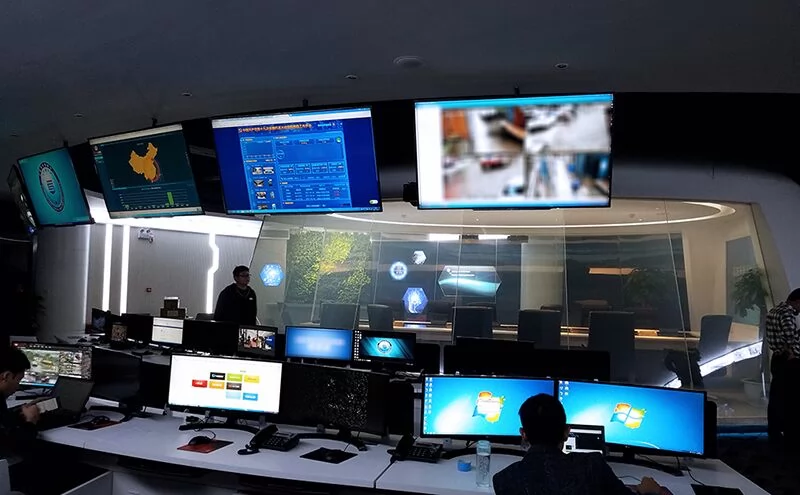
When something shows up, an alert goes out with an image attached, covering fire, smoke, intrusion and PPE. The person receiving it sees the situation before deciding whether to walk over. Alerts reach workstations and large screens, and through integration they can be pushed to video-wall systems too, so the operators already watching the room see them there.
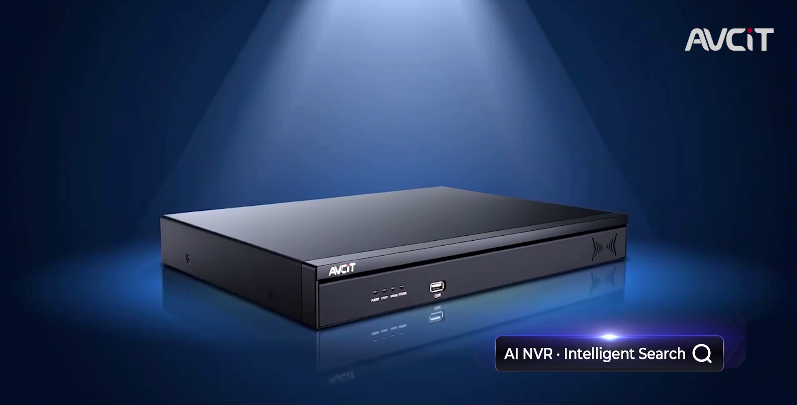
AVCiT's CSN AI NVR records and analyzes in one device. The upgrade is a single unit, not a recorder with an extra box beside it. Its biggest gain shows after an incident. Describe the footage you're after, something like “red clothes, male,” and you jump to the exact moment without scrubbing through hours of video.
Because the AI comes built into AVCiT's network video recorder, this route tends to make sense when you're expanding or replacing recorders anyway. Whether any of it holds up across a large estate is a fair doubt to have, and a real deployment gives the best answer.
China Resources MixC is a high-end shopping mall brand in China, with complexes in Shanghai, Shenzhen and Shenyang. Before the rollout, its cameras only recorded. Hazards turned up through manual inspection and got reviewed after the event, which becomes harder to sustain as a portfolio grows.
Then AVCiT put AI Box edge nodes on about 3,000 existing camera feeds across the three cities and left the original monitoring equipment where it was. Algorithm accuracy came in at no less than 90%. Alerts appeared within 20 ms. Hazard handling ran nearly 80% more efficiently than manual inspection.
That answers the obvious question about whether AVCiT's edge AI delivers on cameras already in place. The cameras were already installed, no camera replacement was part of the project, and the results were measured against the manual inspection the malls had relied on. A hazard now reaches the people responsible while it's developing, where before it surfaced in a review afterward. A single site can take the same approach with the same two options.
Start where an incident would cost you most, such as entrances, storage or machinery, and put AI on those cameras first. A small start shows what the system catches before you extend it, which suits teams that want evidence before a wider rollout.
After that, the route follows what you own. As covered above, keeping your current cameras and recorders points to AVCiT's AI Box, and expanding or replacing recorders points to the CSN AI NVR. Before you commit, check your camera brand and model with AVCiT, since protocol support varies by product. Your existing cameras may already be a good fit, and that check is the quickest way to find out.
Contact AVCiT to confirm your camera compatibility and find out which route fits your site.
Follow us
LinkedIn: AVCiT Technology
Facebook: AVCiT Technology