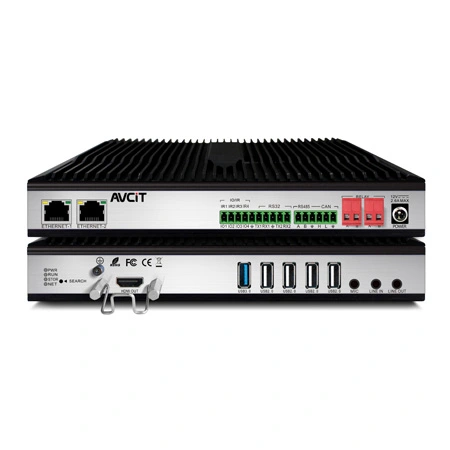
 AIVC-16CH AI BOX
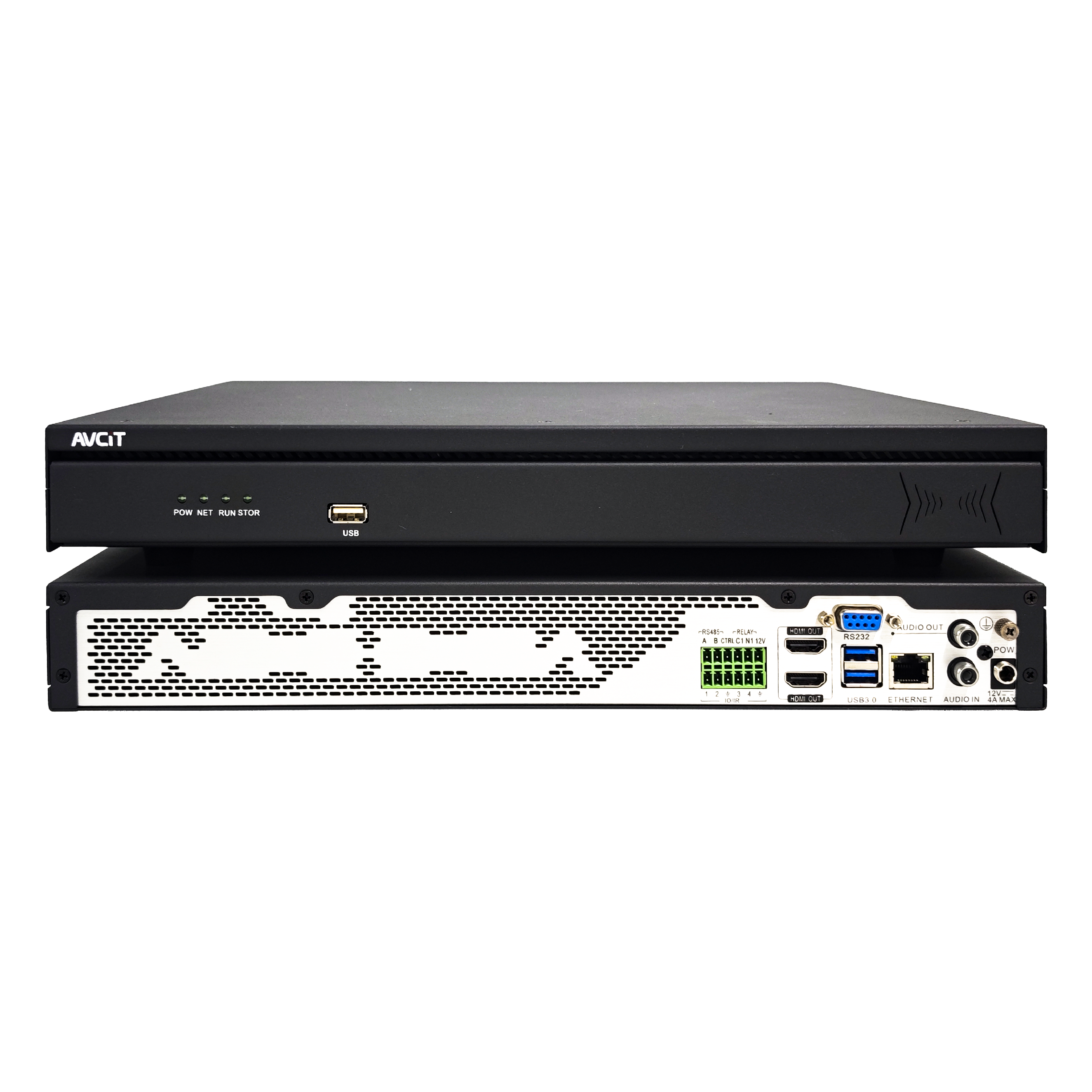 32CH CSN AI NVR
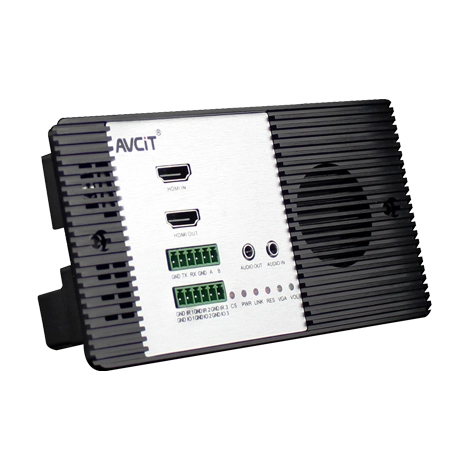
 2K HDMI Video Codec
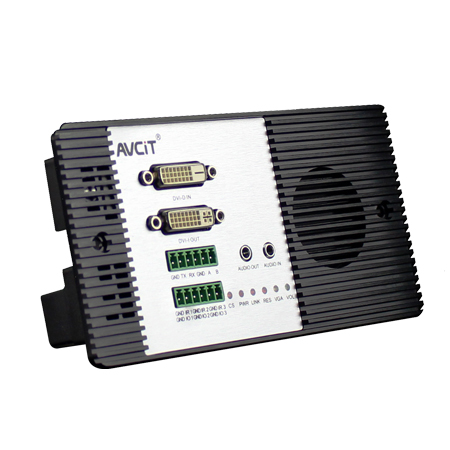
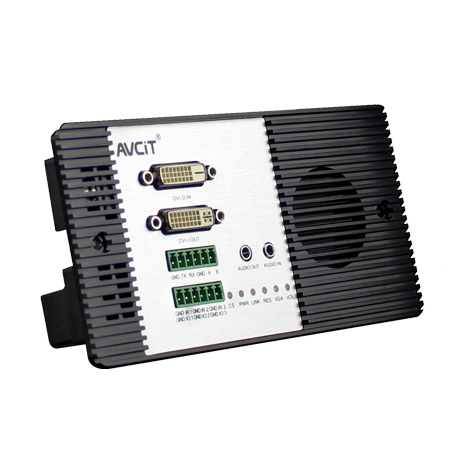 2K DVI Video Codec
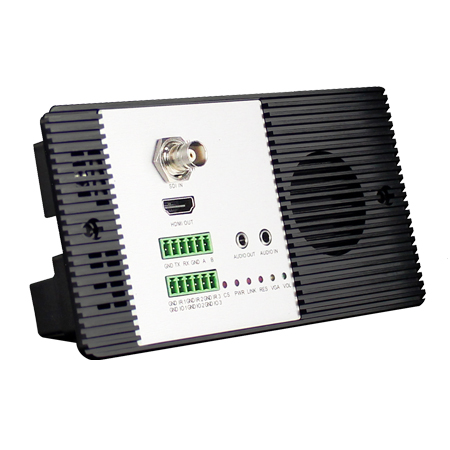 2K SDI Video Codec
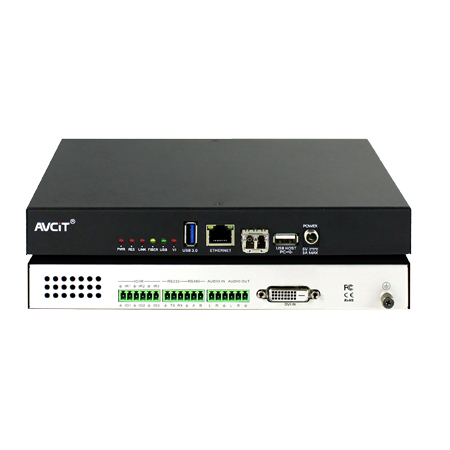 2K HDMI Video Encoder
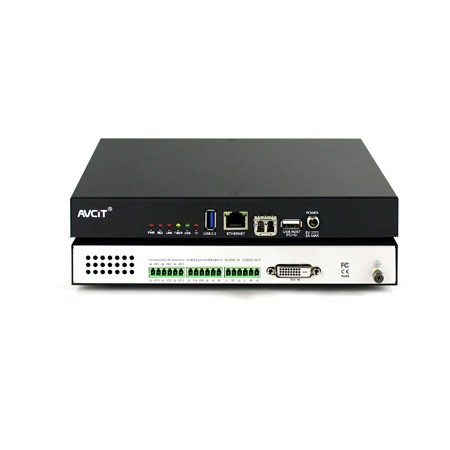 2K DVI Video Encoder
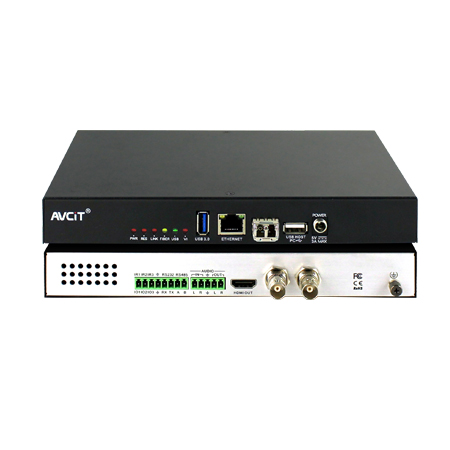 2K SDI Video Encoder
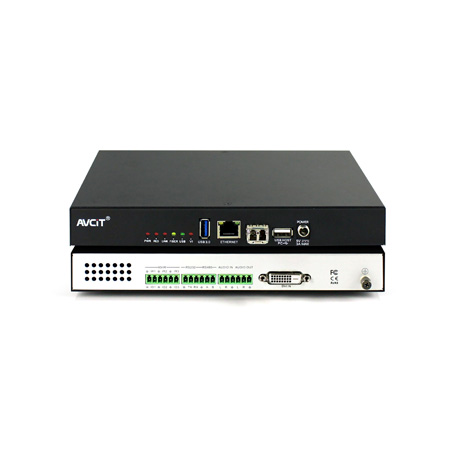 2K VGA Video Encoder
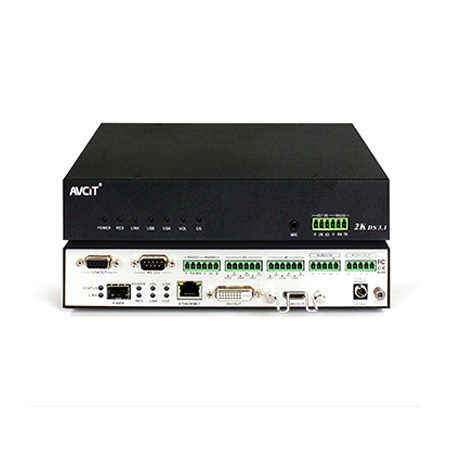 2K Video Wall Decoder (HDMI+DVI)
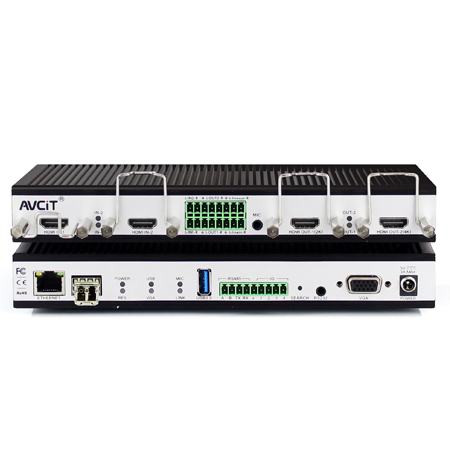 4K HDMI Video Encoder
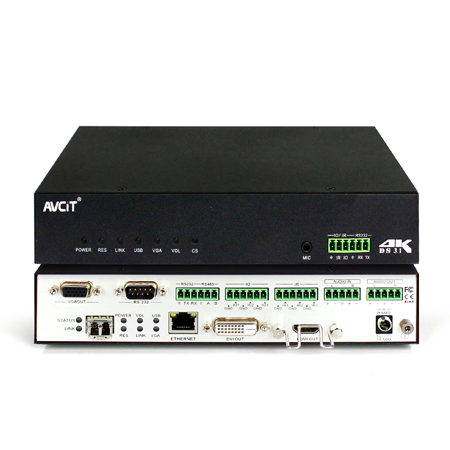 4K HDMI Video Decoder
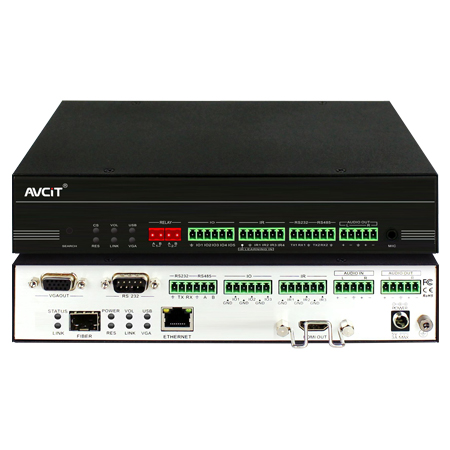 4K HDMI Video Wall Decoder
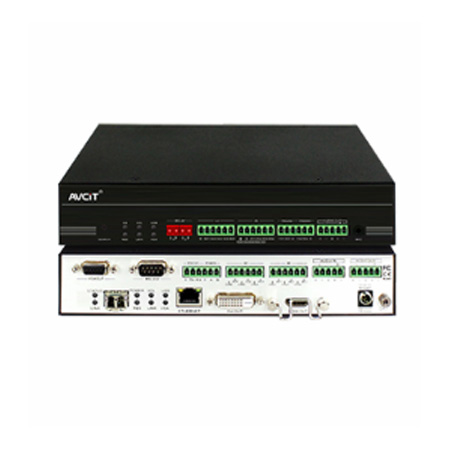 4K HDMI + DVI Video Wall Decoder
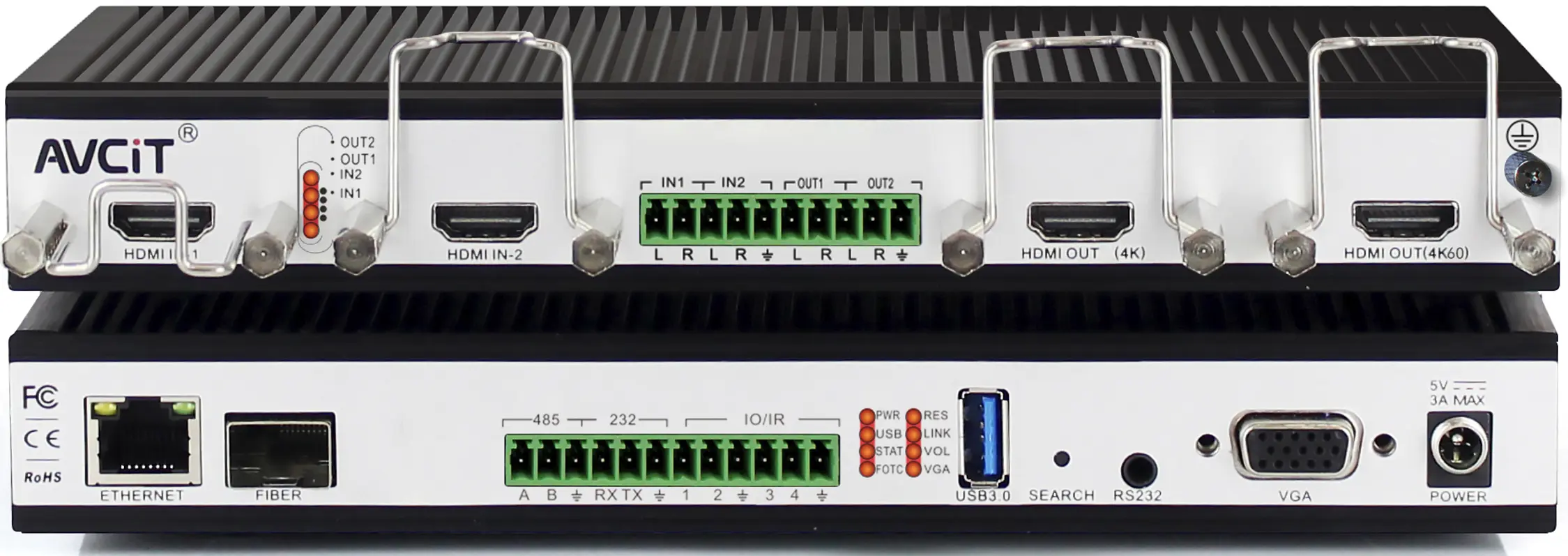 4K HDMI Dual Channel Codec
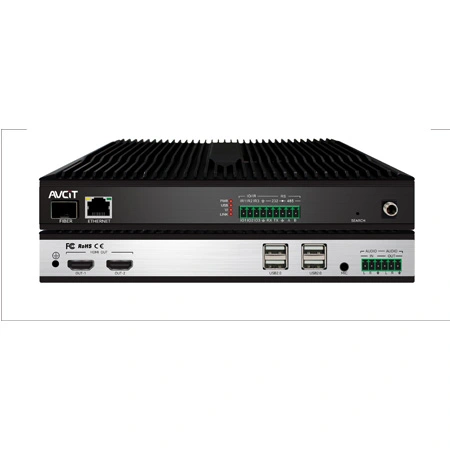 8K HDMI Decoder
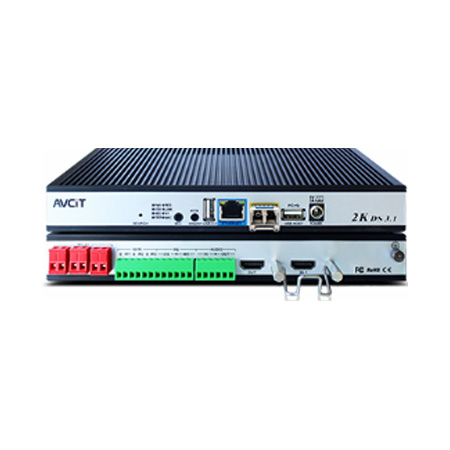 2K KVM Encoder - HDMI
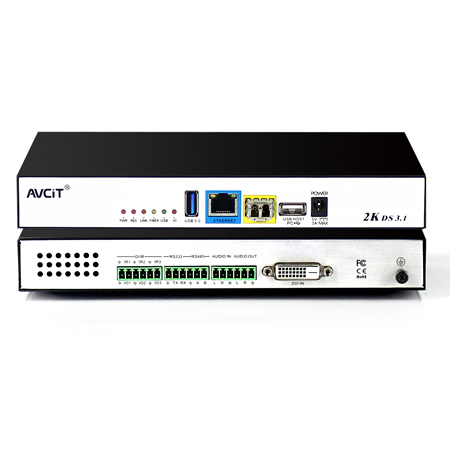 2K KVM Encoder - DVI
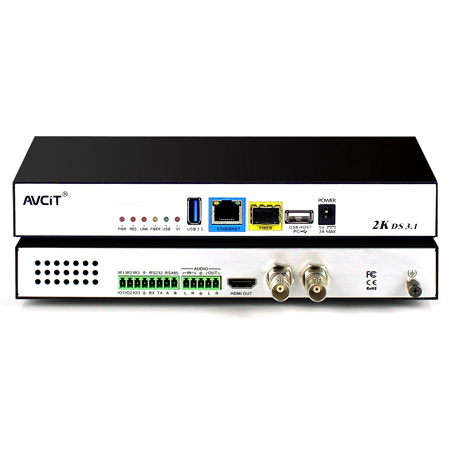 2K KVM Encoder - SDI
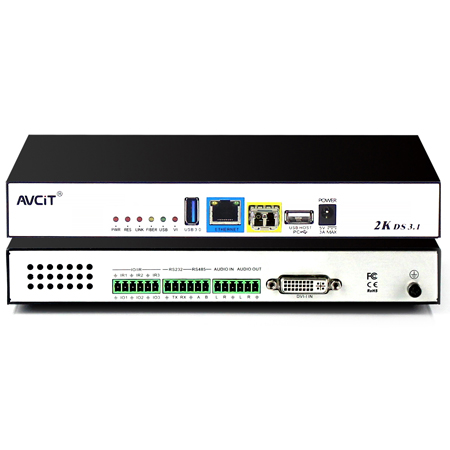 2K KVM Encoder - DVI-I(VGA)
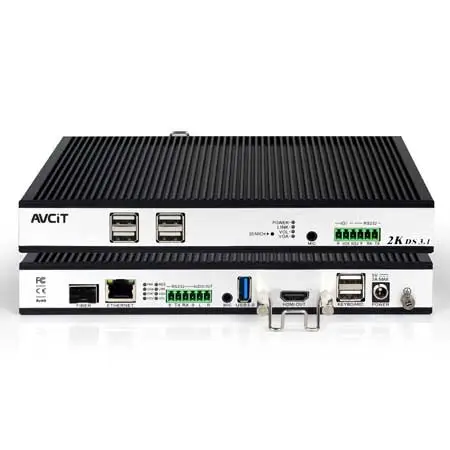 2K KVM Decoder - HDMI
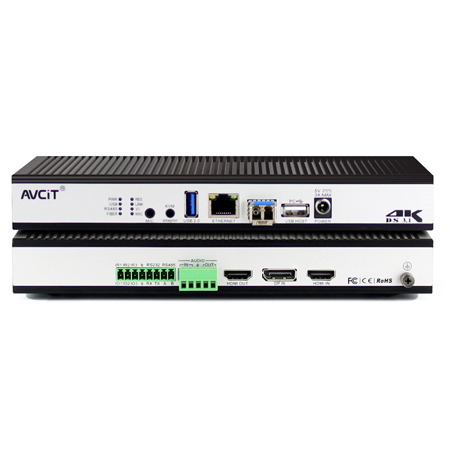 4K KVM Encoder - HDMI + DP
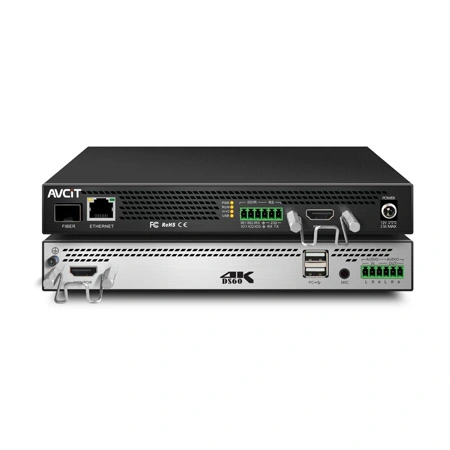 4K@60 KVM Encoder - HDMI
 4K KVM Encoder - HDMI + HDMI
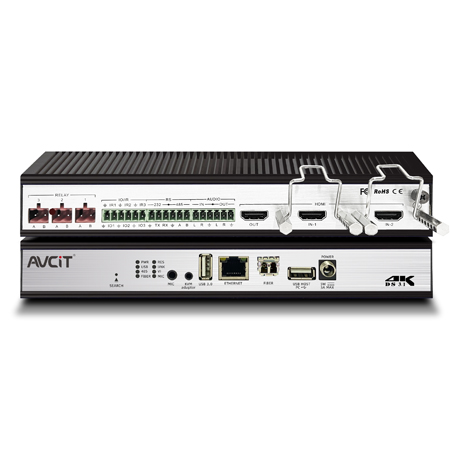 4K KVM Encoder - HDMI
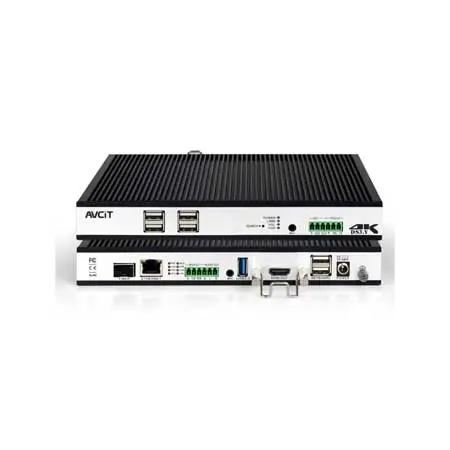 4K KVM Decoder - HDMI
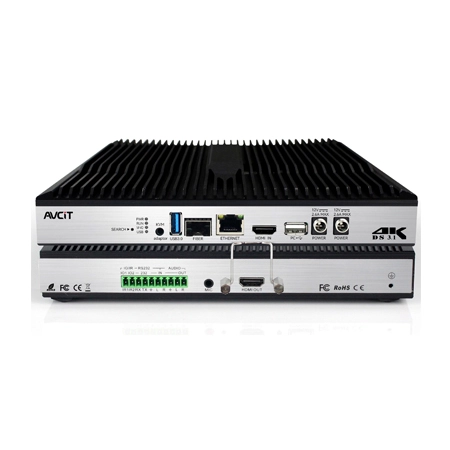 4K60 4:4:4 KVM Encoder - HDMI
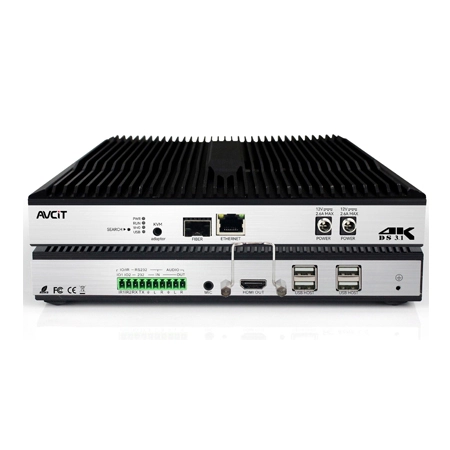 4K60 4:4:4 KVM Decoder-HDMI
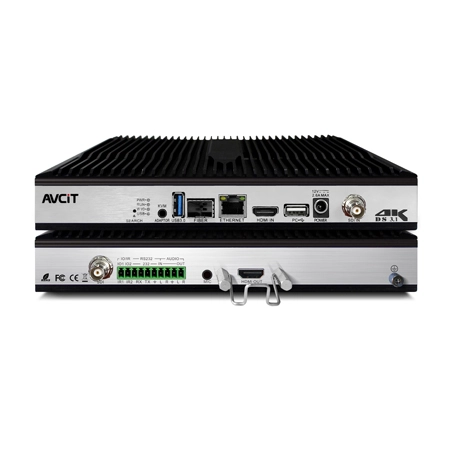 4K60 4:4:4 KVM Encoder - HDMI + SDI
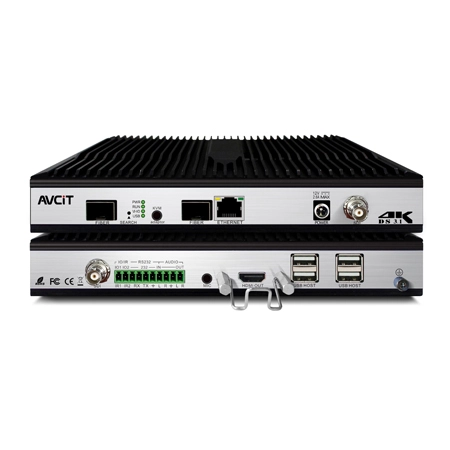 4K60 4:4:4 KVM Decoder - HDMI + SDI
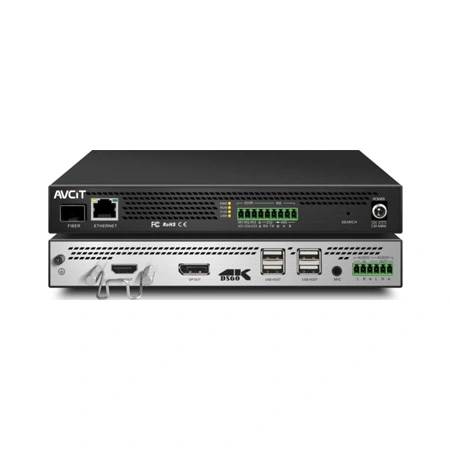 5K KVM Decoder - HDMI +DP
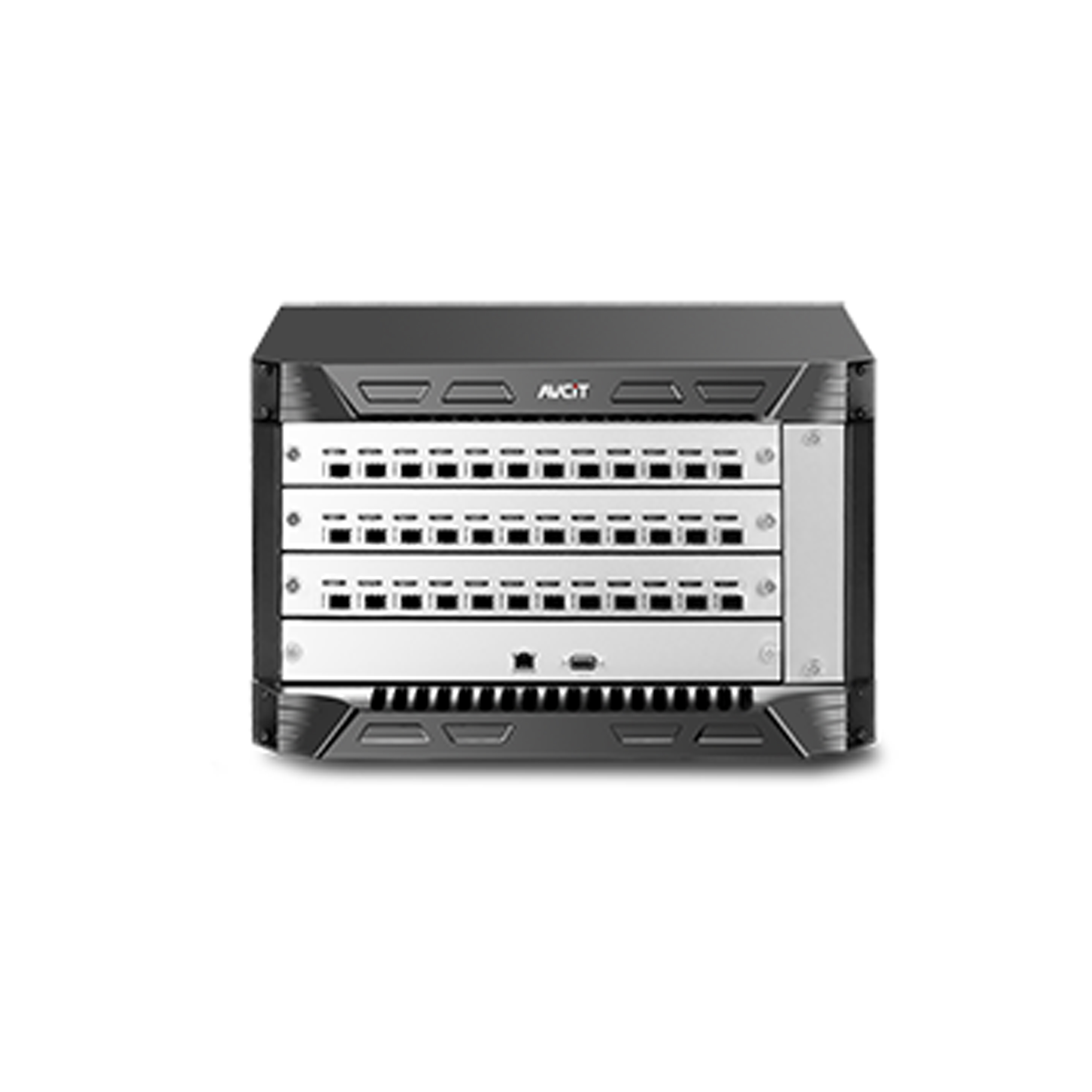 Phinx-36 Ports Fiber KVM Matrix
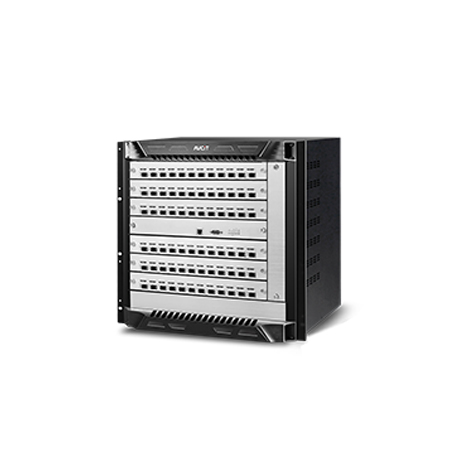 Phinx-72 Ports Fiber KVM Matrix
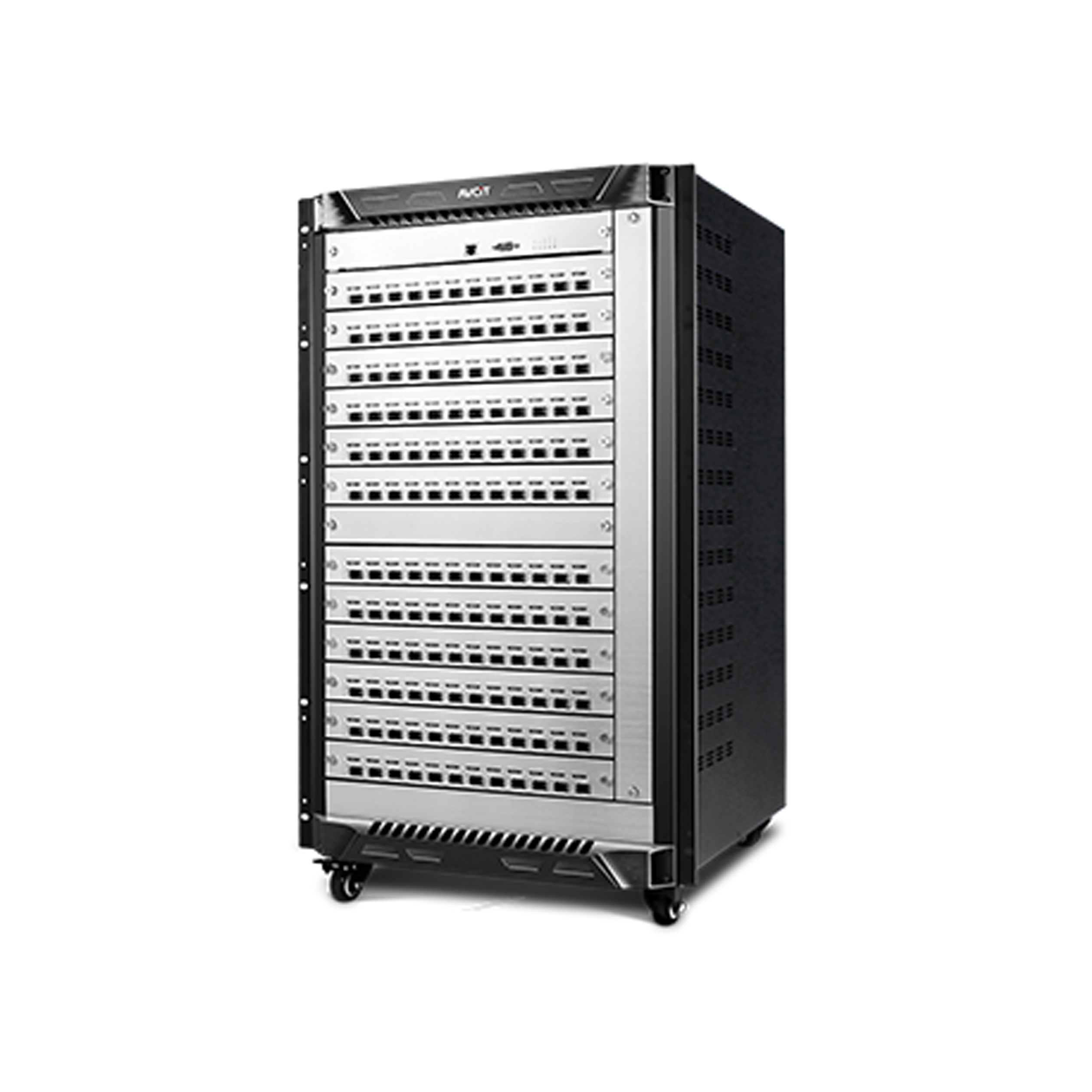 Phinx-144 Ports Fiber KVM Matrix
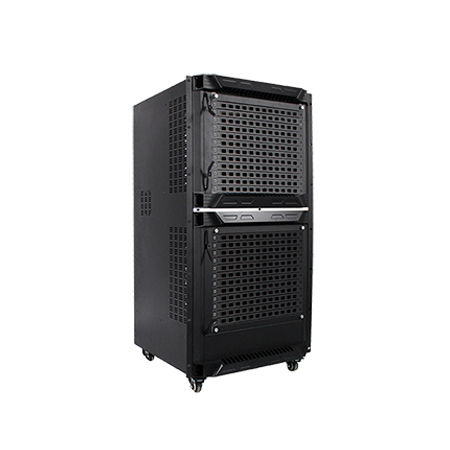 Phinx-288 Ports Fiber KVM Matrix
 Phinx-576 Ports Fiber KVM Matrix
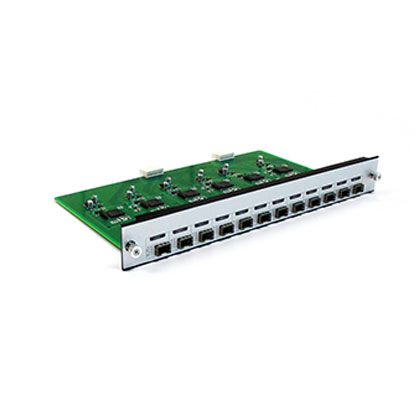 Phinx - I/O SFP Module Card
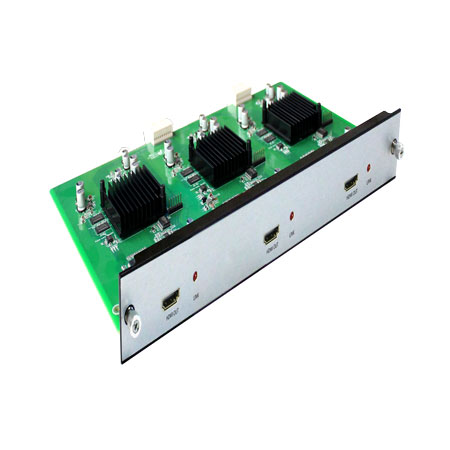 Phinx - Video Wall Control Card
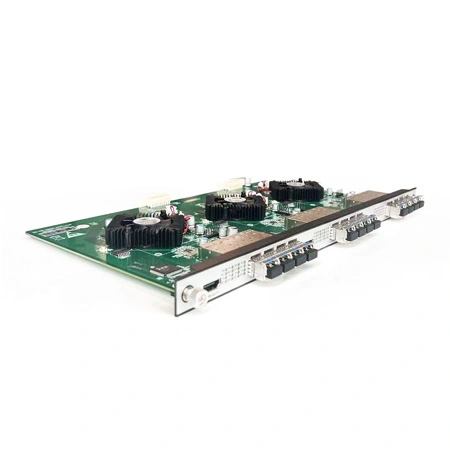 Phinx- Video Wall & SFP Card
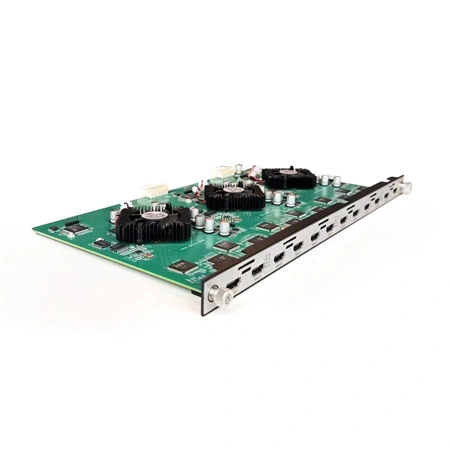 Phinx- Video Card(6IN6OUT)
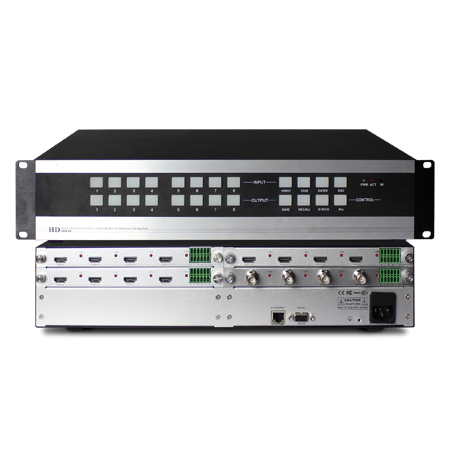 2K Video Wall Matrix - 8x8
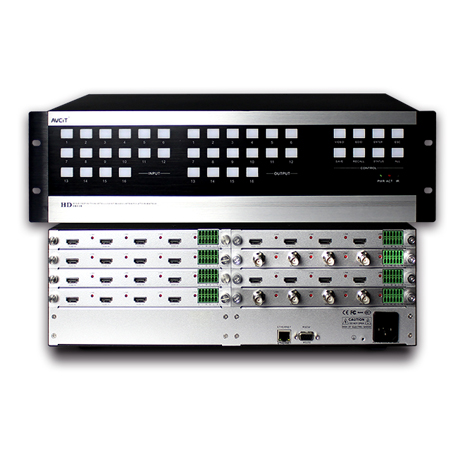 2K Video Wall Matrix - 16x16
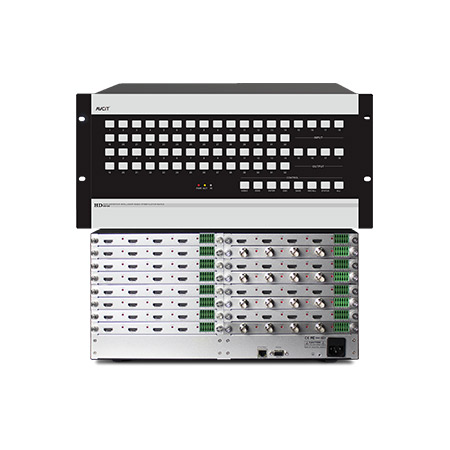 2K Video Wall Matrix - 32x32
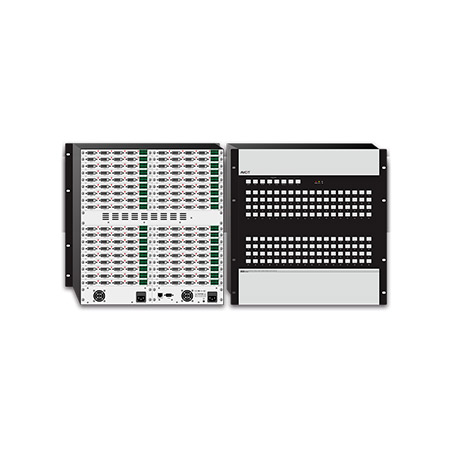 2K Video Wall Matrix - 72x72
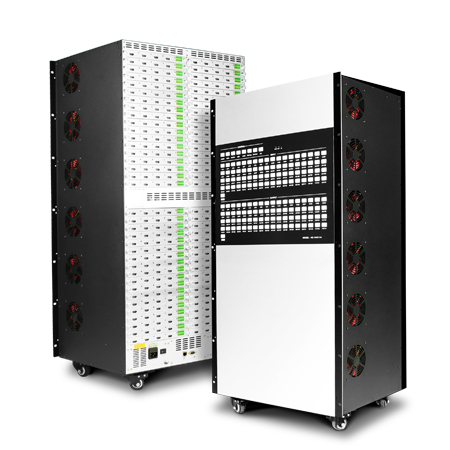 2K Video Wall Matrix - 144x144
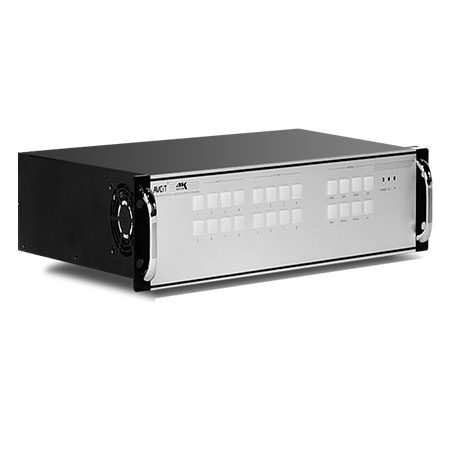 4K Video Matrix Switcher - 8x8
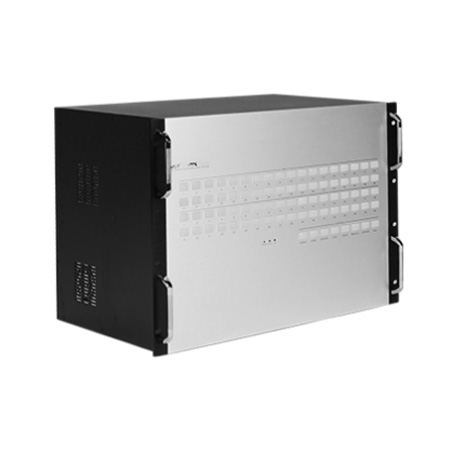 4K Video Matrix Switcher - 36x36
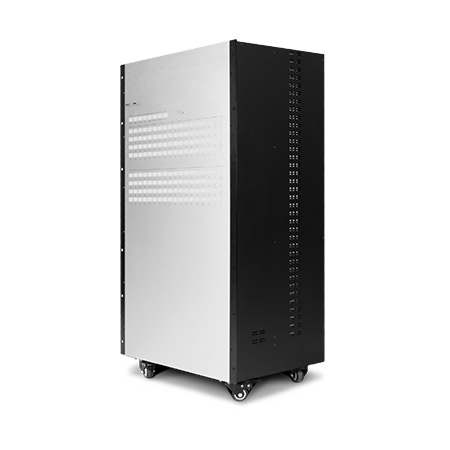 4K Video Matrix Switcher - 72x72
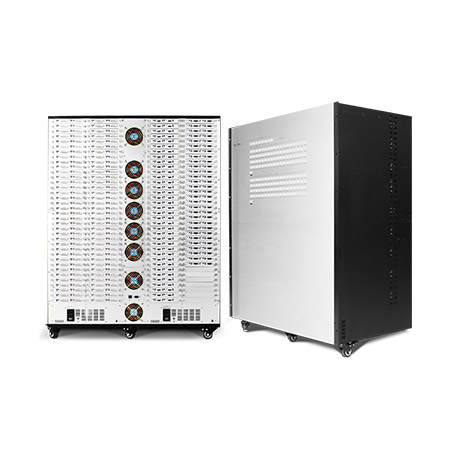 4K Video Matrix Switcher - 144x144
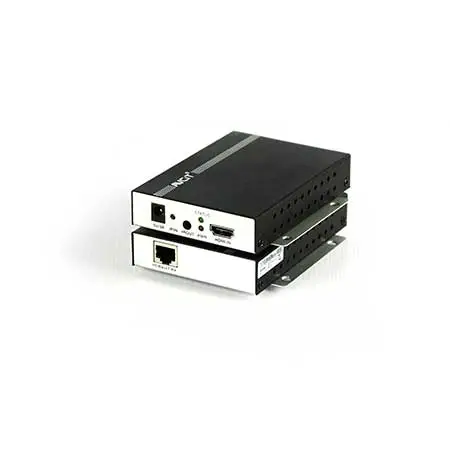 Mixing UHD - 4K HDBT Extender
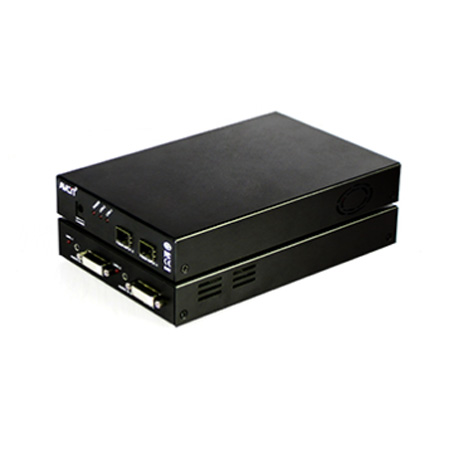 Mixing UHD - 4K Fiber Extender
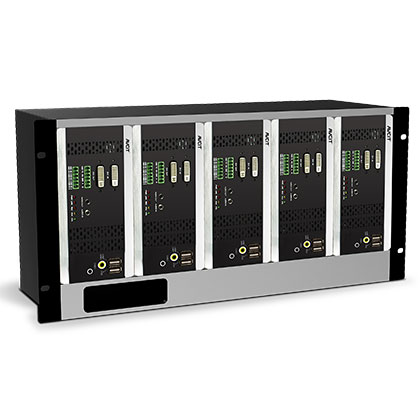 Rack Mounting Kit
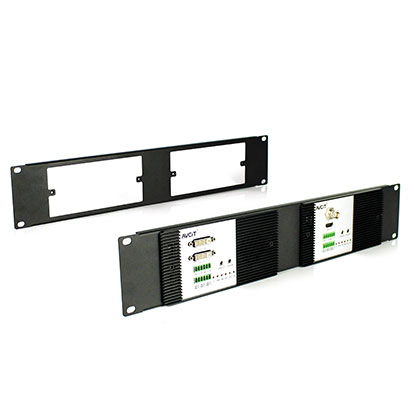 Wall Mounting Kit











 EN
EN
 es
es  th
th
Blog
Join us
FAQs

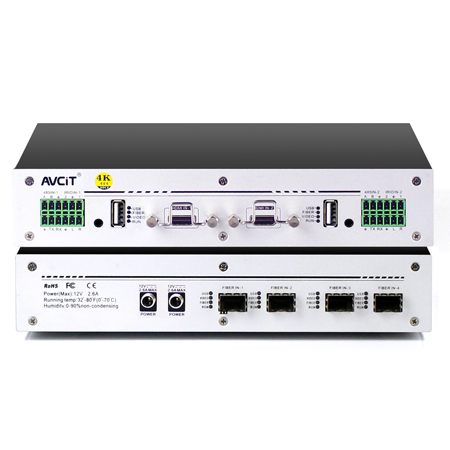 4K KVM Transmitter-HDMI
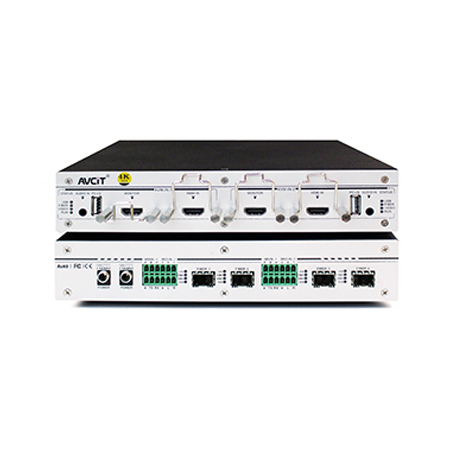 4K KVM Transmitter-HDMI+HDMI LOOP
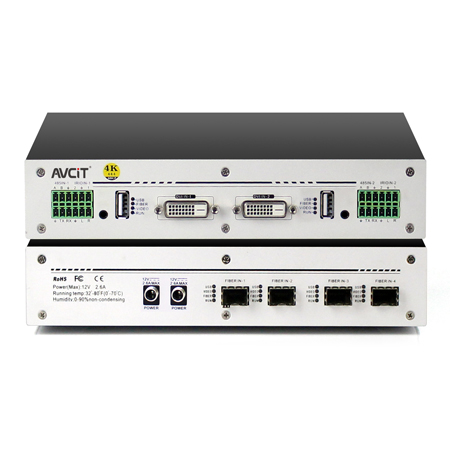 4K KVM Transmitter-DVI
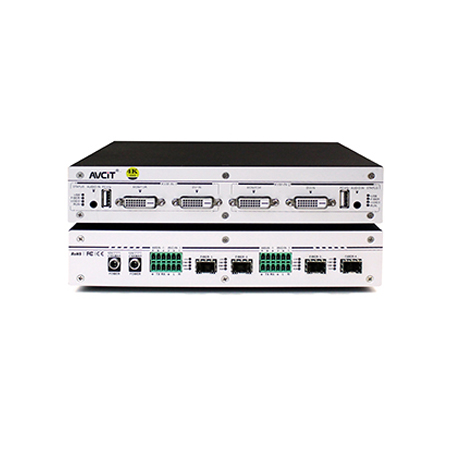 4K KVM Transmitter-DVI+DVI LOOP
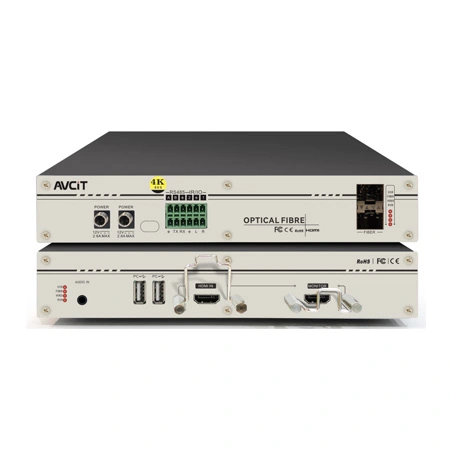 4K60 KVM Transmitter - HDMI
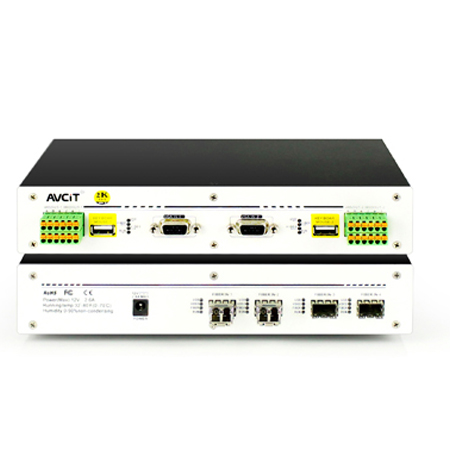 2K KVM Transmitter-VGA
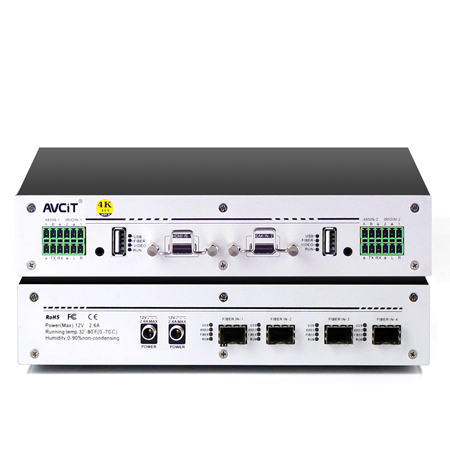 4K KVM Receiver-HDMI
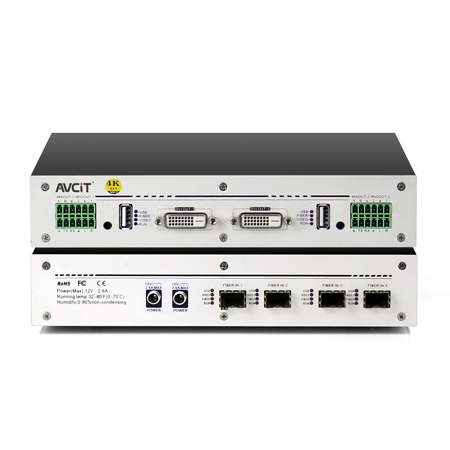 4K KVM Receiver-DVI
 Quad-view KVM Receiver-HDMI
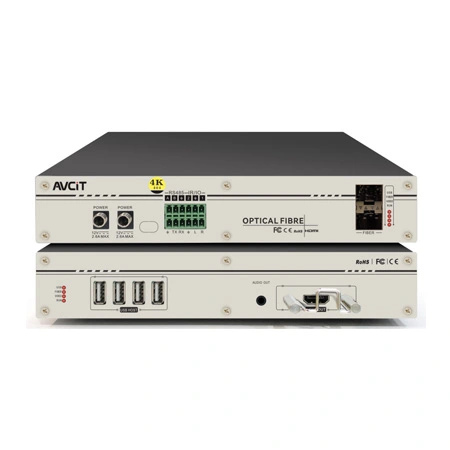 4K60 KVM Receiver - HDMI
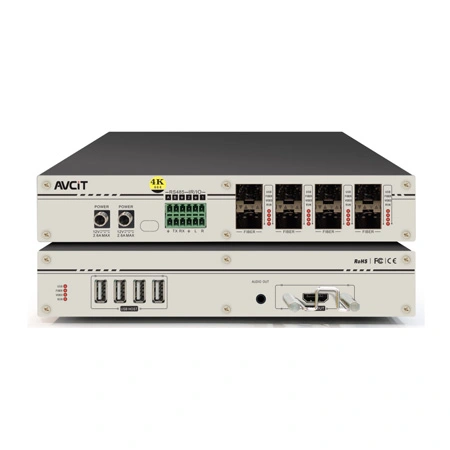 4K60 Quad-view KVM Receiver
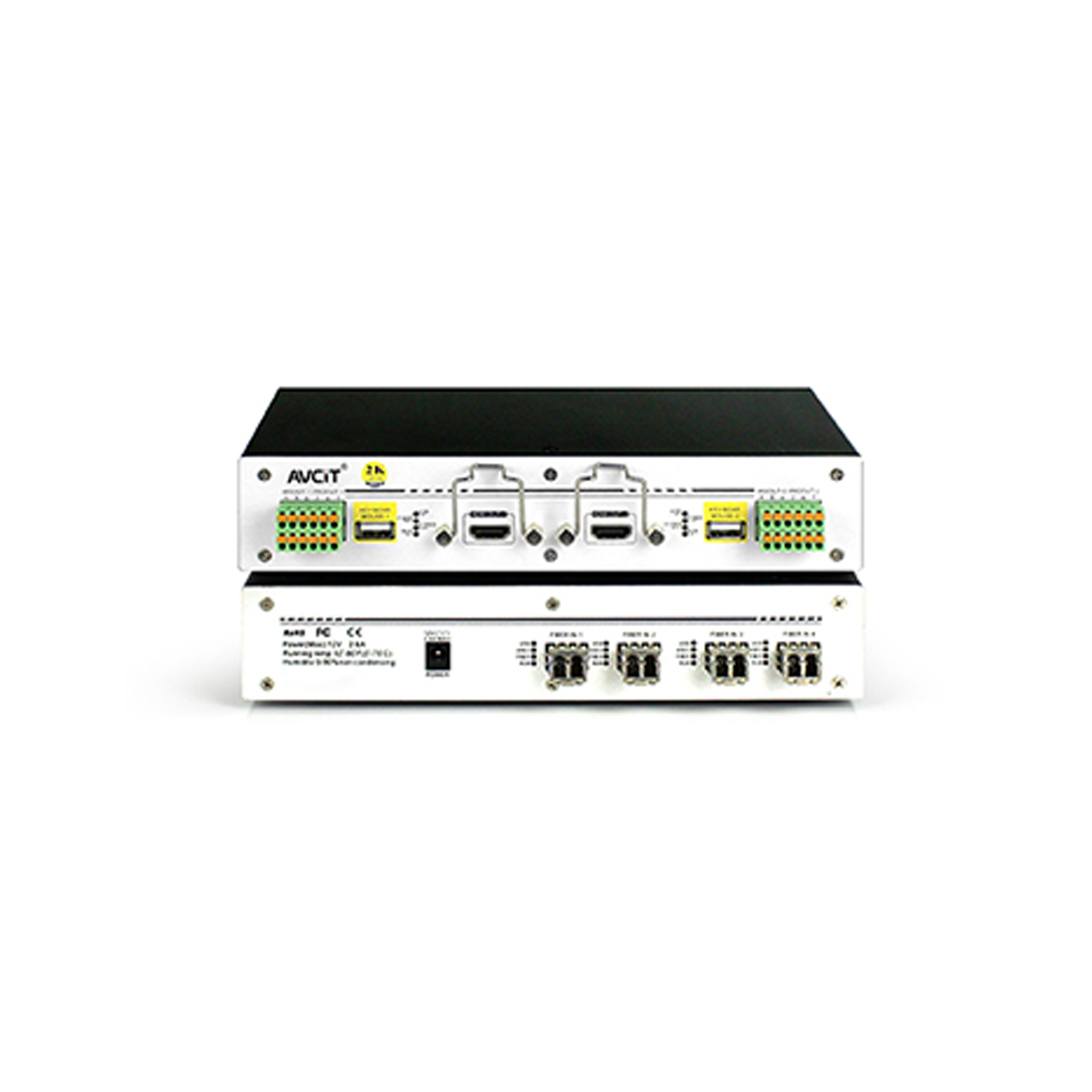 2K KVM Receiver-HDMI
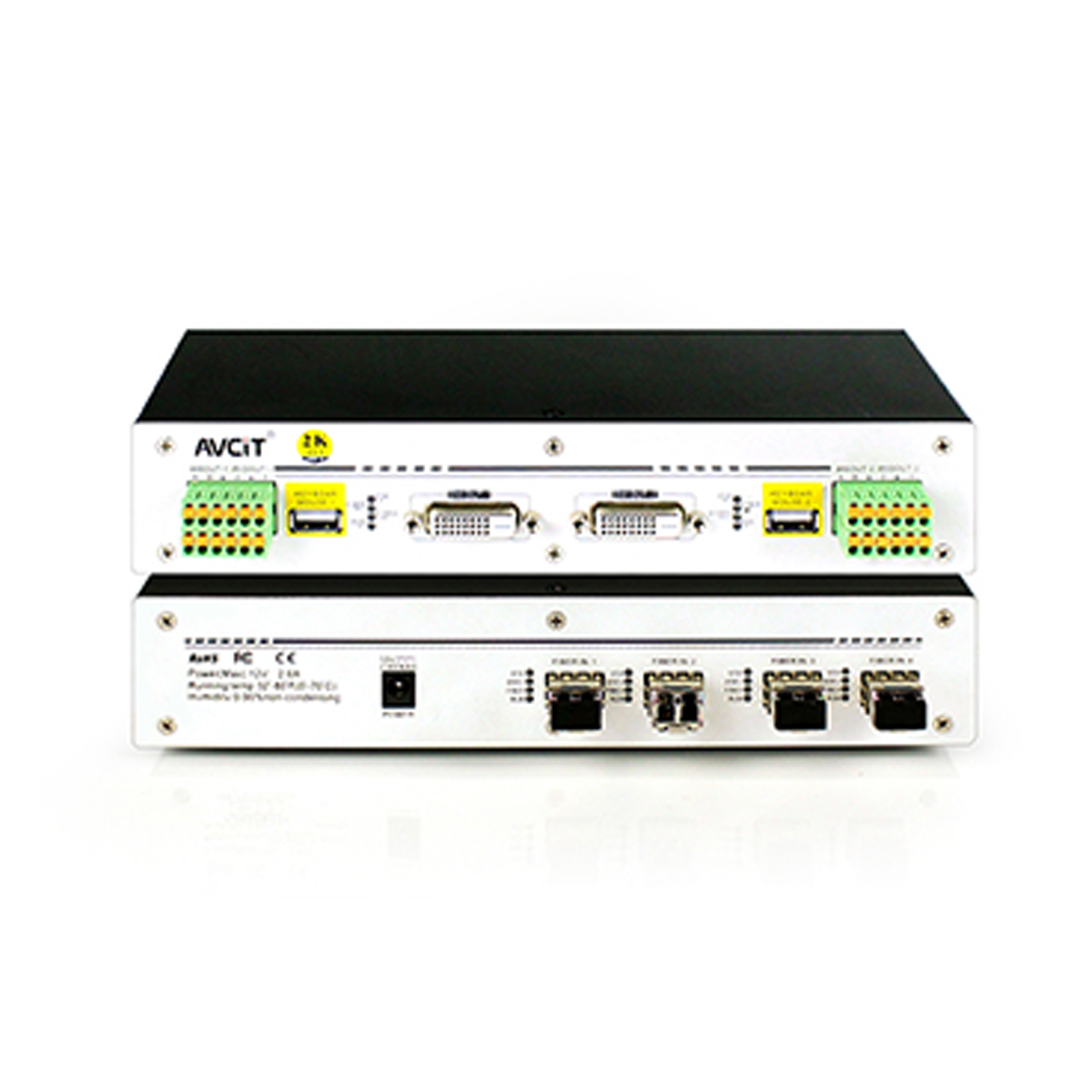 2K KVM Receiver-DVI
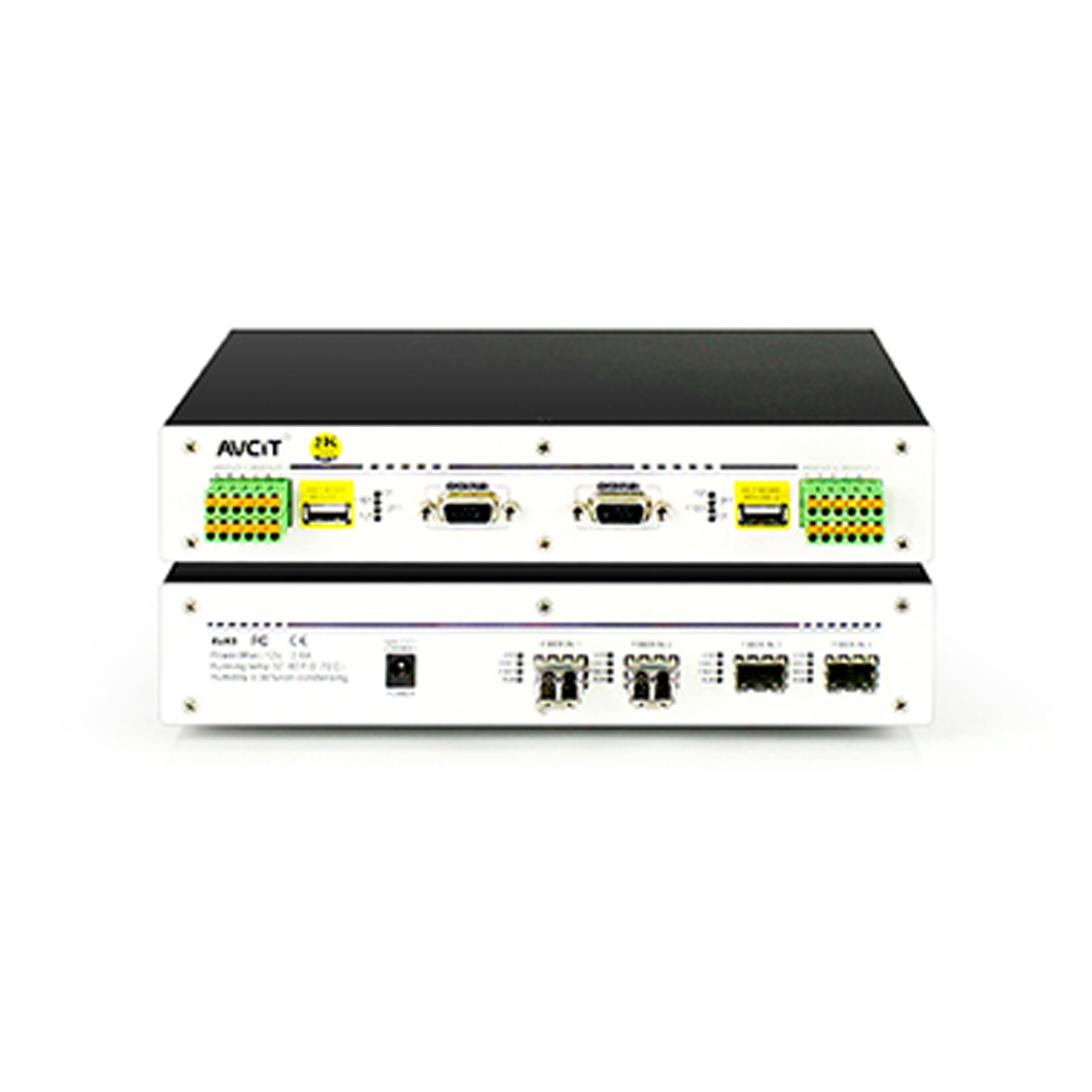 2K KVM Receiver-VGA
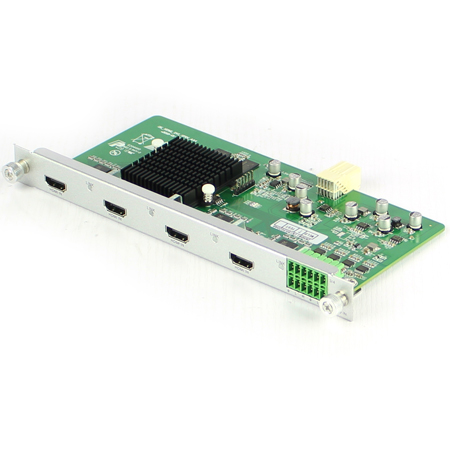 Mixing HD-2K HDMI Input Card
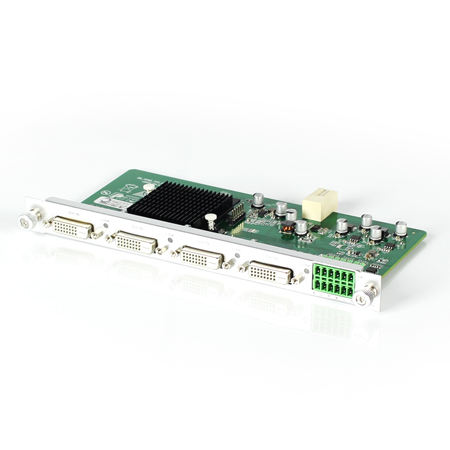 Mixing HD-2K DVI Input Card
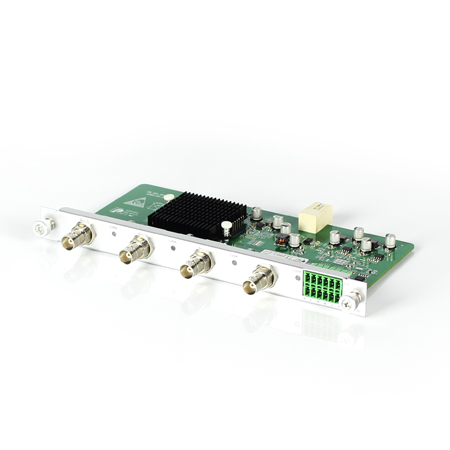 Mixing HD-2K SDI Input Card
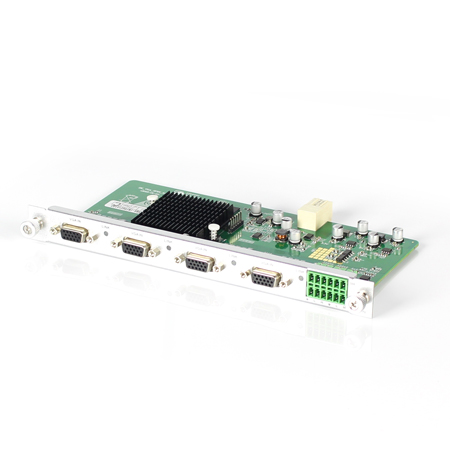 Mixing HD-2K VGA Input Card
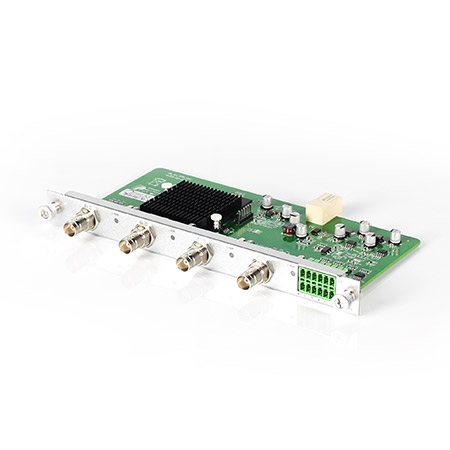 Mixing HD-2K AV Input Card
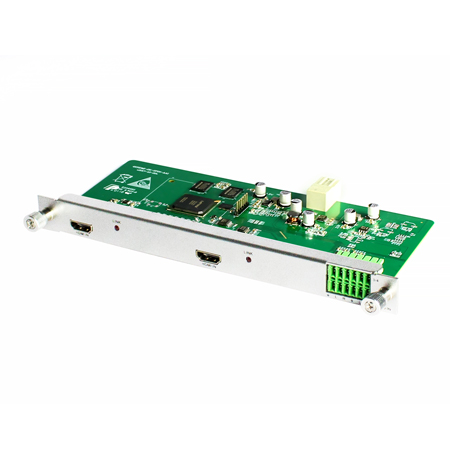 Mixing HD-HDMI UHD Input Card
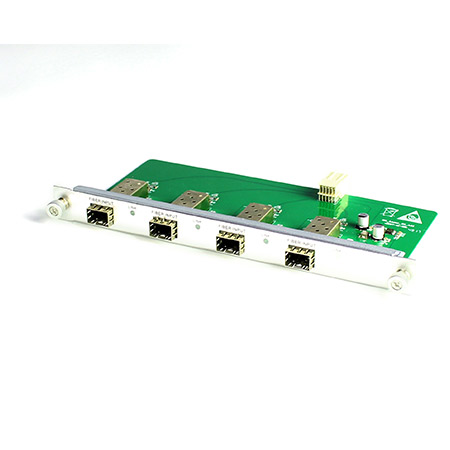 Mixing HD-Fiber Input Card
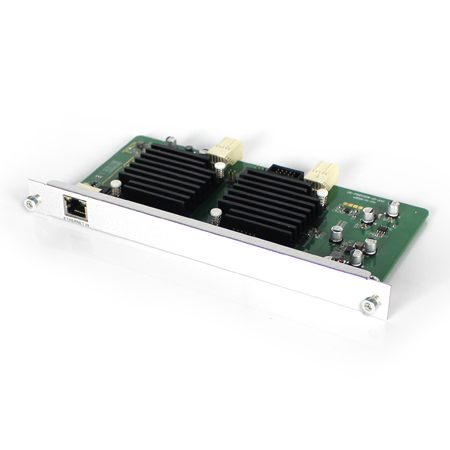 Mixing HD-IP Input Card
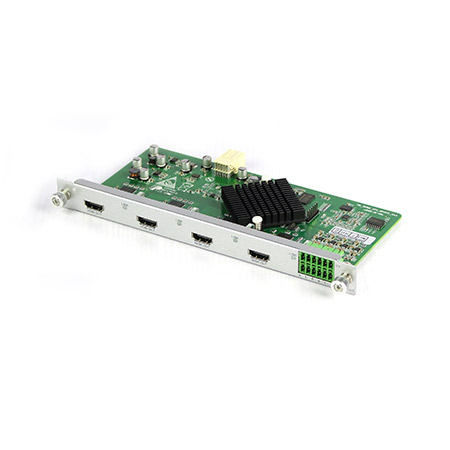 Mixing HD-HDMI Output Card
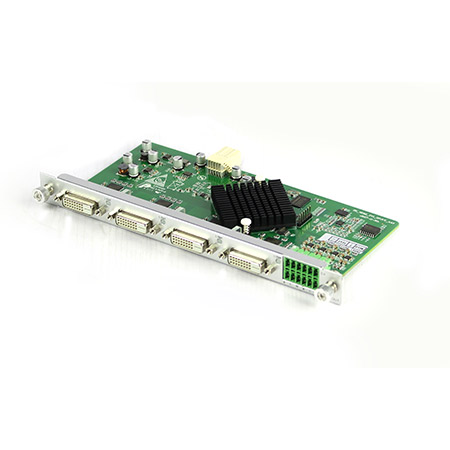 Mixing HD-DVI Output Card
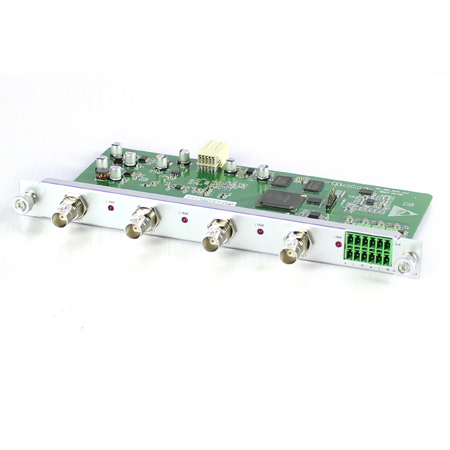 Mixing HD-SDI Output Card
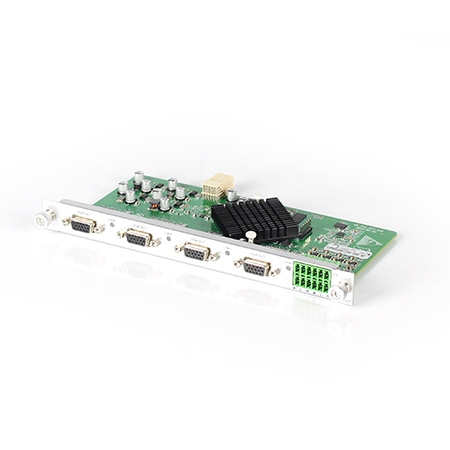 Mixing HD-VGA Output Card
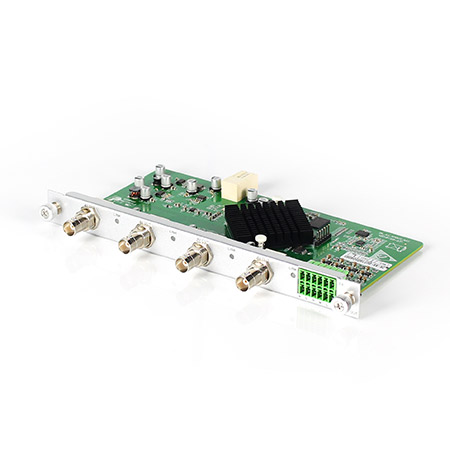 Mixing HD-AV Output Card
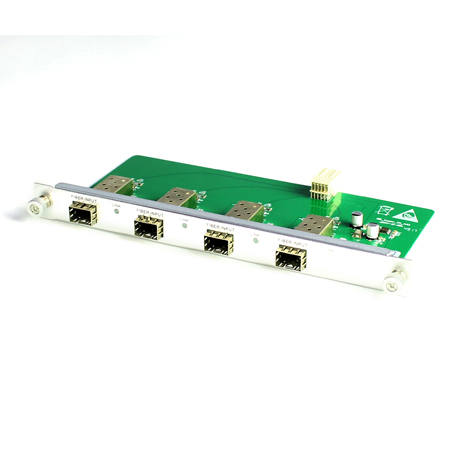 Mixing HD-Fiber Output Card
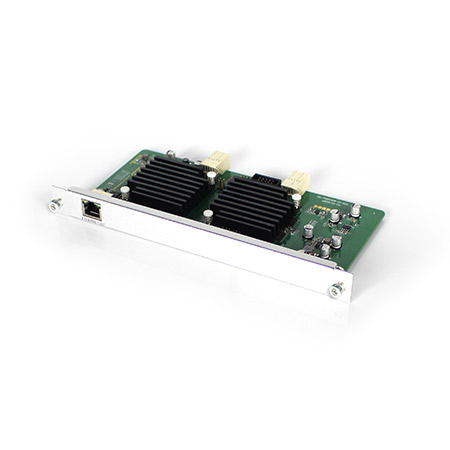 Mixing HD-IP Output Card
Mixing HD-HDMI Video Wall Control Card (2 channel)
Mixing HD-IP Output Card
Mixing HD-HDMI Video Wall Control Card (2 channel)
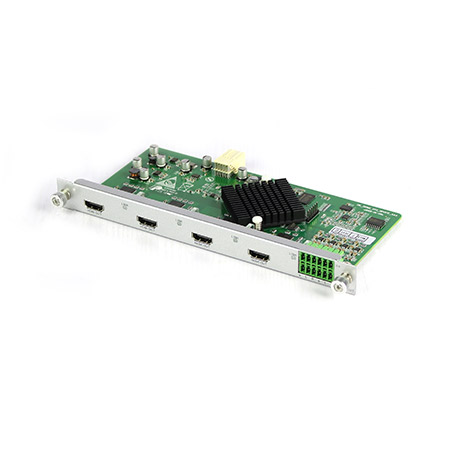 Mixing HD-HDMI Video Wall Control Card (1 channel)
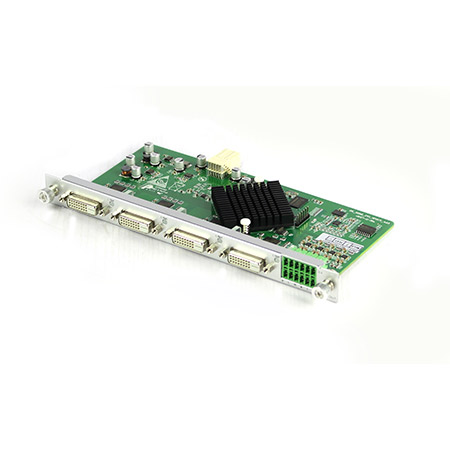 Mixing HD-DVI Video Wall Control Card (2 channel)
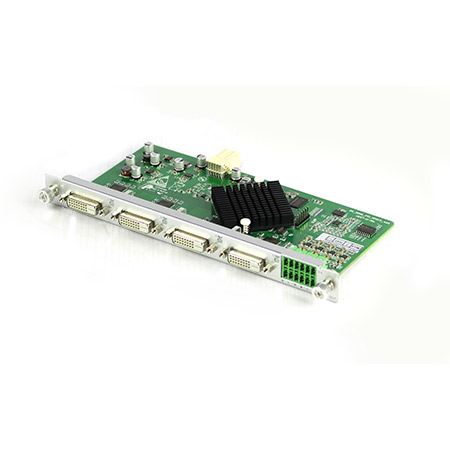 Mixing HD-DVI Video Wall Control Card (1 channel)
 Mixing UHD - HDMI Input Card
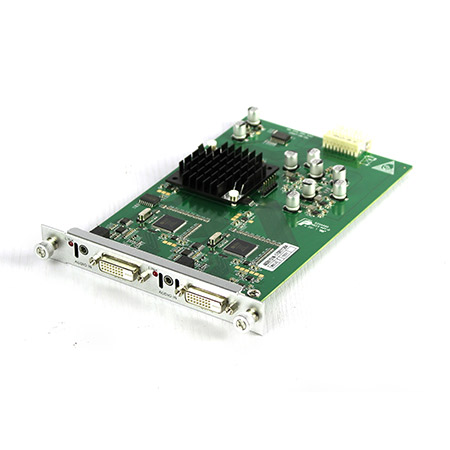 Mixing UHD - DVI Input Card
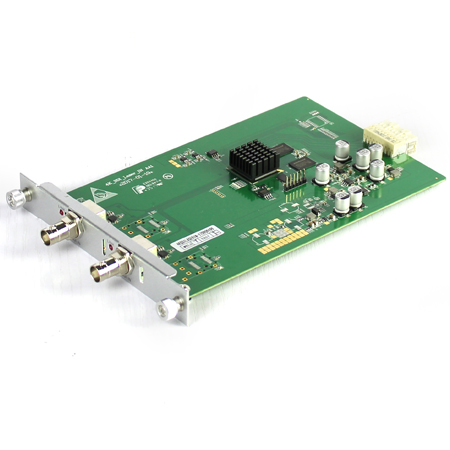 Mixing UHD - SDI Input Card
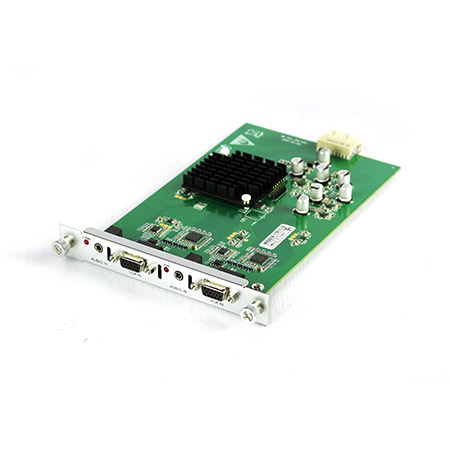 Mixing UHD - VGA Input Card
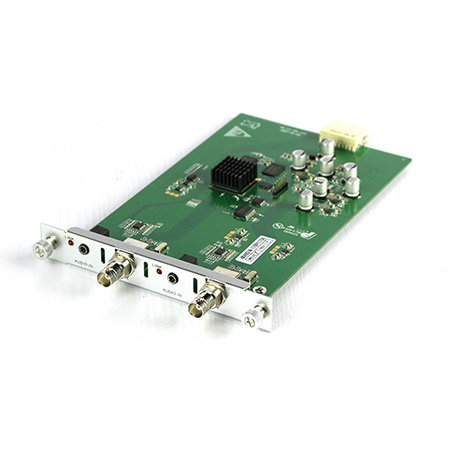 Mixing UHD - AV Input Card
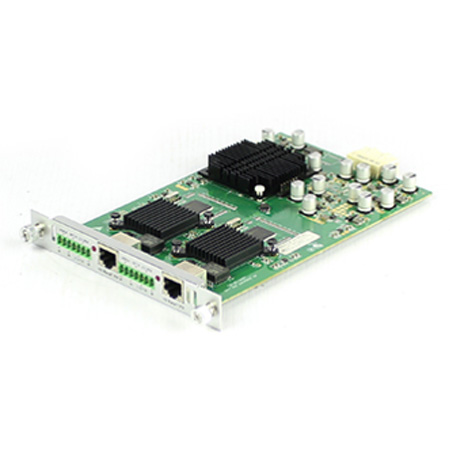 Mixing UHD - HDBT Input Card
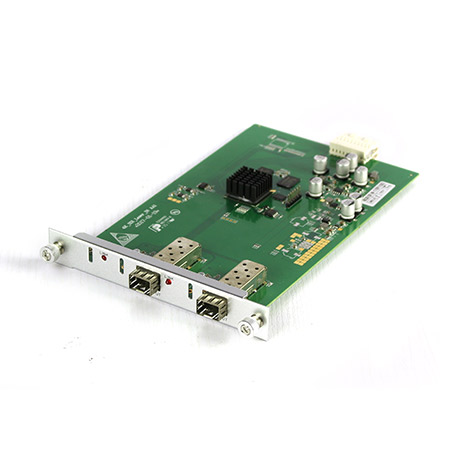 Mixing UHD - Fiber Input Card
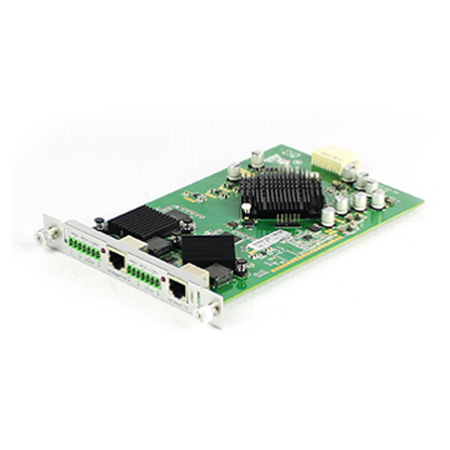 Mixing UHD - HDBT Output Card
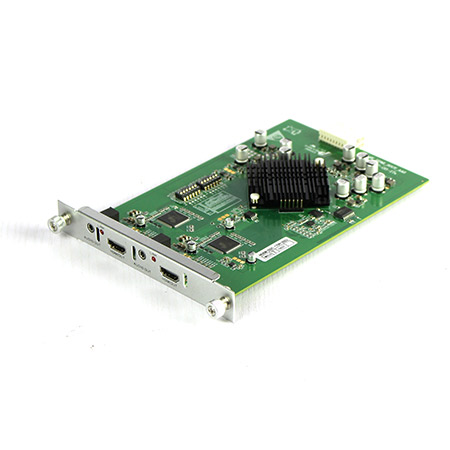 Mixing UHD - HDMI Output Card
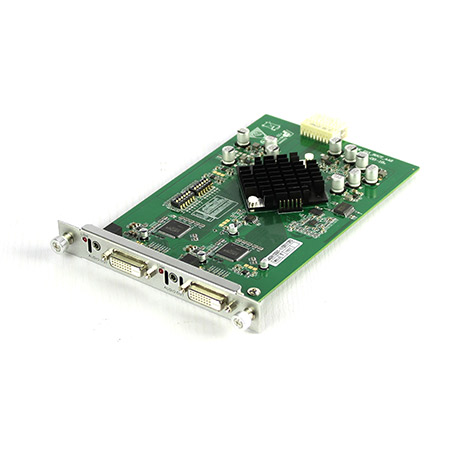 Mixing UHD - DVI Output Card
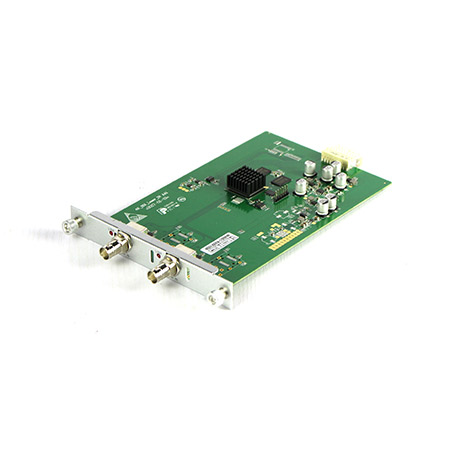 Mixing UHD - SDI Output Card
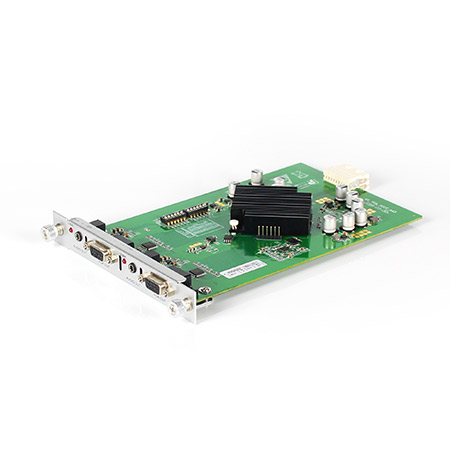 Mixing UHD - VGA Output Card
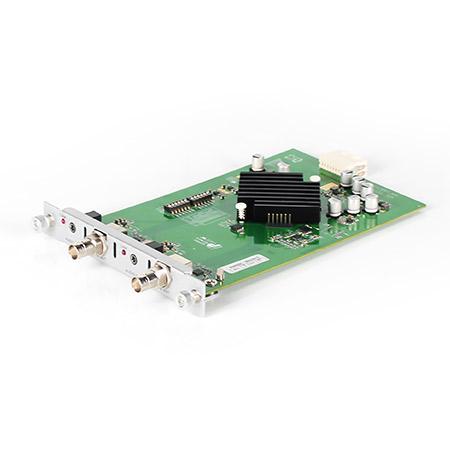 Mixing UHD - AV Output Card
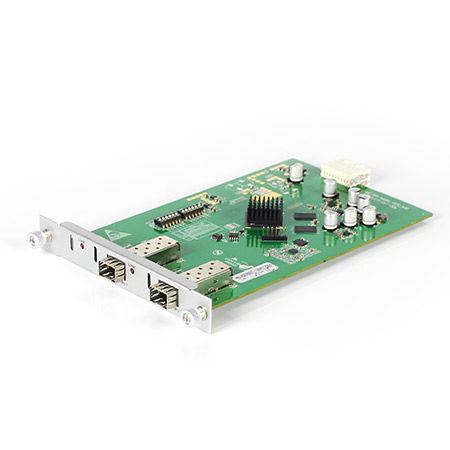 Mixing UHD - Fiber Output Card
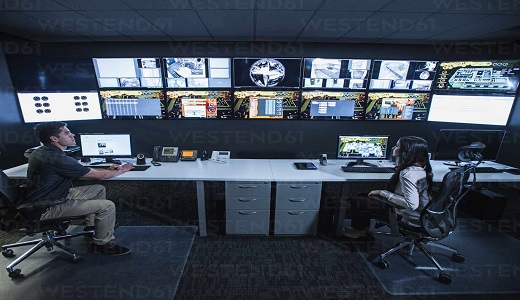
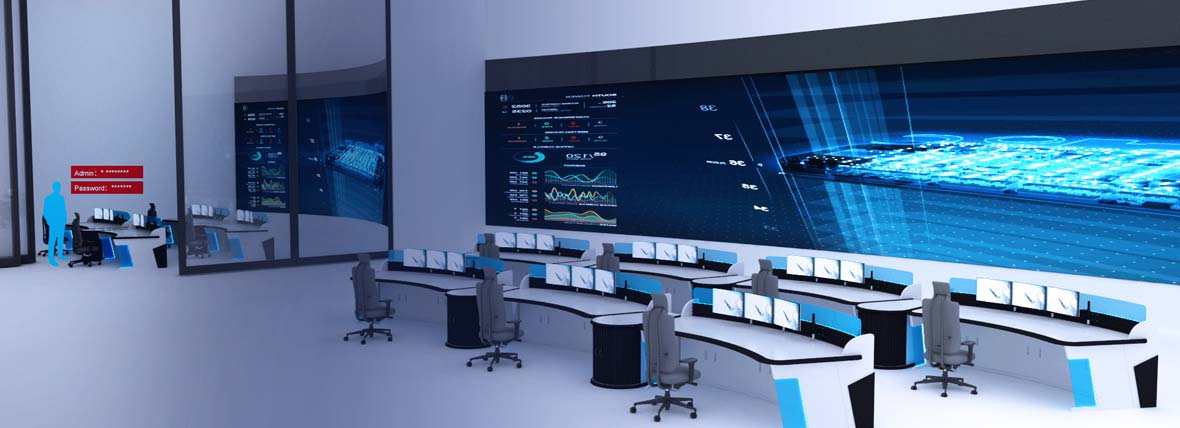
KVM is a management device in a network, which enables control of multiple devices with a set of keyboard, monitor and mouse, professionally known as a multi-computer switch. Digital KVM is mostly used in enterprise server rooms or data centers, which not only reduces energy consumption and saves rack and server room space, but also avoids the clutter caused by redundant keyboards, monitors and mice. With centralized management it helps managers of enterprise information rooms to greatly simplify work process and enhance enterprise productivity. Especially with the current trend of globalization and network penetration, remote KVM switch solutions fully meet the management requirements of enterprises for off-site remote server rooms.
(1) By deploying KVM devices, all servers are centrally managed, eliminating the need for ancillary devices such as keyboards, monitors, and mice that were previously necessary for each server.
(2) By using remote KVM switch technology, the management of servers is expanded from being limited to a small environment in the server room to any corner of the network.
(3) With the remote KVM console or using a web browser, technology managers can manage all servers in the server room from their offices instead of running between the office and the server room.
At first glance, digital KVM applications may seem similar to remote control software, such as the ability to control another computer host, but in fact, the two products are far different. In addition to the difference between software and hardware, digital KVM has features that software tools cannot provide:
(1) The digital KVM provides user login history.
(2) Digital KVM can manage multiple computers at the same time; while the software can manage only one computer.
(3) KVM does not take up computer resources; the software solution must be installed in the computer, which consumes more computer resources and bandwidth.
(4) The quality of the video transmitted through the software is not as clear as that of digital KVM.
(5) The software solution must wait until the computer's operating system has finished executing before it can begin operation. If the host computer crashes and cannot complete the boot process properly, it cannot be controlled; digital KVM, on the other hand, can enter the BIOS to set and boot up the computer, or reboot the host computer with the power distributor.
(6) The remote control software is public software with a higher risk of being cracked, while Digital KVM supports most network security protocols and uses an exclusive encryption mechanism.
In the realm of data center KVM solutions, the advantages of digital KVM shine through its unique capabilities that set it apart from remote control software. The ability to simultaneously manage multiple computers, maintain video clarity, and uphold robust security through exclusive encryption mechanisms underscores the significance of digital KVM, making it an essential choice for modern data center KVM applications. Leveraging these benefits, digital KVM seamlessly aligns with the evolving demands of data centers, complemented by the integration and efficiency of IP KVM HDMI technology.